User’s Manual
Enterprise Access Point ENGLISH
Copyright © 4IPNET, INC. All rights reserved.
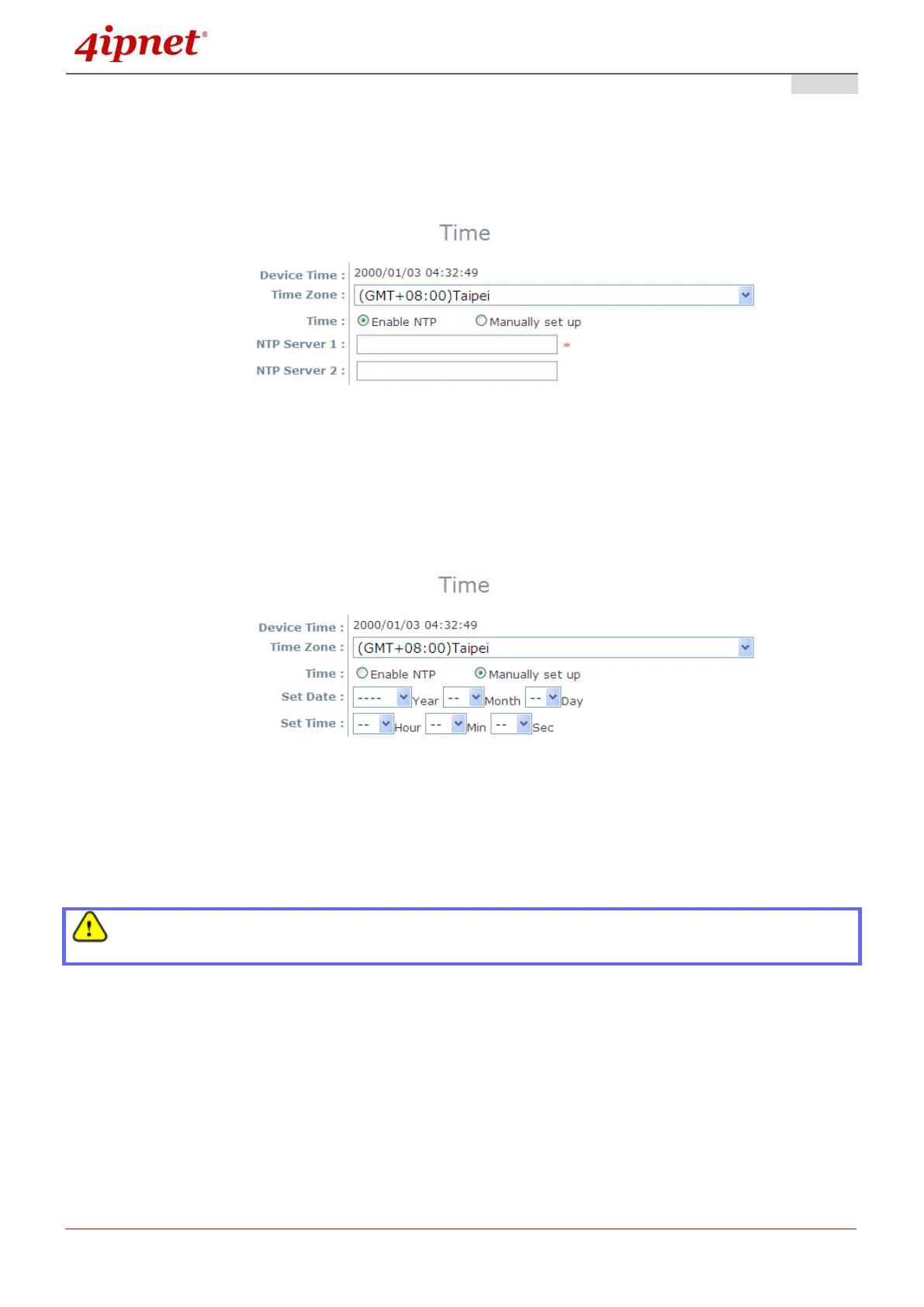
1) Enable NTP:
By selecting Enabled NTP, the AP can synchronize its system time with the NTP server
automatically. When this method is chosen, at least one NTP server's IP address or domain
name must be provided.
NTP Time Configuration Fields
Generally, networks should have a common NTP server (internal or external). If there isn’t, locate a
nearby NTP server on the web.
2) Manually set up:
By selecting Manually set up, the administrator can manually set the system date and time.
Manual Time Configuration Fields
▬ Set Date: Select the appropriate Year, Month, and Day from the drop-down menu.
▬ Set Time: Select the appropriate Hour, Min, and Sec from the drop-down menu.
Unless Internet connection or NTP becomes unavailable, it is recommended to use NTP server for
time synchronization because system time needs to be reconfigured upon reboot.



 To Next Page