BM series 45
10. Function Table
The function table reads or rewrites the parameters that are stored in the balance.
These parameters are maintained in non-volatile memory, even if the AC adapter is removed.
The function table menu consists of two layers. The first layer is the "Class" and the second layer
is the "Item".
10.1. Setting the Function Table
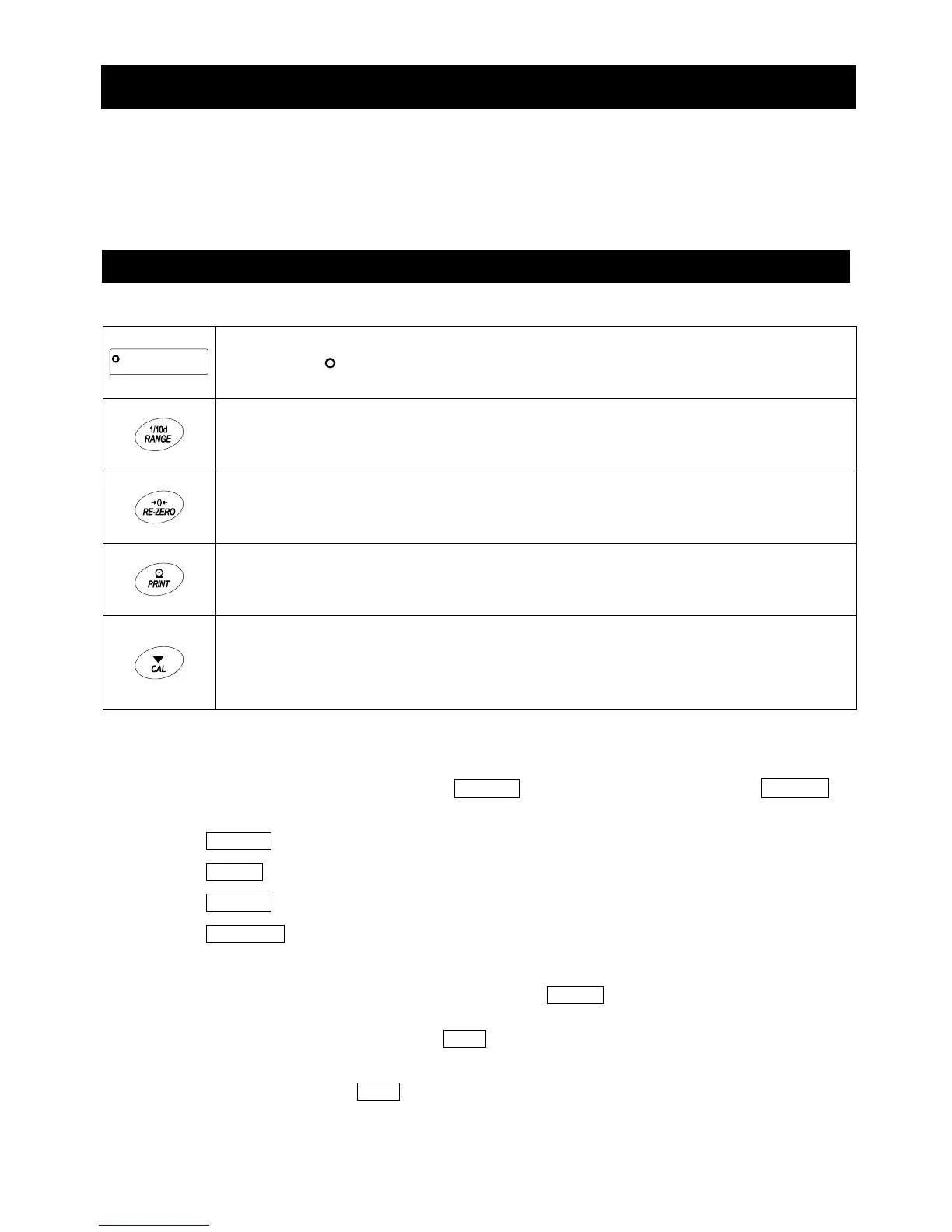
Display symbol and keys
The symbol " " indicates that the parameter displayed is in effect.
When pressed and held (for approx. 2 seconds) in the weighing mode, enters the
function table mode.
Selects the class or item in the function table mode.
Changes the parameter.
When a class is displayed, enters an item in the class.
When an item is displayed, stores the new parameter and displays the next
class.
When an item is displayed, cancels the new parameter and displays the next
class.
When a class is displayed, exits the function table mode and returns to the
weighing mode.
Setting procedure
1 In the weighing mode, press and hold the RANGE key (for approx. 2 seconds) until ba5fnc is
displayed, then release the key
2 Press the RANGE key to select a class.
3 Press the PRINT key to enter the class
4 Press the RANGE key to select an item.
5 Press the RE-ZERO key to select a parameter for the selected item.
6 Repeat Steps 4 and 5 to select other items of the class.
7 To store the parameters of the selected class, press the PRINT key.
Then the next class is displayed.
To cancel the current operation, press the CAL key. Then the next class is displayed.
8 To specify parameters for another class, proceed to Step 2.
To finish the setting, press the CAL key to return to the weighing mode.



 To Next Page