BM series 83
15.8. Deleting the Password(U5ER 0 1~10)
1 Refer to “15.7. Changing the Password” to select the
user whose password to be deleted and display the
password.
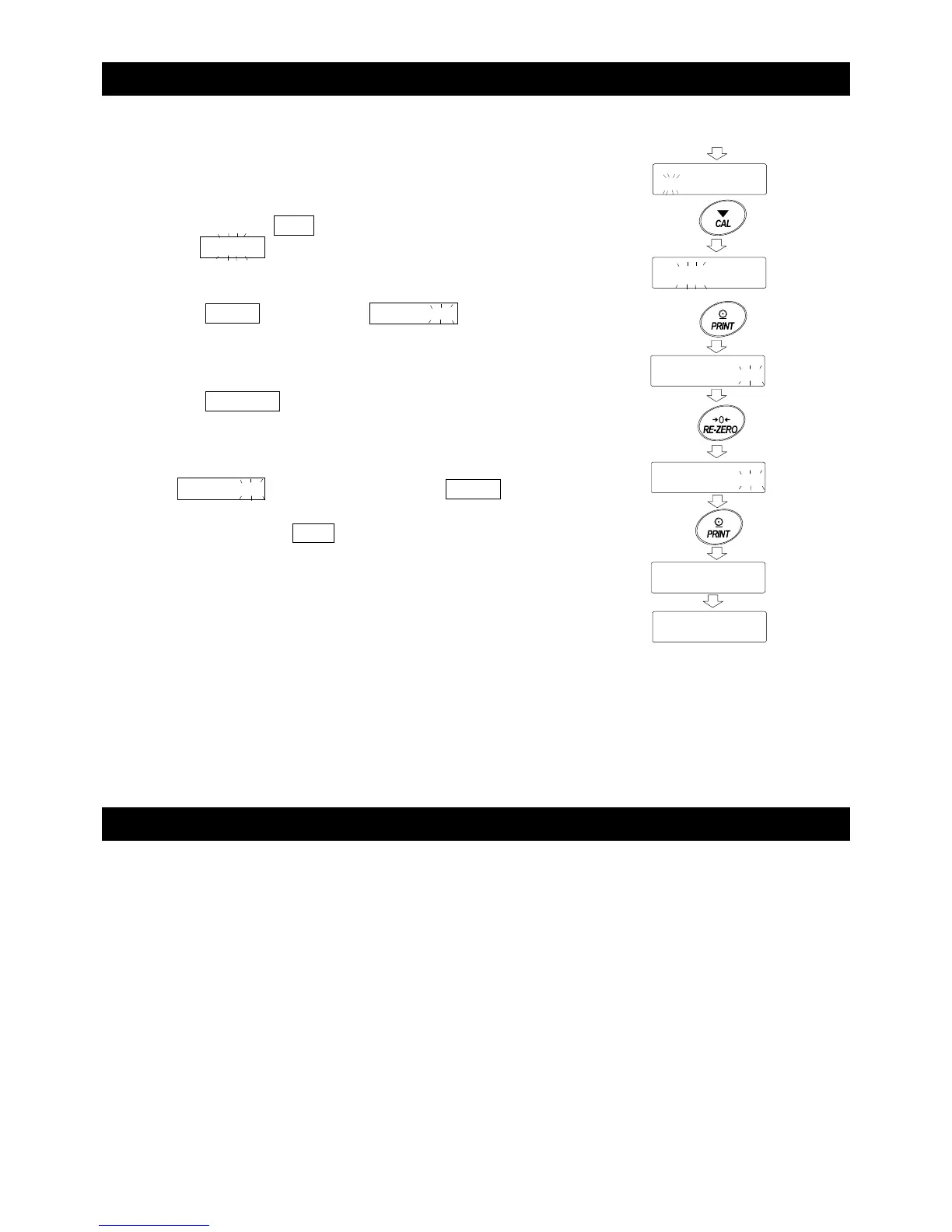
2 Press and hold the CAL key (for approx. 2 seconds)
to display Clear (blinking).
3 Press the PRINT key to display Clear .
4 Press the RE-ZERO key to switch between "Go" and
"No".
5 While Clear is displayed, press the PRINT key
to delete the password.
The balance displays end and then displays the
login level.
Note The administrator password cannot be deleted, but it can be
changed.
Refer to “15.6. Storing or Changing the Password” and “15.7.
Changing the Password” to change it.
15.9. Forgotten Password
If you have forgotten the password, the balance cannot be used.
Contact your local A&D dealer to undo the password.
No
Go
Press and hold
(approx. 2 seconds



 To Next Page