BM series 85
1 2 3 4
MODE
ON
1 2 3 4
MODE
ON
16.2. Connecting to Peripheral Equipment
16.2.1. Connecting to the AD-8121B Printer
When connecting the AD-8121B printer to the balance for printing weighing data, configure the printer
and the balance as follows
Class Item and Parameter
Factory
settings
AD-8121B
MODE 1
AD-8121B
MODE 2
AD-8121B
MODE 3
prt
Data output mode
0 0,1, 2 3 0,1, 2
ap-p
Auto print polarity
0
ap-b
Auto print difference
1
#1
No setting
#1
5-id
ID number output
0 off off off, on
d-no
Data number output
0 off off off, on
5-td
Time/Date output
0 0 0 0,1, 2, 3
pU5e
Data output pause
0 off off off, on #2
dout
Data output
at-f
Auto feed
0 off off off, on
bp5
Baud rate
2 2 2 2
btpr
Data bit, parity bit
0 0 0 0
Crlf
Terminator
0 0 0 0
5if
Serial
interface
type
Data format
0 0 0 1
#1 Set the parameters when auto print mode A or B (prt 1 or 2) is selected.
#2 Set on when multiple lines are printed. Example: When adding ID number, set on.
Notes
Refer to "11.2. GLP Report" for print samples.
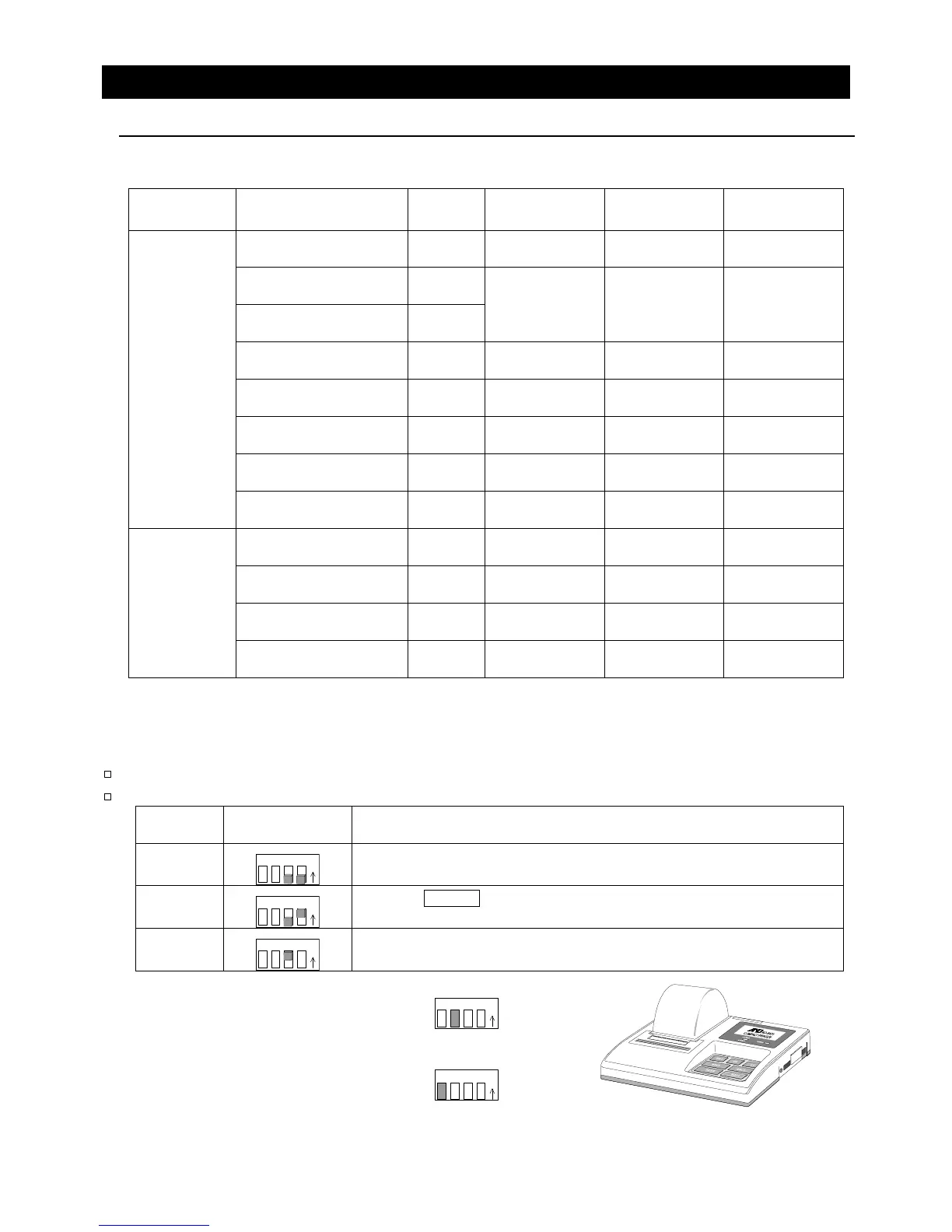
Settings of AD-8121B
MODE
AD-8121B
DIP switch
Description
MODE 1
1 2 3 4
MODE
ON
Print at receiving data.
Standard mode, statistical calculation mode
MODE 2
1 2 3 4
MODE
ON
Print by DATA key operation or built-in timer.
Standard mode, interval mode, chart mode
MODE 3
1 2 3 4
MODE
ON
Print at receiving data.
Dump print mode
DIP switch No.3 : Handling unstable data
ON To print
OFF Not to print
DIP switch No.4 : Data input specifications (Interface selection)
ON Current loop
OFF RS-232C



 To Next Page