86 BM series
16.2.2. Connecting to the AD-8127 Printer or the AD-8126 Printer
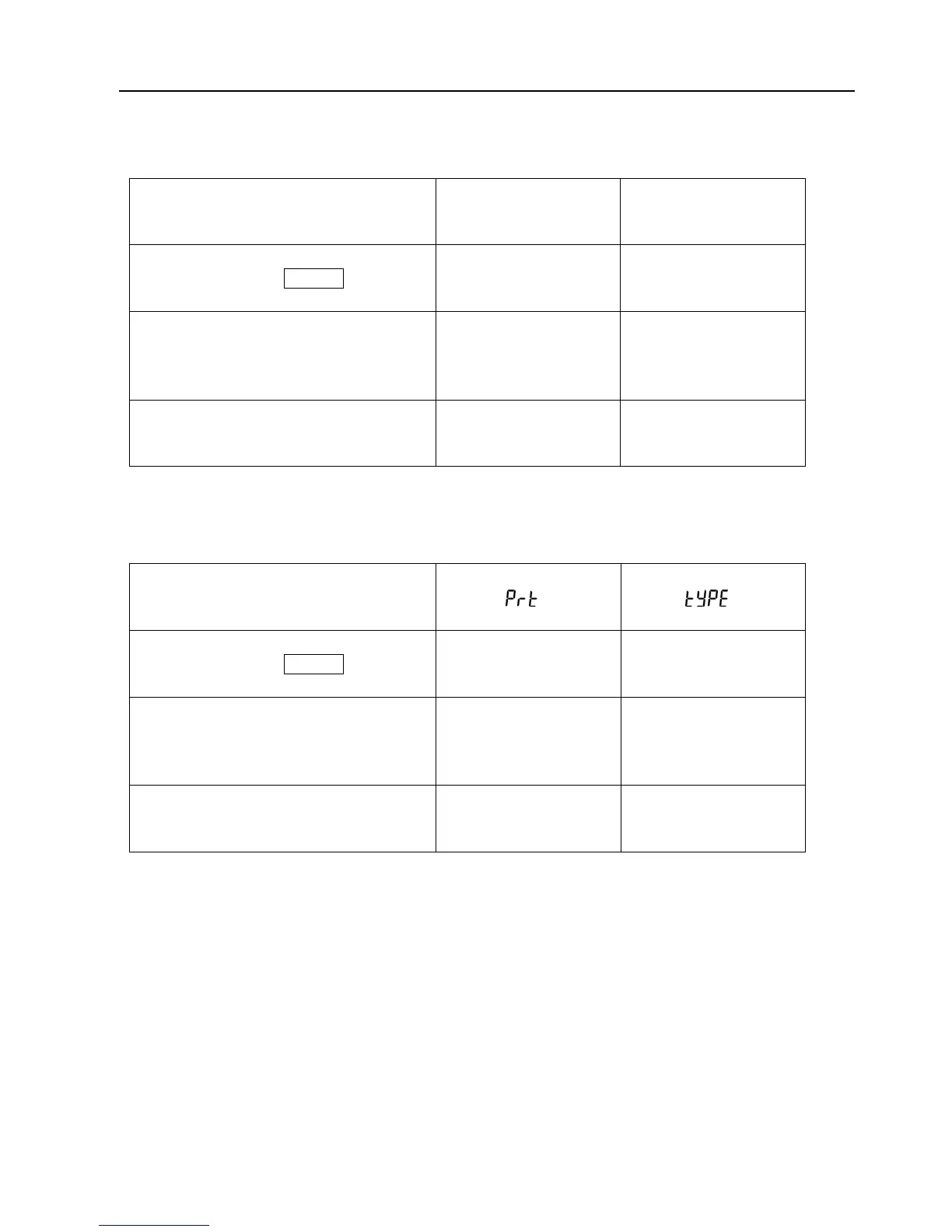
When connecting the AD-8127 printer or AD-8126 printer to the balance for printing weighing data,
configure the printer and the balance as follows according to the usage examples.
Function settings of the printer
Usage example
AD-8126
Mini printer
AD-8127
Multi printer
Printing mode settings
When printing the balance weighing data
with the balance’s PRINT key or its
“Auto print” mode.
No setting EXT.KEY
When printing the balance weighing data
with the printer’s “Printing” key or its
“Interval printing” mode.
When printing charts with the printer.
Not applicable
MANUAL
AUTO
TIMER
CHART
When printing the balance’s statistical
calculation results.
When printing the balance’s GLP report.
No setting DUMP
□ Refer to the instruction manual of the AD-8127 printer for how to change the function settings of the
AD-8127 printer.
Function settings of the balance
Usage example
Balance
Data output mode
Balance
Data format
When printing the balance weighing data
with the balance’s PRINT key or its
“Auto print” mode.
0,1, 2 0
When printing the balance weighing data
with the printer’s “Printing” key or its
“Interval printing” mode.
When printing charts with the printer.
3 0
When printing the balance’s statistical
calculation results.
When printing the balance’s GLP report.
0,1, 2 1
□ Refer to “10. Function Table” for how to change the function settings of the balance.
Note on using the AD-8126 printer
□ The AD-8126 printer is a dump printer and prints the data output by the balance as is. The balance
default data format set at the factory is A&D standard format. Before using the AD-8126 printer, set
the “Data format (type)” parameter of the function table to “1 “ (DP format).



 To Next Page