BM series 81
15.6. Storing or Changing the Password
The password can be changed in "Password (loc no..)" of the function table.
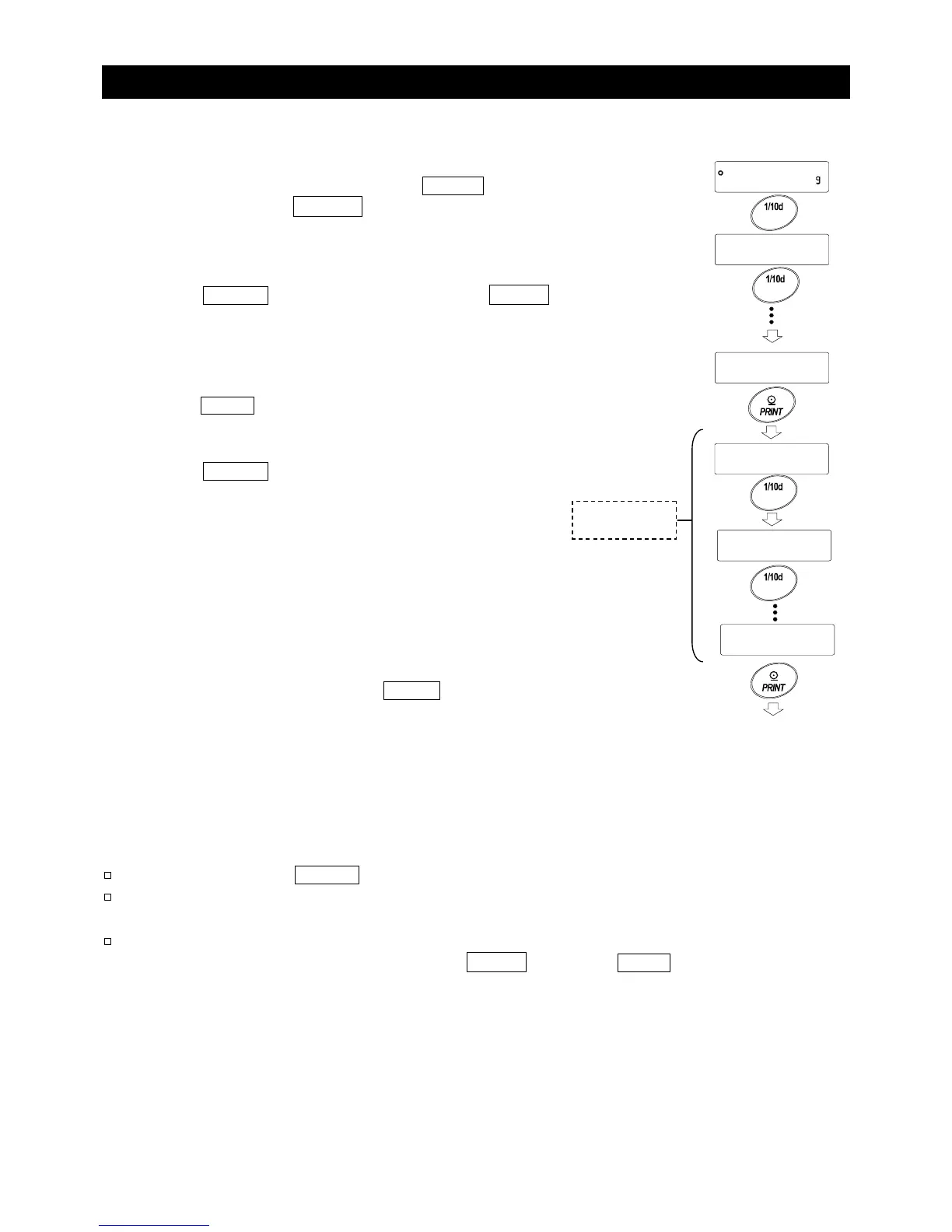
1 In the weighing mode, press and hold the RANGE key (for
approx. 2 seconds) until ba5fnc is displayed, and then
release the key.
2 Press the RANGE key several times to display loc no. .
3 Press the PRINT key to display the login level (ADMIN).
4 Press the RANGE key to display the login level to be
changed (ADMIN/U5ER 01 to 10).
The stabilization indicator appears at a login level where
a password has been stored. (The password can be
changed.)
5 To change the password, press the PRINT key. For details,
refer to “15.7. Changing the Password”.
Notes
To log out, press the ON:OFF key to turn the display off.
With the function pA55 2 set, the administrator password is required to
log in as an administrator. No password needs to be stored for U5ER 01 to 10.
When the balance software version is 1.50 to 1.64, only one password
can be stored. While the balance displays loc no. , press the PRINT key
to display the current password.
Press and hold



 To Next Page