BM series 65
12. Data Memory
Data memory is a function to store weighing data and calibration data in memory. The data stored in
memory are available for outputting at one time to a printer or personal computer.
Excluding the time and date Up to 200 sets
Weighing data
Including the time and date Up to 100 sets
Calibration report: Using the internal mass and an external weight
Automatic self calibration
Calibration test report: Using the internal mass and an external weight
Last 50 sets
12.1. Notes on Using Data Memory
To use the memory function, set the "Data memory (data)" parameter and the
"Time/Date output (5-td)" parameter of the function table. Refer to "10. Function
Table" for details on setting the data memory.
For weighing data, the data contents to be stored and the storage capacity depend
on the "Time/Date output (5-td)" parameter setting.
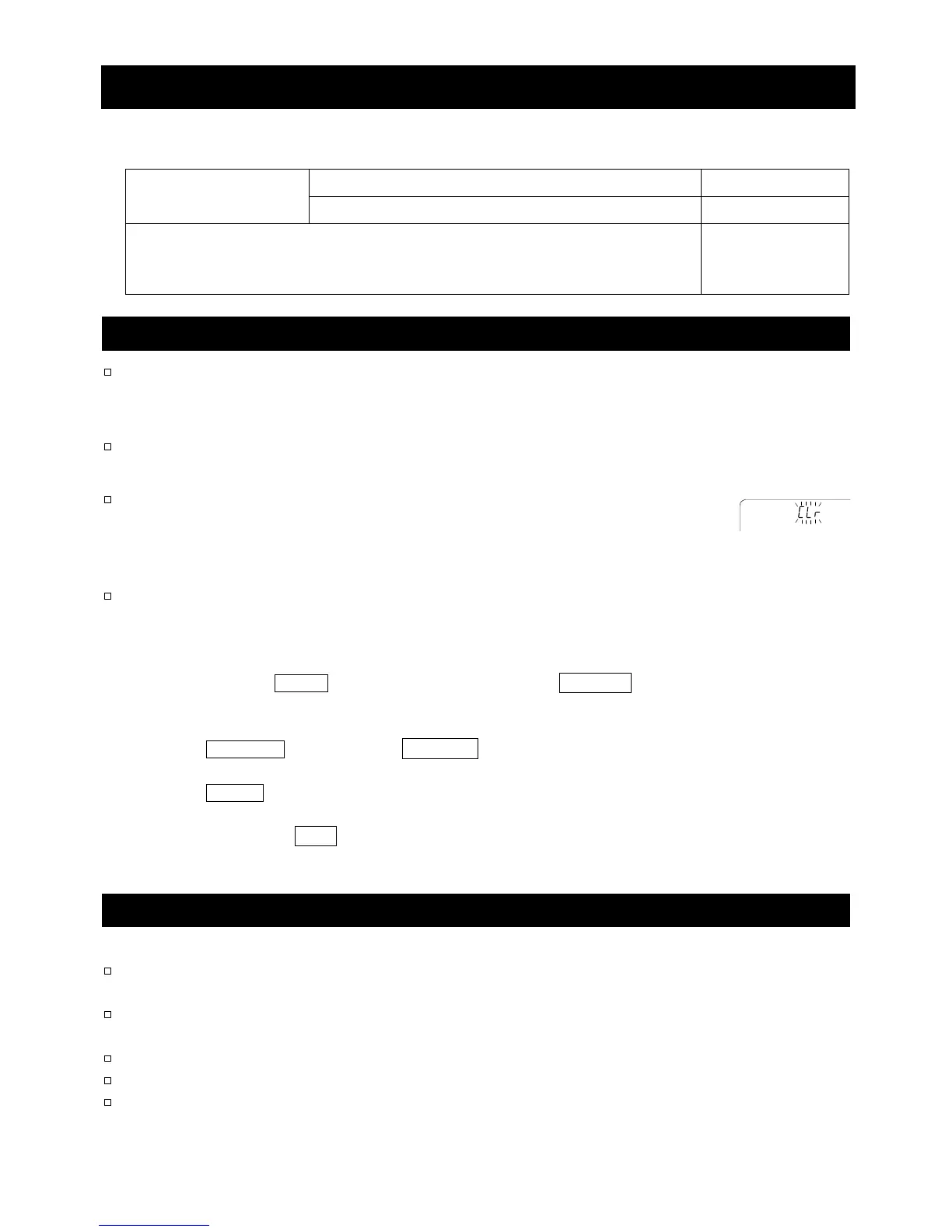
If a different type of data exists in memory, "Clr" blinks in the upper left of the
display to prompt you to delete the data.
For example: You want to store weighing data but calibration data or unit mass
data remains in memory. "Clr" blinks.
If the stored data is corrupted, "err" blinks in the upper left of the display.
Under such a condition, before storing data, delete the data in memory as follows:
Releasing "Clr" or "err"
1 Press and hold the PRINT key (for approx. 2 seconds) until SClr "n"o with "no" blinking is displayed,
then release the key.
2 Press the RE-ZERO key to display Clr "g"o with "go" blinking.
3 Press the PRINT key to delete all the data in memory.
4 The balance displays end and returns to the weighing mode.
12.2. Data Memory for Weighing Data
Features
The balance can store 200 sets of weighing data in memory (if the time and date are added, the
balance can store 100 sets). Even if the AC adapter is removed, the data is maintained in the memory.
It is not necessary to connect a printer or personal computer to the balance continually, because
the balance stores the weighing data in memory.
The data memory function does not occupy a printer or personal computer while weighing.
The data in memory can be displayed on the balance for confirmation.
The data in memory can be output at one time to a printer or personal computer.
Comment: Select items for addition to the output data, such as the ID number, data number, time
and date, in the function settings.
Upper lef



 To Next Page