57
11-2 GLP Report
Set the function setting to "info 1" for output of GLP / GNP data.
□ Output to a mini-printer "AD-8121B".
Set the "GLP report (info)" parameter to "1" .
Turn on the DIP switch No. 2 of the printer and change the print mode to MODE 3.
Output to a mini-printer "AD-8126".
Set the "GLP report (info)" parameter to "2" .
□ Output to a multi-printer "AD-8127".
Set the "GLP report (info)" parameter to "2" .
Select the print mode to DUMP .
□ Output to a PC
Set the "GLP report (info)" parameter to "1" .
Note
If the time and date are not correct set the correct time and date in "Clock ( )" of the function
table.
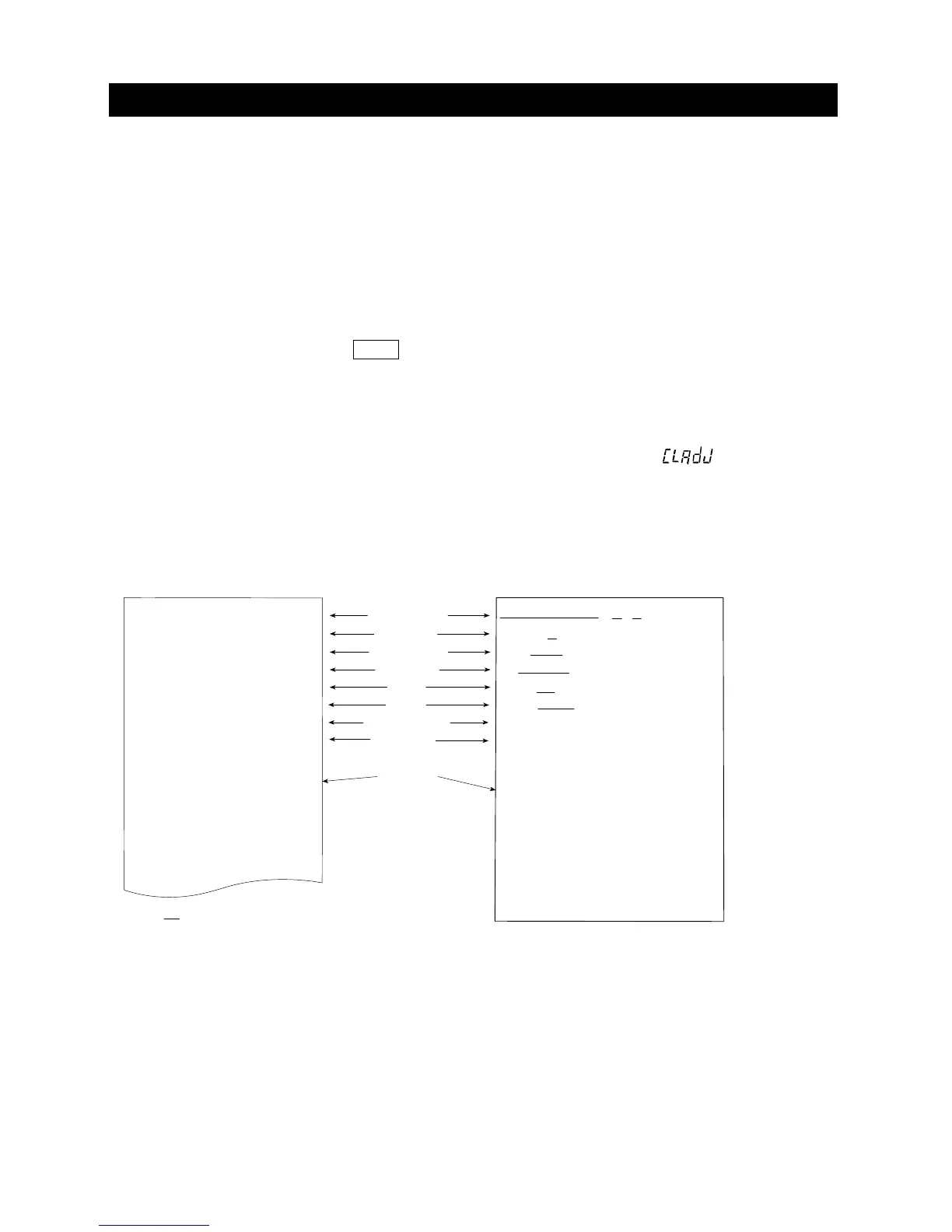
Calibration report using the internal mass
This is the GLP report when the balance is calibrated using the internal mass.
Manufacturer
Model
Serial number
ID number
Date
Time
Calibration type
Remarks
Signature
Setting of
info 1
Printer format
Setting of
info 1
PC format
A & D<TERM>
MODEL GX-10002A<TERM>
S/N 123456789<TERM>
ID LAB-0123<TERM>
DATE 2017/12/31<TERM>
TIME 12:34:56<TERM>
CALIBRATED(INT.)<TERM>
REMARKS<TERM>
<TERM>
<TERM>
SIGNATURE<TERM>
<TERM>
<TERM>
----------------
<TERM>
<TERM>
<TERM>
CR
LF
Space, ASCII 20h
。
Terminator, CR LF or CR
Carriage return,ASCII 0Dh
。
Line feed,
ASCII 0Ah
。
<TERM>
CALIBRATED(INT.)
REMARKS
SIGNATURE
- - - - - -
A&D
MODEL
S/N
ID
DATE
TIME
GX-10002A
123456789
LAB-0123
2017/12/31
12:34:56



 To Next Page