- 73 -
000898AG
5 - Installation
2QFHWKH SKDVH RI PHFKDQLFDOLQVWDOODWLRQRIWKH0(7(5LV ¿QLVKHG
LWLVQHFHVVDU\WRFRQ¿JXUHWKH0(7(5LQRUGHUWRPDNHLWFRPSDWLEOH
with the REACT2 system. Set the parameters of the meter as set out
in the table:
Parameter Settings
Address 1
Protocol MODBUS
Baud rate 19200
Parity EVEN
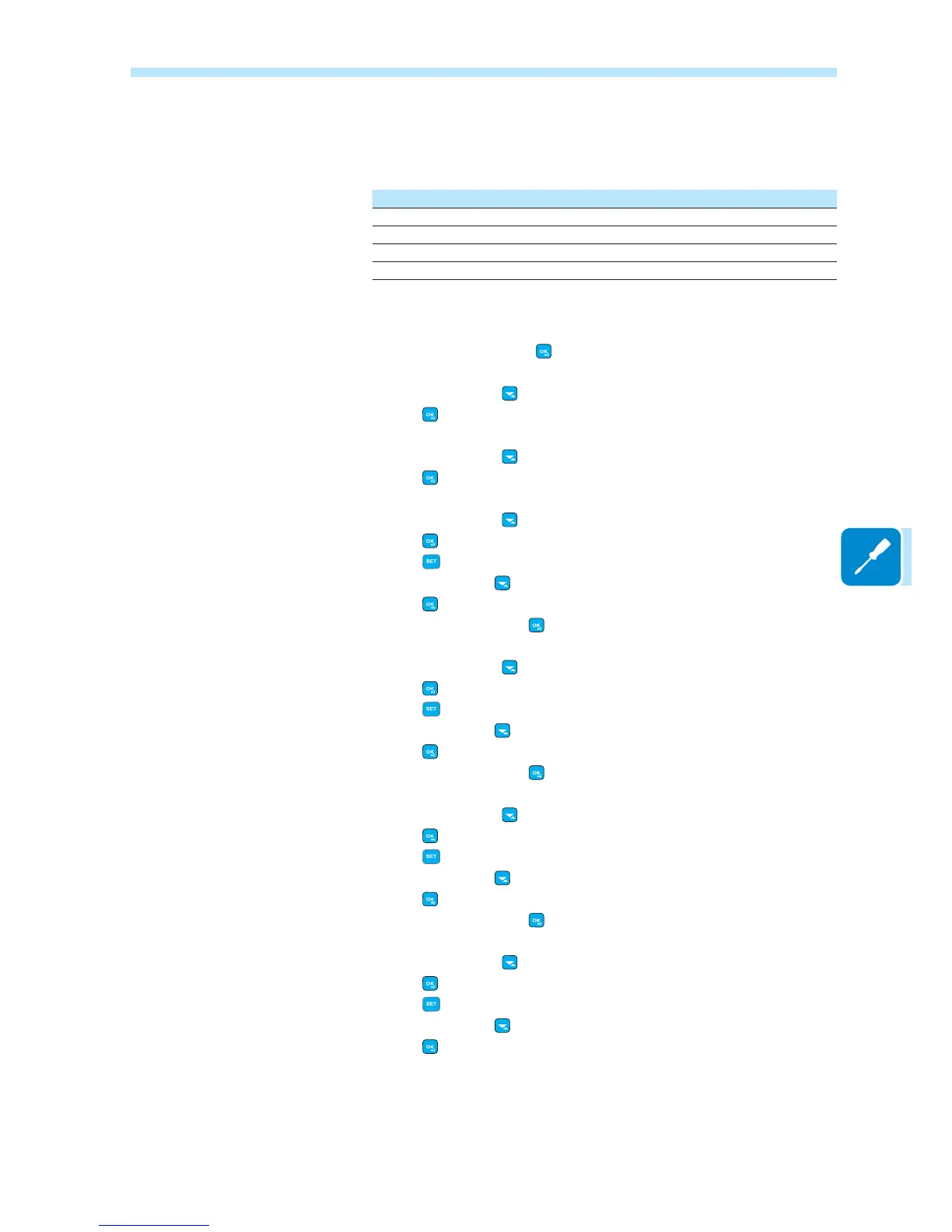
The settings are made by using the keypad and the display on the meter:
1. Press for two seconds
to access the setup menu of the meter.
2. Press repeatedly
until the display shows “Set”.
- Press
WRFRQ¿UP
3. Press repeatedly
until the display shows “RS-485”.
- Press
WRFRQ¿UP
4. Press repeatedly
until the display shows “Protocol”.
- Press
to access.
- Press
to enable the change in the value.
- Press repeatedly
until the display shows “Modbus”.
- Press
WRFRQ¿UPWKHFKDQJH
- Press for two seconds
to return to the RS485 menu.
5. Press repeatedly
until the display shows “Baud rate”.
- Press
to access.
- Press
to enable the change in the value.
- Press repeatedly
and select 19200.
- Press
WRFRQ¿UPWKHFKDQJH
- Press for two seconds
to return to the RS485 menu.
6. Press repeatedly
until the display shows “Address”.
- Press
to access.
- Press
to enable the change in the value.
- Press repeatedly
and select 1.
- Press
WRFRQ¿UPWKHFKDQJH
- Press for two seconds
to return to the RS485 menu.
7. Press repeatedly
until the display shows “Modbus”.
- Press
to access.
- Press
to enable the change in the value.
- Press repeatedly
and select even.
- Press
WRFRQ¿UPWKHFKDQJH



 To Next Page