Commissioning
System Manual
92
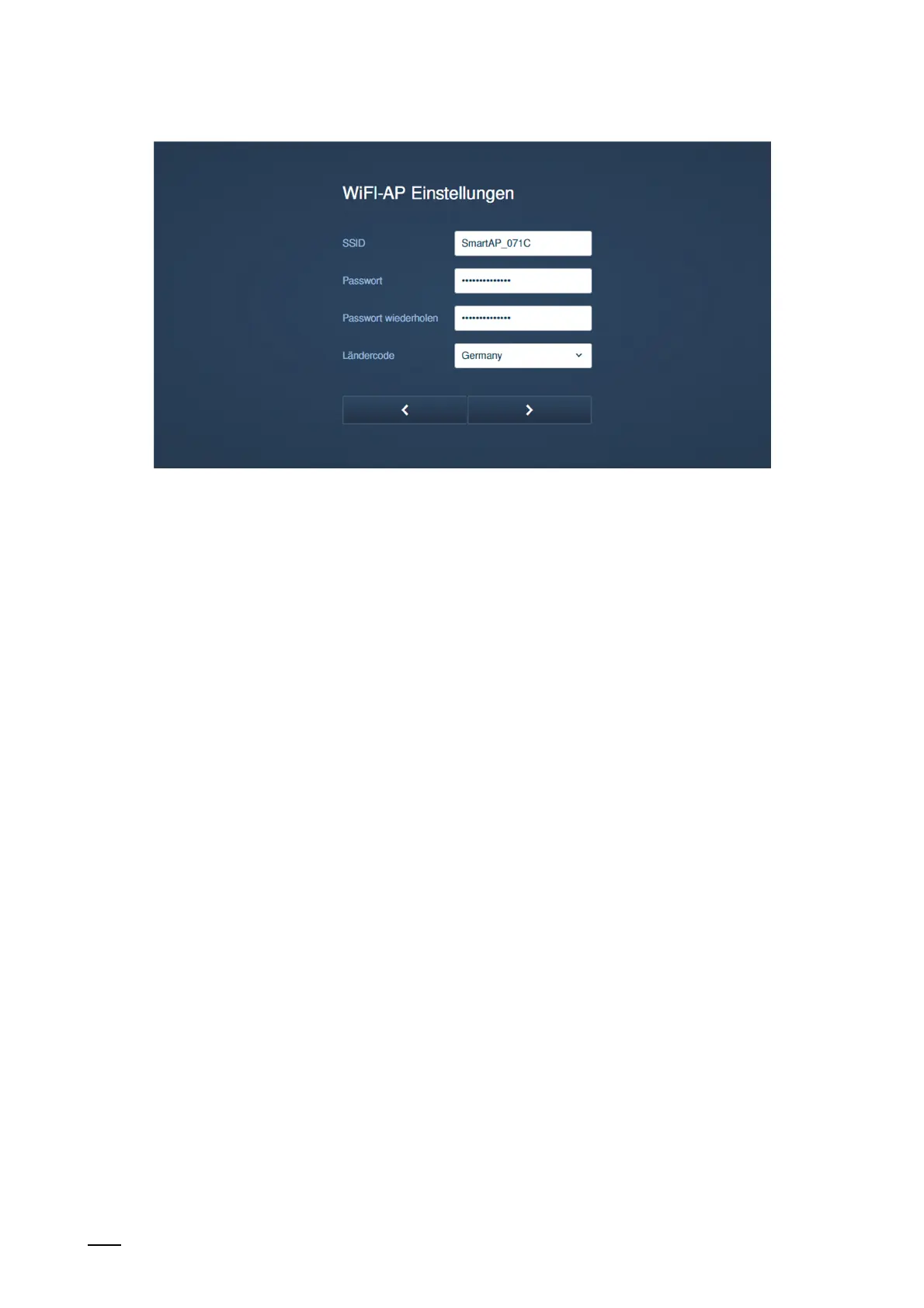
Fig . 69: Commissioning "Smart Access Point": WIFI settings
5. Entering the WIFI settings of the "Smart Access Point".
■
SSID (Name):
– The name can be freely selected. This can, for example, be the name of the device
(located on the device) or the name of the building in which the "Smart Access
Point" is located.
■
Password:
– The password must be changed during the initial setup. The password rule is
displayed in a dialogue window when you enter the password.
This password replaces the previous WLAN Access Point password of the "Smart
Access Point". The factory password is printed on the "Smart Access Point".
– The password is later necessary each time the "Smart Access Point" is called up.
– Note down the password.
■
Country code
– Ensure that the country code is selected correctly for the location of the device.
The "Country code" setting ensures that your router will only activate WLAN settings
that conform with the country's official regulatory laws.















 To Next Page