Commissioning
System Manual
99
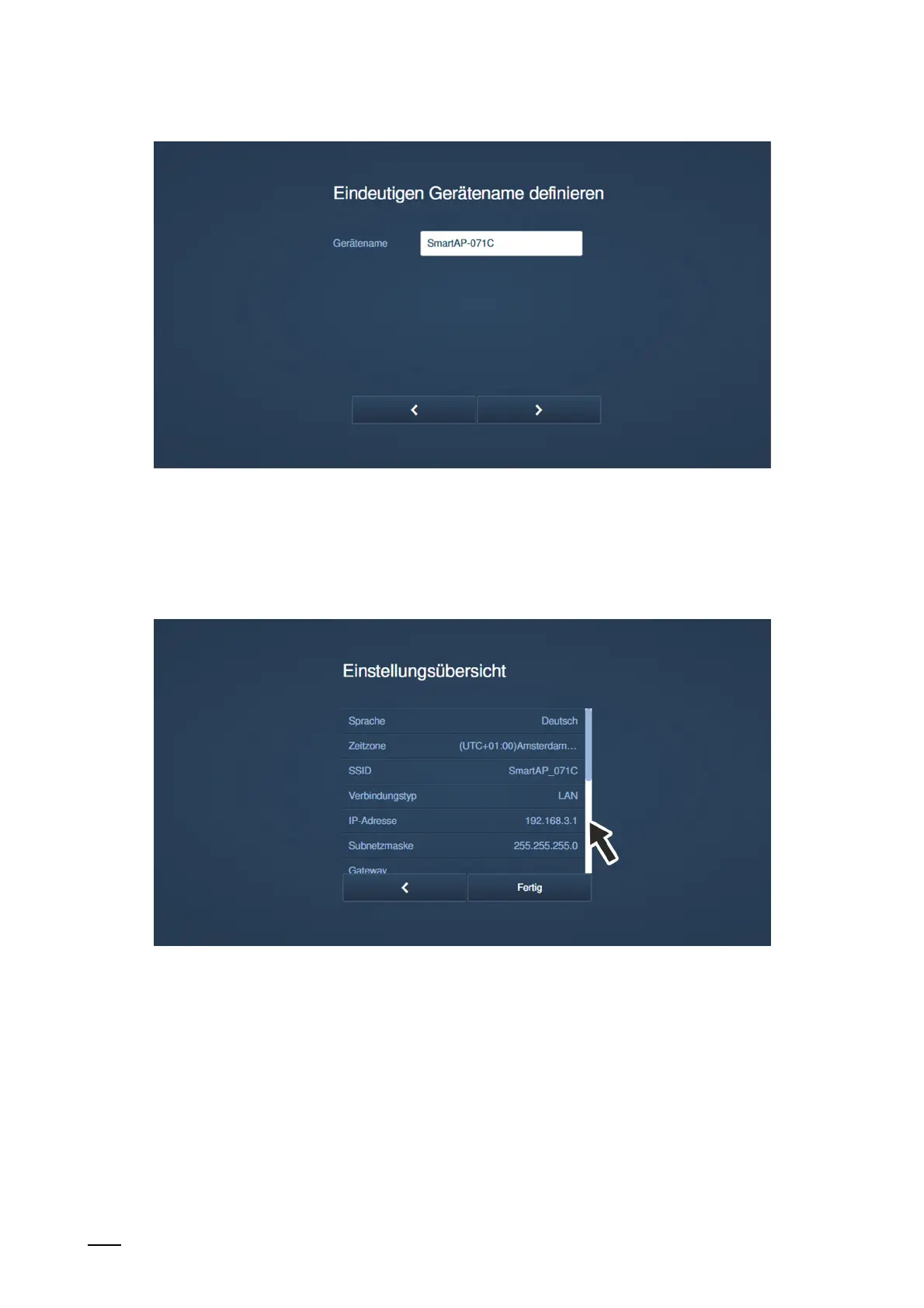
Fig. 77: Commissioning "Smart Access Point": Device name
11. Define an unmistakable device name.
– The UPnP device name is defined with the device name.
– The device name will be displayed on the log in screen.
Fig. 78: Commissioning "Smart Access Point": Overview of settings
12. Overview of settings
– The "Overview of settings" page is merely a display in which all the settings made can
be checked again.
– If you navigate with the mouse pointer to the right next to the text, a photo sequence
is faded in.
– If a setting is to be changed, navigate via the forward/back buttons to the page with the
desired settings to change them. All other settings are retained.















 To Next Page