9-2
Questions? Refer to Page 11-22 For Technical Support Instructions.
What You See on the Display What You Do Comments
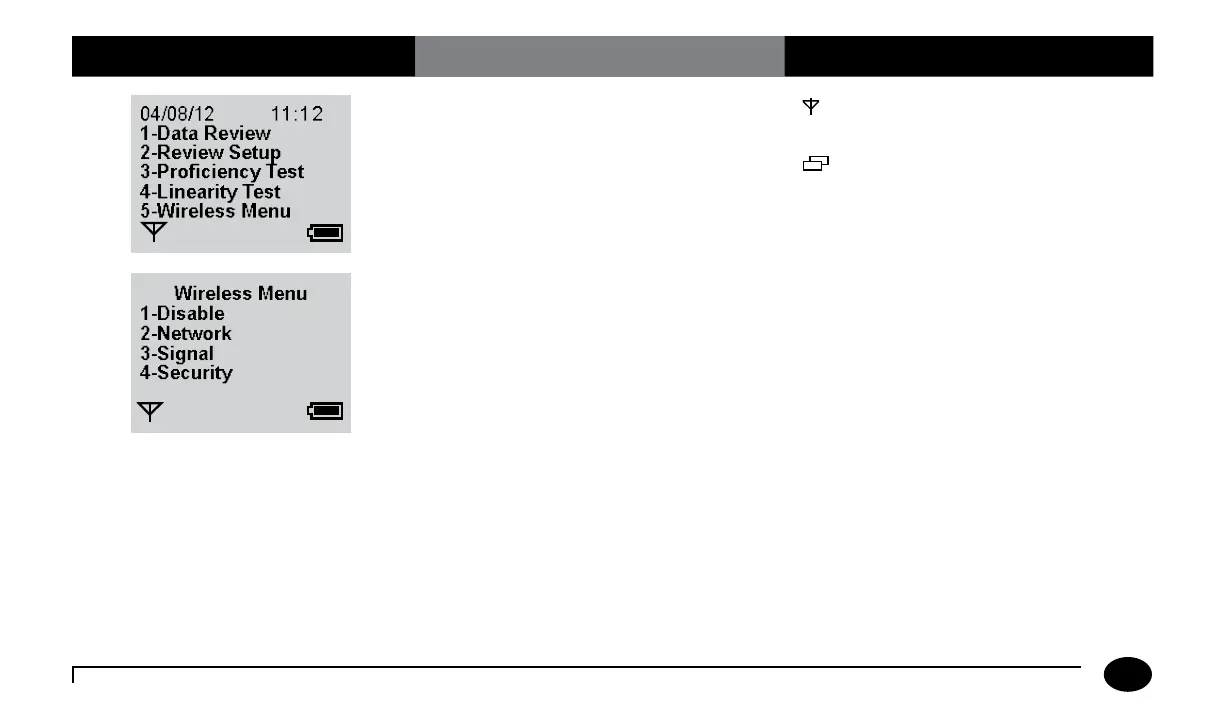
1. Press 5 for Wireless Menu.
is displayed when the meter is wireless
enabled.
is displayed when there is stored data in
the meter pending transmission.
2. Press 1 to disable the meter wireless
function.
Screen displays the wireless and network
information menu. Press 2 for network
setting, press 3 for wireless signal status and
press 4 for wireless security settings.
Chapter 9: Review Setup for Wireless Communication (Optional)












 To Next Page