10-2
Questions? Refer to Page 11-22 For Technical Support Instructions.
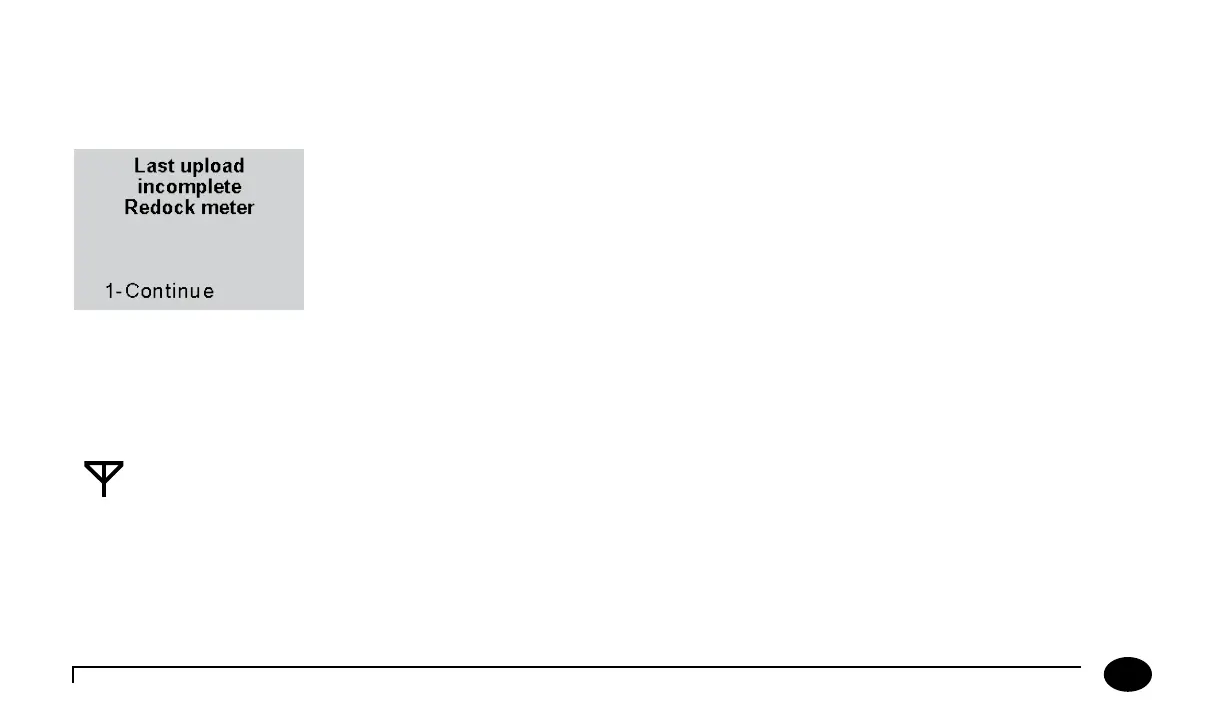
If a problem occurs with the data upload, an error message may appear on the meter. If the meter is removed from the docking
station while an upload is in process, the meter will display Last upload incomplete, Redock meter, Turning O. e meter
will then shut down. Error messages are shown in Chapter 11, Troubleshooting. Further troubleshooting information for any
data upload question is provided in the data management user manual.
Aer a data upload error has occurred, the meter will display a warning each time it is turned on.
e meter may still be used for testing by pressing 1 to Continue. Once the meter has
successfully been docked, the warning will disappear.
Wireless Transfer (if enabled)
If the data management system and meters are properly congured and the wireless function is enabled, data will be uploaded
automatically once the user leaves the test results screen. Active transmission is veriable via the wireless transmission icon.
e meter screen will display the Wireless Enabled icon when the wireless function is
enabled. Aer each test is performed, the data is stored in the meter database. Wireless
enabled meters will automatically establish communication and transfer stored meter data
wirelessly to the PrecisionWeb data management system. e meter’s wireless module
automatically reverts to power-saving standby mode when not actively transferring data.
Wireless Enabled Icon
Chapter 10: Data Upload












 To Next Page