8-8
Questions? Refer to Page 11-22 For Technical Support Instructions.
Review Test Setup for All Tests
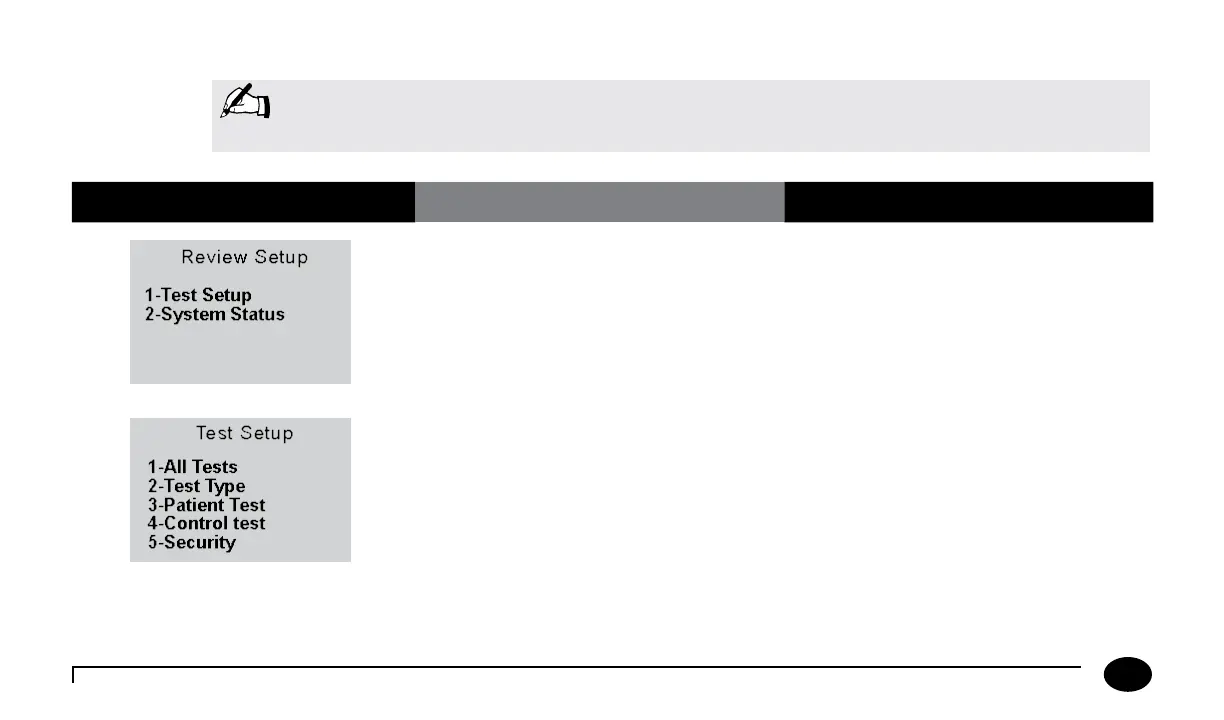
What You See on the Display What You Do Comments
1. Press 1 for Test Setup.
2. Press 1 for All Tests to continue to the
All Tests Upload Interval screen.
Note: This section illustrates some representative settings.
If the meter does not display these screens, please refer to Chapter 11, Troubleshooting.
Chapter 8: Review Setup












 To Next Page