4-4
Questions? Refer to Page 11-22 For Technical Support Instructions.
Control Test Procedure - Glucose
Use the following procedure to perform glucose control tests.
What You See on the Display What You Do Comments
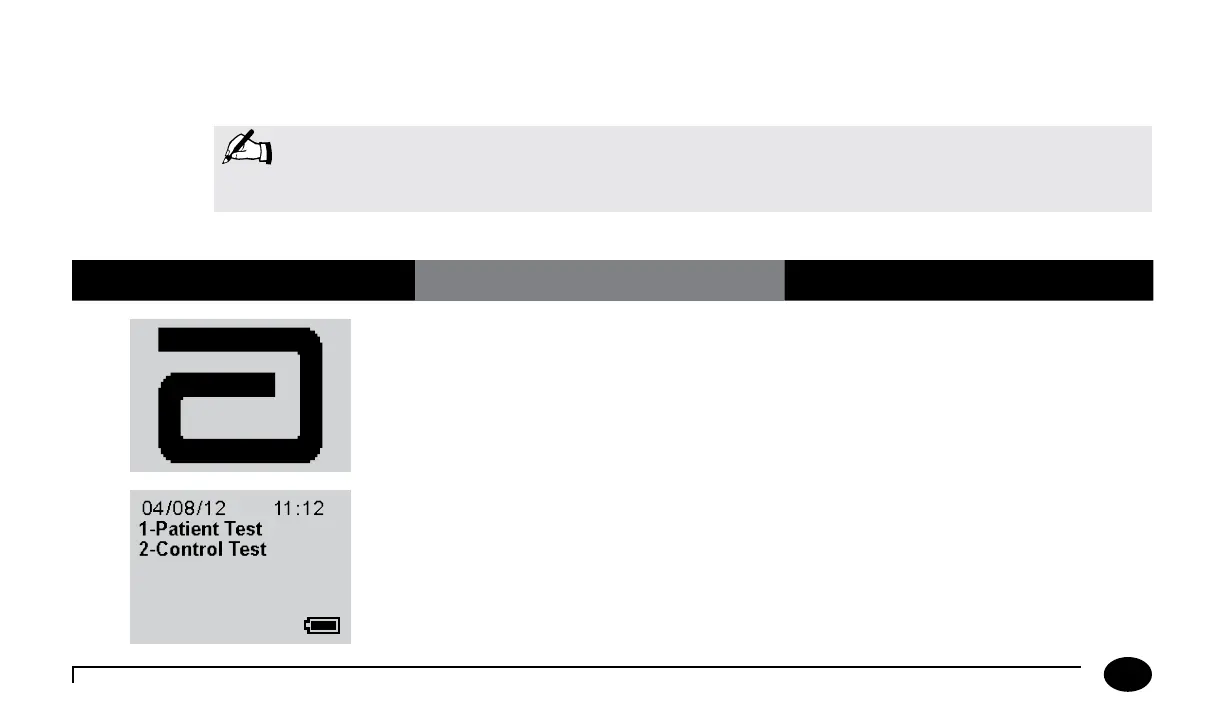
1. Press On/Off to turn on the meter.
The Abbott logo screen will appear in
black for a few seconds and then will
appear in grey to ensure that the display is
functioning properly. Next, the software
version will briefly appear.
2. Press 2 to select Control Test. The meter starts in Test Mode. The Menu
button will toggle the meter to Menu
Mode.
Note: The following section illustrates some common settings. Depending on your facility’s specific settings,
some screens will display differently or not at all. If the meter does not display the screens shown,
please refer to Chapter 11, Troubleshooting.
Chapter 4: Control Test












 To Next Page