4-11
Questions? Refer to Page 11-22 For Technical Support Instructions.
Control Test Procedure - Ketone
Use the following procedure to perform ketone control tests if ketone testing is enabled.
What You See on the Display What You Do Comments
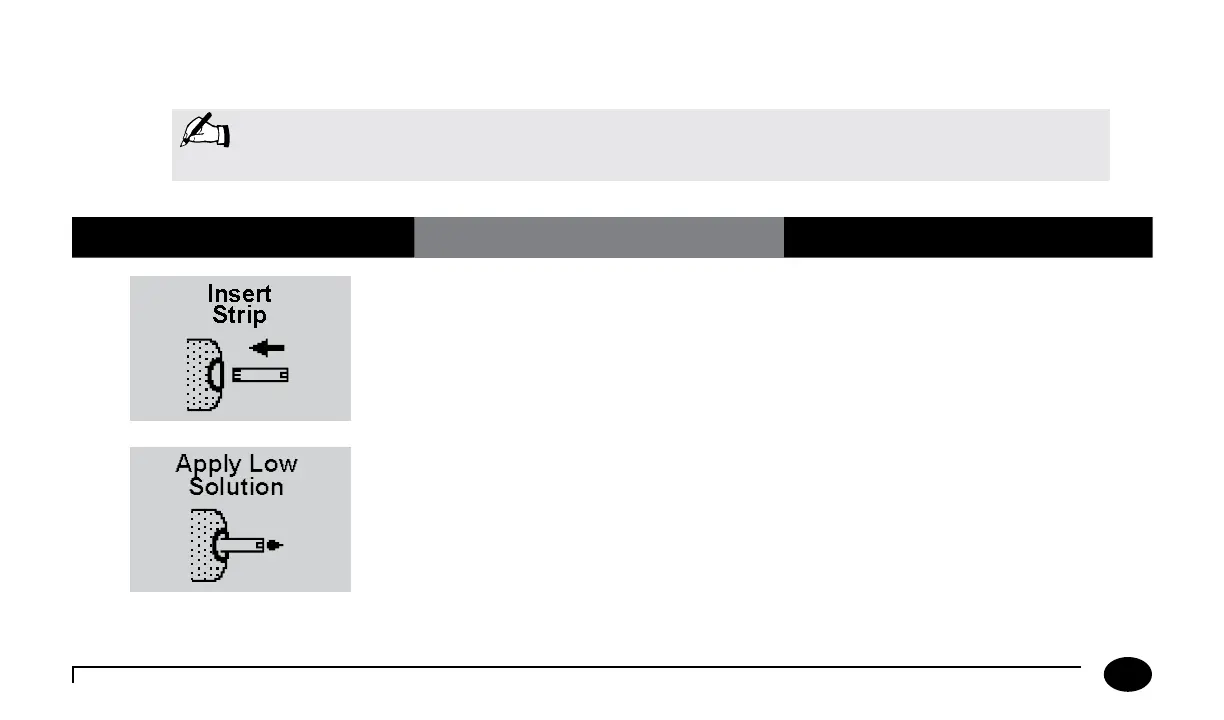
1. Repeat steps 1 to 6 from the previous
Glucose Control Test Procedure. Insert
the purple Blood β-Ketone Test Strip
into the test strip port until it stops and
Strip Inserted is displayed. The meter
will recognise the strip based on the
barcode.
Prior to inserting the test strip, ensure that
the strip port module is installed and that it
is clean and dry. Replace if necessary. The
display will alternate between Insert Strip
and Ketone.
2. Gently invert the required control
solution bottle 3-4 times. Remove the
cap of the control solution bottle and
wipe the nozzle with a clean gauze or
tissue. Apply a small drop of solution to
the test strip target area. Wipe the nozzle
of the control solution bottle before
replacing the cap.
When sufficient sample has been applied,
the meter beeps, displays Sample
Accepted and automatically starts the
test. For a detailed description of the test
strip target area, refer to the Test Strips
section of Chapter 1.
Note: The following section illustrates some common settings. If the meter does not display the screens
shown, please refer to Chapter 11, Troubleshooting.
Chapter 4: Control Test












 To Next Page