5-4
Questions? Refer to Page 11-22 For Technical Support Instructions.
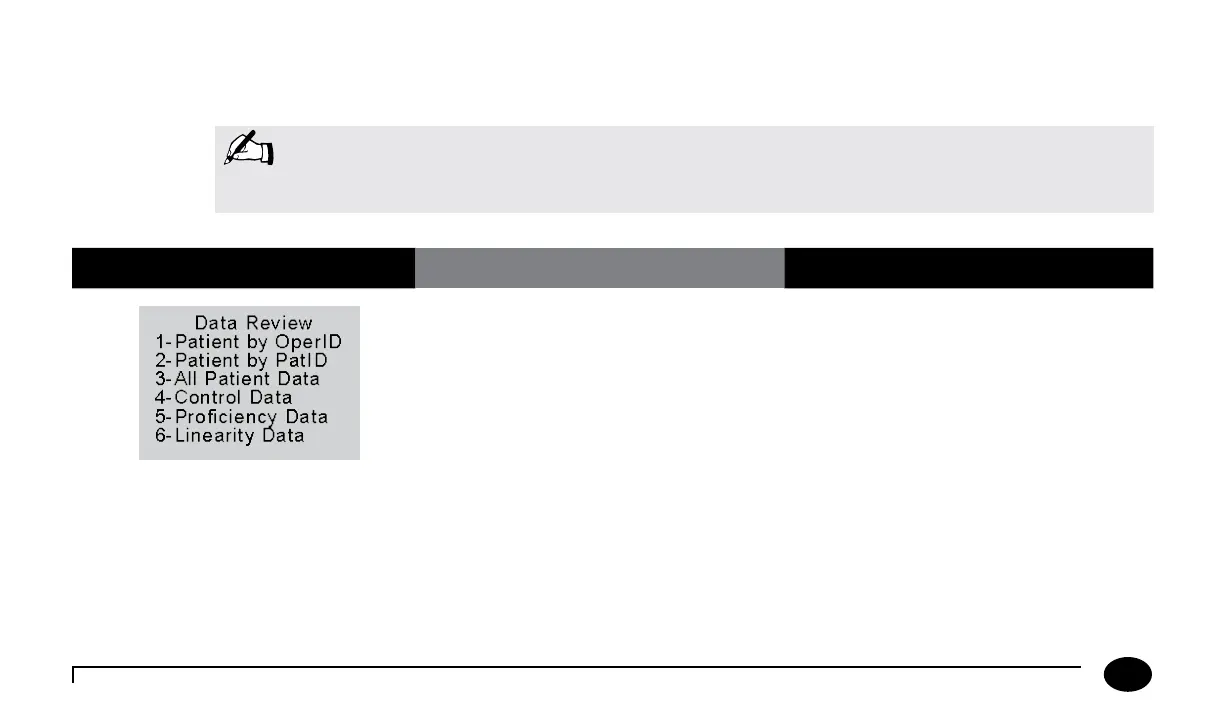
Data Review for Patient by Operator ID
Please refer to the beginning of this Data Review chapter for step-by-step instructions to access the Data Review menu.
What You See on the Display What You Do Comments
1. Press 1 to select Patient by OperID.
The meter shows the result of the most
recent patient test you performed.
Note: The following section illustrates some common settings. Depending on your facility’s specific settings,
some screens will display differently or not at all. If the meter does not display the screens shown,
please refer to Chapter 11, Troubleshooting.
Chapter 5: Data Review












 To Next Page