10-1
Questions? Refer to Page 11-22 For Technical Support Instructions.
Data Upload
Once the test results have been collected they can be uploaded into the data management system. Data may be uploaded
remotely utilising the docking station or through use of the optional wireless function if the data management system and meters
are properly enabled. e data management system provides a simple and automated way to collect, report and transfer data.
Docking Station Upload
To start the upload of data, simply place the FreeStyle Precision Pro meter into the docking station. e meter will rst turn on if
it isn't already, and then automatically upload data to the data management system.
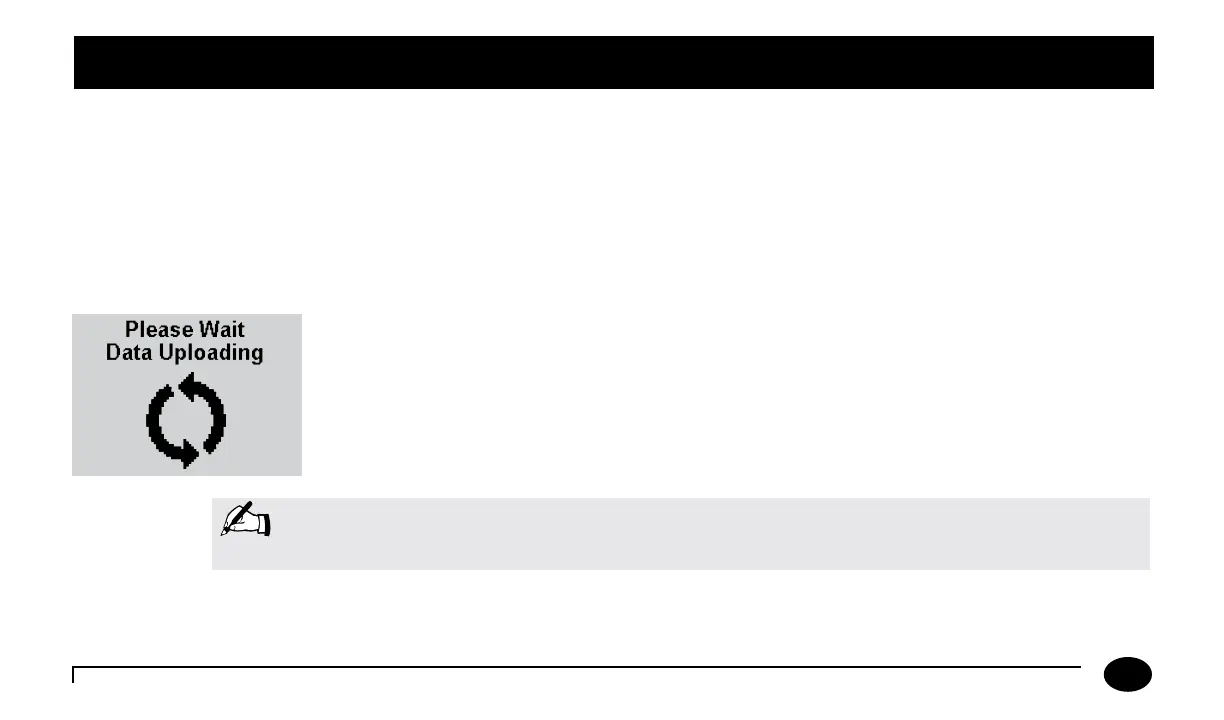
During communications, the Data Uploading screen appears and the arrows rotate to indicate
that the system is working. e arrows may occasionally pause. During data upload, the meter
cannot be used for testing.
Aer upload is complete, the meter will display Upload Successful,
Turning O and then shut down.
Note: If the meter is removed before data transmission is complete, some data may not be uploaded. The
data will be uploaded as part of the next data transmission.
Chapter 10: Data Upload












 To Next Page