10-3
Questions? Refer to Page 11-22 For Technical Support Instructions.
Chapter 10: Data Upload
e Wireless Hardware Error icon will be displayed when there is a failure of wireless
hardware module. Turn the meter o and back on again to re-establish wireless
connectivity. If the problem persists, contact your local Abbott Diabetes Care Inc. oce or
distributor.
e following applies if the optional Wireless Communication is enabled:
When the meter turns o with test results still pending to send (Data Transmission
Pending), it will automatically attempt to send those results. is will occur when the meter
is turned o by pressing and holding the power button for 2 seconds or if it shuts itself o
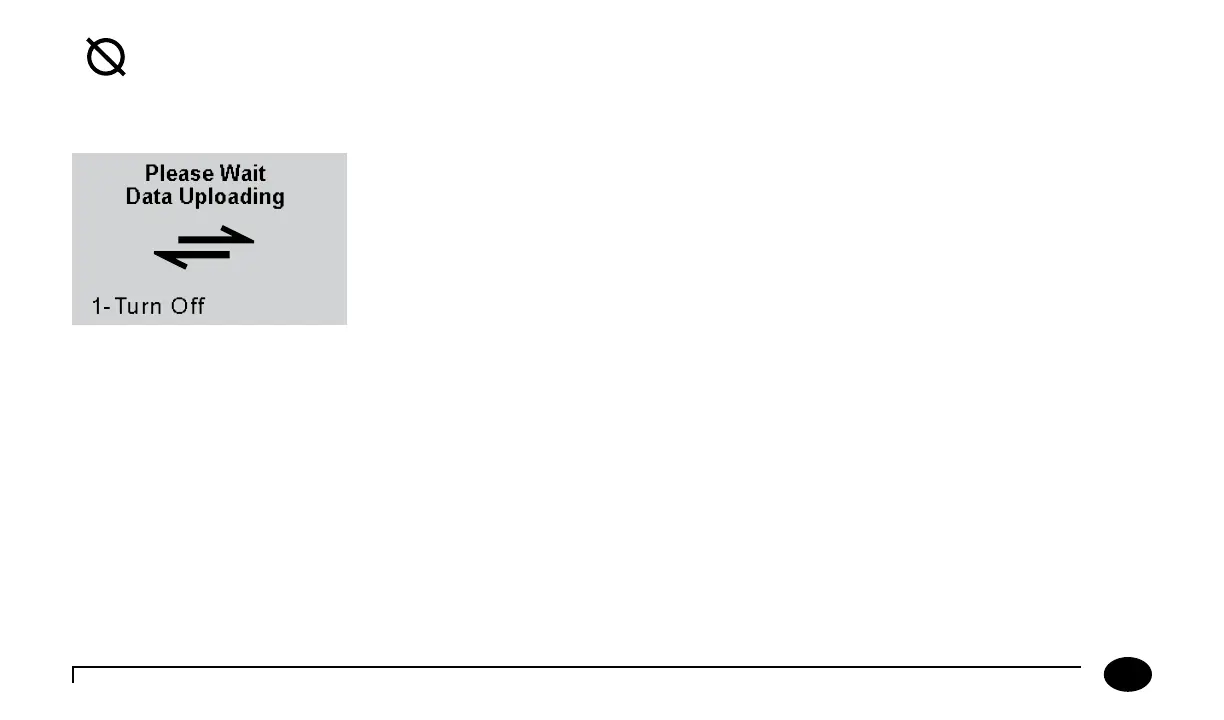
automatically. e Data Uploading screen shown here will display until the meter completes
transferring pending results and then it will power o automatically. e Operator does
not need to take any action for this to occur. While Data Uploading screen is displayed,
the Operator can turn the meter o immediately by pressing ‘1 - Turn O ’. If the Operator
does press ‘1 - Turn O’, wireless communication will stop and pending results will not be
transmitted. Pending results will be transferred the next time the meter establishes wireless
communication or the meter is docked, whichever comes rst.
Wireless Hardware Error












 To Next Page