9-3
Questions? Refer to Page 11-22 For Technical Support Instructions.
What You See on the Display What You Do Comments
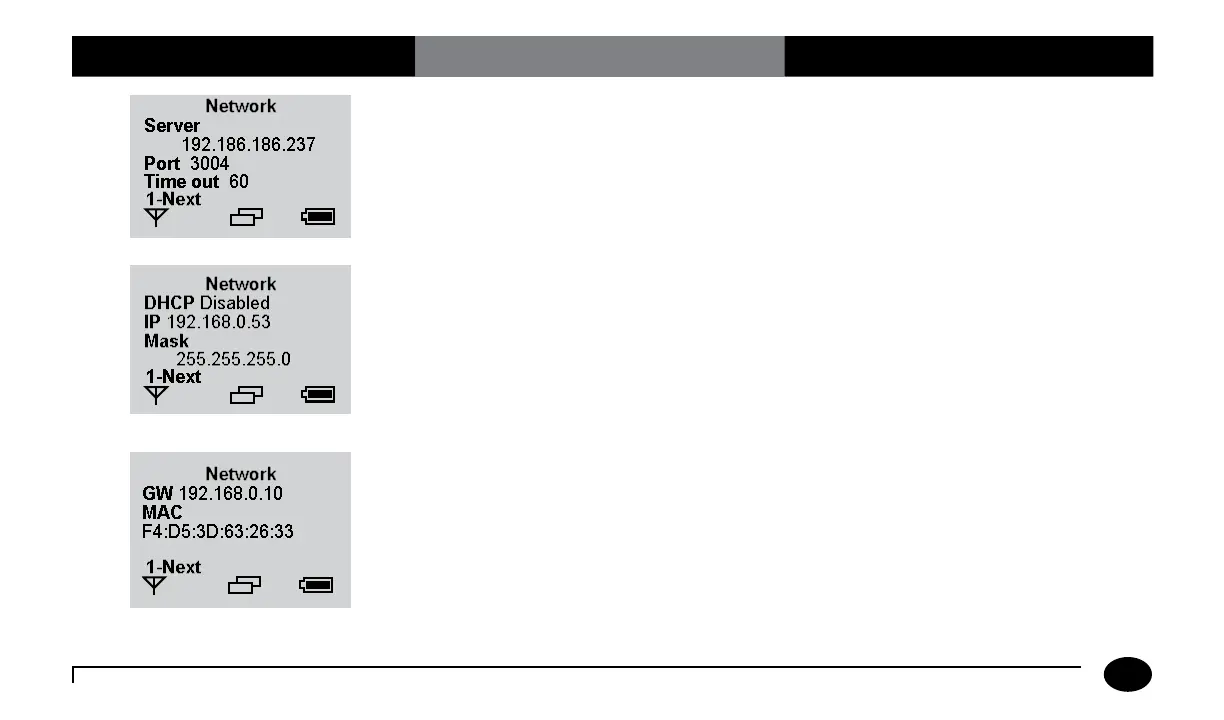
3. Press 2 for additional network settings.
Screen displays the wireless network
settings configured through the Wireless
Set-Up Utility CD. The timeout interval is
set through the data management system.
This value indicates that the meter will
go into wireless stand-by mode to save
energy. Wireless stand-by mode is when the
meter requests a wireless communication
to server and receives no response in 60
seconds.
Reference the Wireless Set-Up Utility user
guide for more detailed information about
the other network settings.
Chapter 9: Review Setup for Wireless Communication (Optional)












 To Next Page