Chapter 5 Analyze the Relative Standard Curve Experiment
View the Amplification Plot
Applied Biosystems 7500/7500 Fast Real-Time PCR System Getting Started Guide for Relative Standard Curve
and Comparative C
T
Experiments
88
Notes
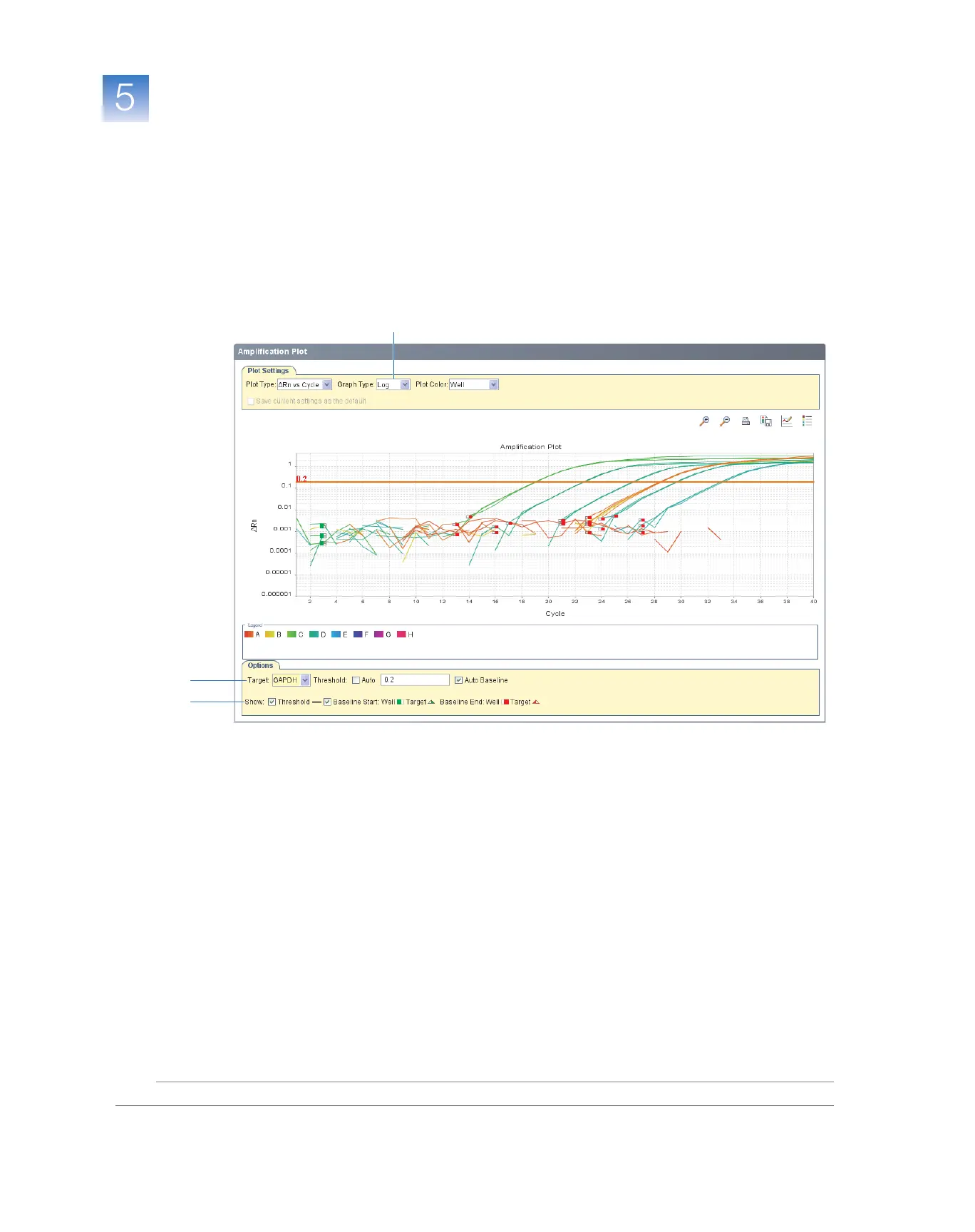
5. View the threshold values:
a. In Plot Settings tab, select Log in the Graph Type drop-down list.
b. Select GAPDH in the Target drop-down list.
c. Select the Threshold check box to show the threshold (default).
d. Verify that the threshold is set correctly. In the example experiment, the
threshold is in the exponential phase.
5c
5a
5b



 To Next Page