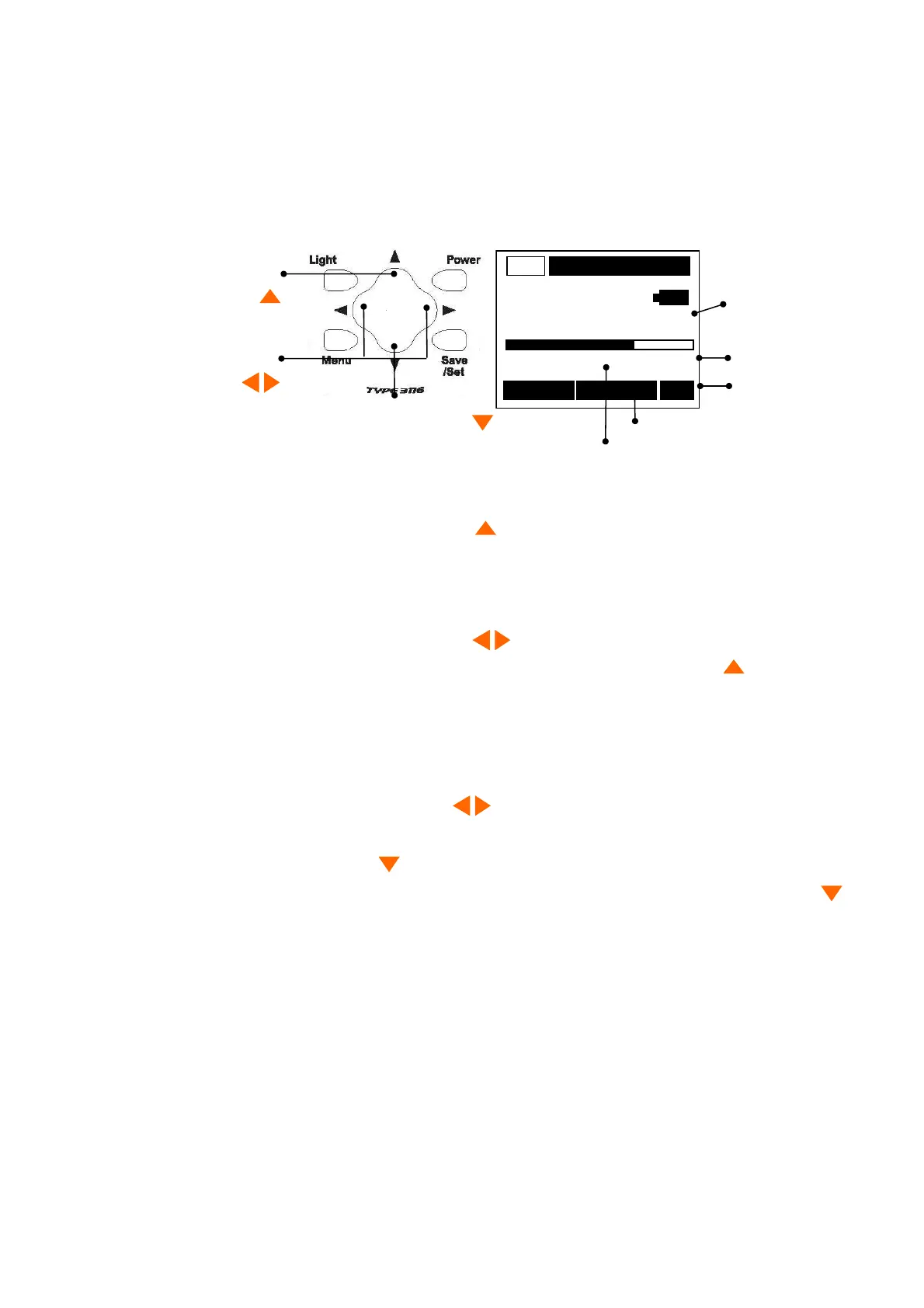
Change the mode
and the value
Select
The command
Measurement value Mode
Measurement Range
Detector characteristics
Display of command
Display of a state
Display Hold
3.Measurement
3-1 Measurement of acceleration (ACC)
Just after power supply on, it starts with the acceleration measurement mode mentioned above.
The current value is displayed in digital form at an interval of 2 sec and a bar at an interval of 0.1
seconds.
000/000 RMS
< Change of the Measurement mode >
1)Select the command with cursor button , the Range change to
Mode
.
2)Mode is
[m/s
2
]
with cursor button .
(It changes ;
m/s
2
→
mm/s
→
μm
→
m/s
2
→
mm/s
)
< Change of the Measurement Range >
1)Select the command with cursor button again, the Range change to
Mode
.
2)Operated so that a level may become a legible value with cursor button .
(Number on the right of a bar it change with 200 → 20 → 200.)
Since
[OV]
(Overload) is displayed when the value is large, and adjust a range.
< Change of the measurement mode >
1)When you want to change the mode and measure,(RMS/PEAK)、display the "Peak/RMS" by
the command selection cursor button .
Whenever it pushes, the mode changes with Peak -> RMS -> EQPeak -> Peak.
2)It is pressing cursor button and display can be Hold(ed) to fix a display value.
A key is pressed again to acquire the value again and changes by the cursor button .
136.0
m/s
2
AC
000/000
RMS
0 Range 200



 To Next Page