EasyManua.ls Logo

ACT apricot - Page 261

ACT apricot
328 pages
Print Icon
To Next Page IconTo Next Page
To Previous Page IconTo Previous Page
Loading...
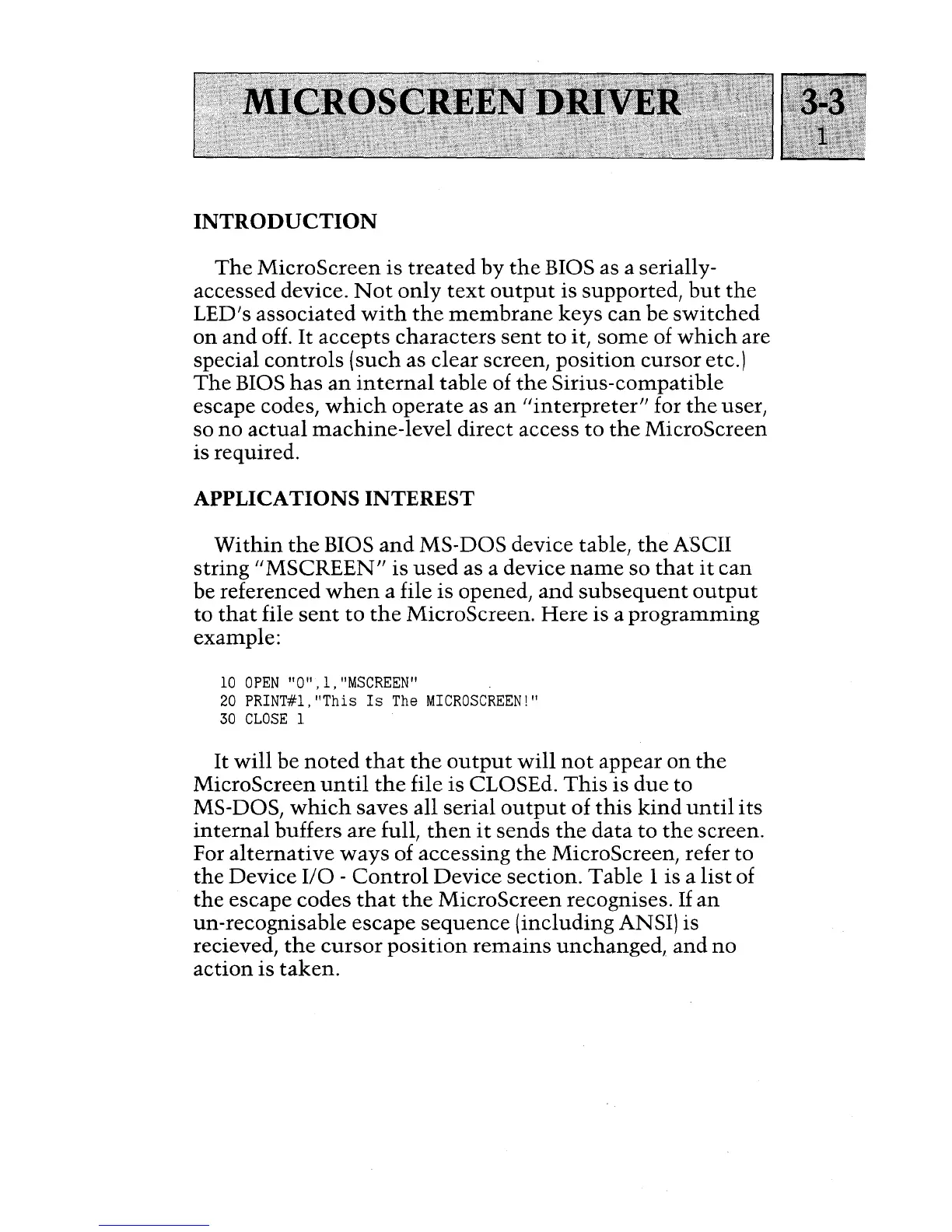
INTRODUCTION
The
MicroScreen
is
treated
by
the
BIOS as a serially-
accessed device.
Not
only
text
output
is supported,
but
the
LED's
associated
with
the
membrane
keys
can
be
switched
on
and
off.
It
accepts
characters
sent
to
it,
some
of
which
are
special
controls
(such as
clear
screen,
position
cursor
etc.)
The
BIOS
has
an
internal
table
of
the
Sirius-compatible
escape codes,
which
operate
as
an
"interpreter"
for
the
user,
so
no
actual
machine-level
direct
access
to
the
MicroScreen
is required.
APPLICATIONS INTEREST
Within
the
BIOS
and
MS-
DOS
device table,
the
ASCII
string
"MSCREEN"
is
used
as a device
name
so
that
it
can
be referenced
when
a file
is
opened,
and
subsequent
output
to
that
file
sent
to
the
MicroScreen.
Here
is a
programming
example:
10
OPEN
"0",1,"MSCREEN"
20
PRINT#l,
"This
Is
The
MICROSCREEN!"
30
CLOSE
1
It
will
be
noted
that
the
output
will
not
appear
on
the
MicroScreen
until
the
file
is
CLOSEd.
This
is
due
to
MS-DOS,
which
saves all serial
output
of
this
kind
until
its
internal
buffers
are
full,
then
it
sends
the
data
to
the
screen.
For
alternative
ways
of accessing
the
MicroScreen, refer to
the
Device
I/O
-
Control
Device
section.
Table
1 is a
list
of
the
escape
codes
that
the
MicroScreen
recognises.
If
an
un-recognisable
escape
sequence
(including ANSI) is
recieved,
the
cursor
position
remains
unchanged,
and
no
action
is
taken.

Table of Contents

Other manuals for ACT apricot