!"##"$"%"&%*""#
Page A@of (()XM_unity_Installation&Maintenance_Manual Ed.1.3c2013
(54=4 D$##*"$0$%E
(54=4(4 DE
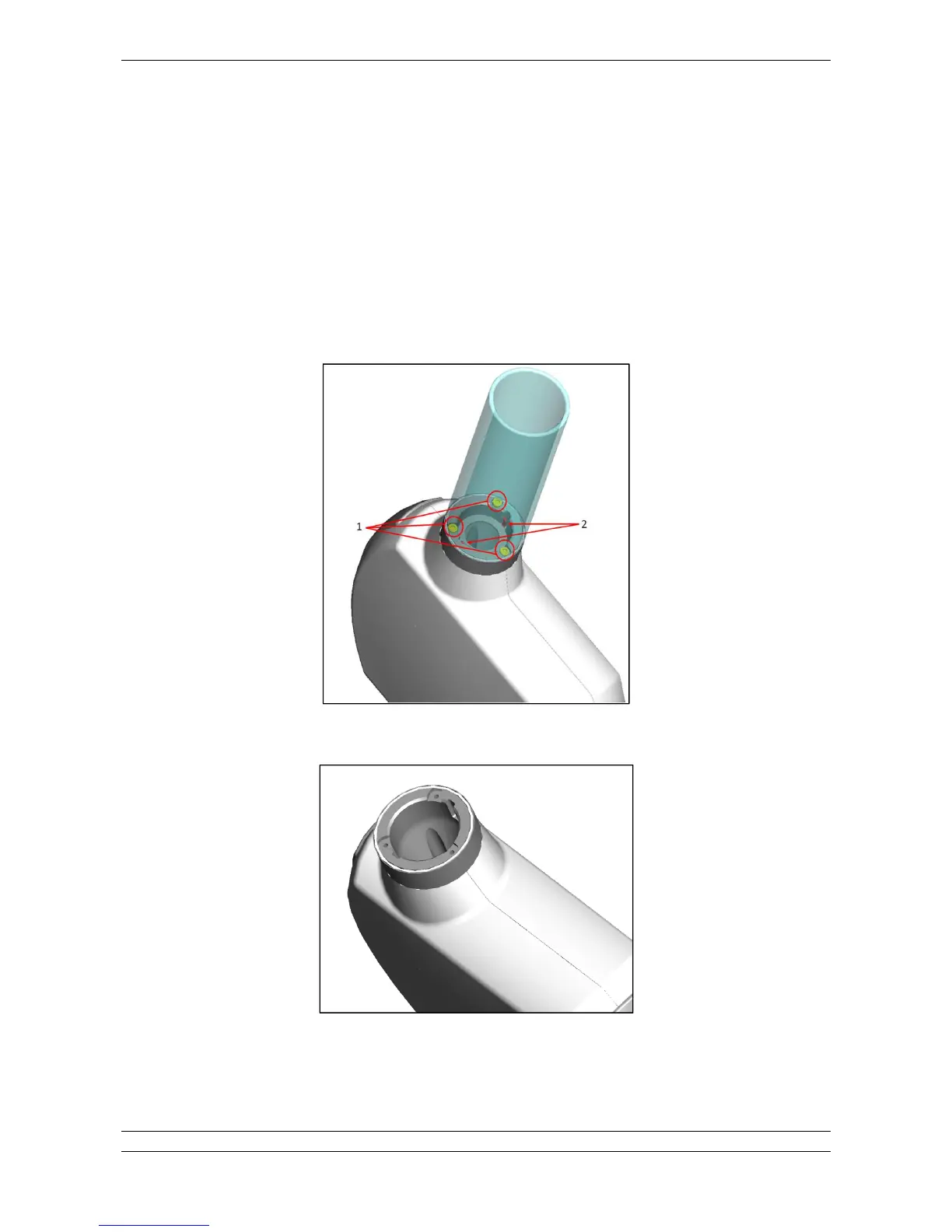
To disassemble the round cone (both short and long) it is necessary unscrew the 3 screws located at the base of it.
For long cone it is necessary the long Allen key provided with the system.
To fix the cone it is enough screw in the 3 screws.
Always pay attention to the orientation of the cone, there are two sites (2) in order to center the cone on the screws (1).
Here below an image shows location of the screws.
Fig.13.6
Cone disassembled
Fig.13.7















 To Next Page