!"##"$"%"&%*""#
XM_unity_Installation&Maintenance_Manual Ed.1.3c2013 Page C=of (()
@4
+)
+((*(
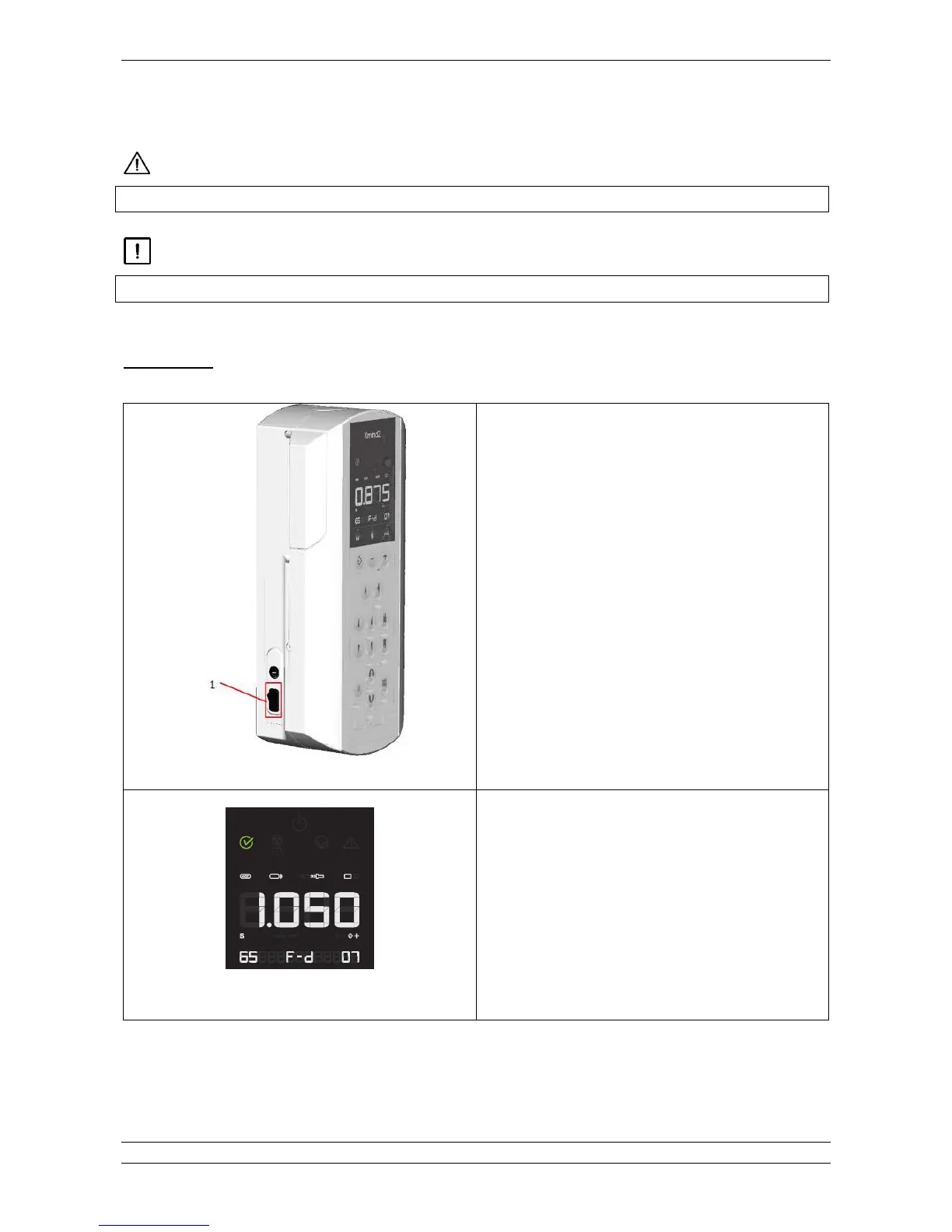
Toggle the main switch (1) located on the left part of
the timer to the “I” position (ON)
The display will light up
Fig. 6.2
The “ready” green light turns on indicating that the
system is powered and ready for exposure according
to the loading factors indicated in the control panel
display.
The leds of the set parameters automatically light up.
The exposure time is shown on the display.















 To Next Page