EasyManua.ls Logo

Acteon X-MIND unity - Install and Connect the Remote Exposure Switch (Optional)

Acteon X-MIND unity
110 pages
Print Icon
To Next Page IconTo Next Page
To Previous Page IconTo Previous Page
Loading...
 !"##"$"%"&%*""# 
XM_unity_Installation&Maintenance_Manual Ed.1.3c2013 Page C5of (()
C4 DE
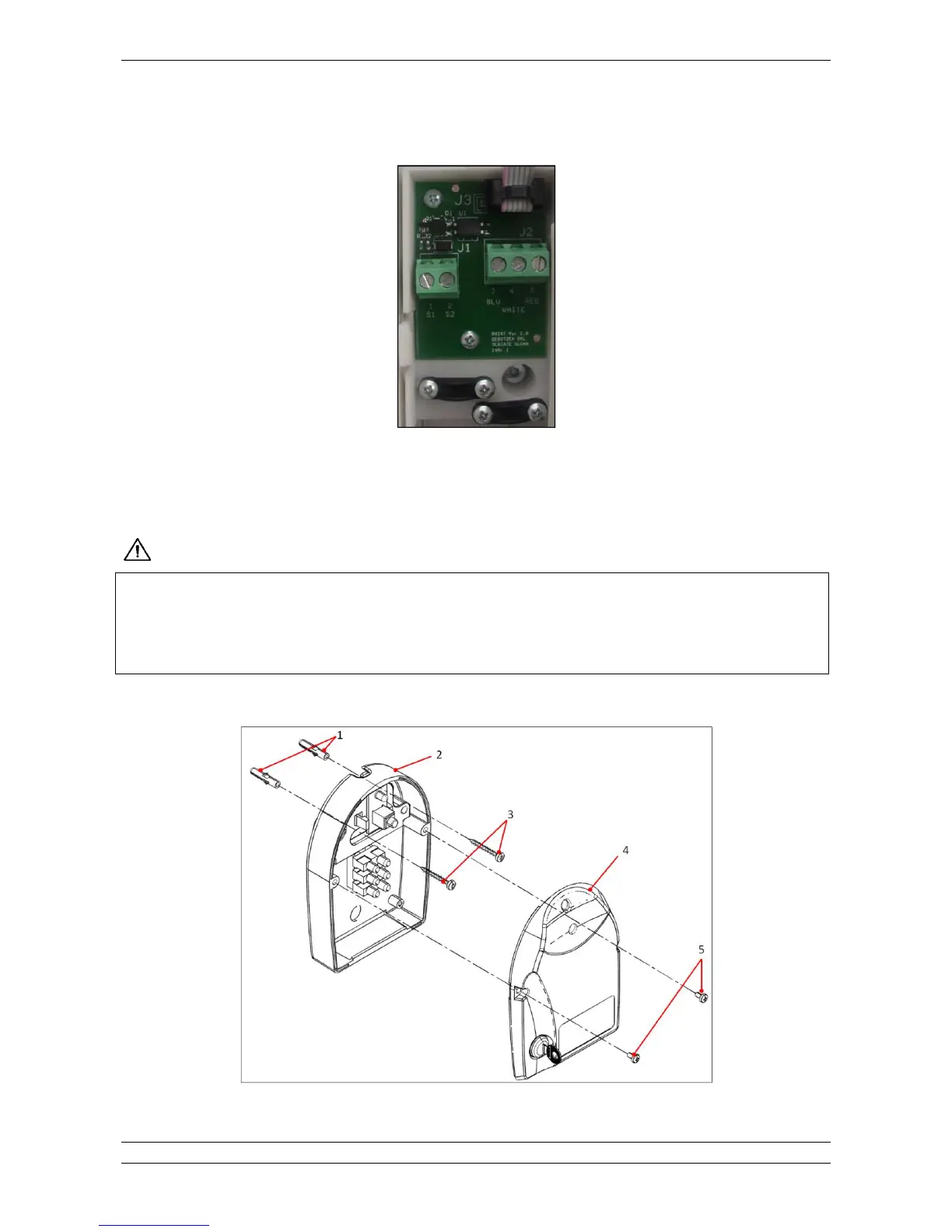
RXINT Board
Necessary cables and wires for the connection should be arranged before the installation of the remote exposure switch.
This switch needs a control cables (2 wires) coming directly from the control unit.

**"(*!DE'
F
!
9#0,"+
(
To install and connect XMIND remote exposure switch please refer to the following instructions:
Fig. 5.50

Table of Contents

Other manuals for Acteon X-MIND unity

Related product manuals