Doc : AM220-001E Release: 1.5 updated : October 2014
MAIN MENU
Once the SP 10 software is loaded, the instrument is ready for operation.
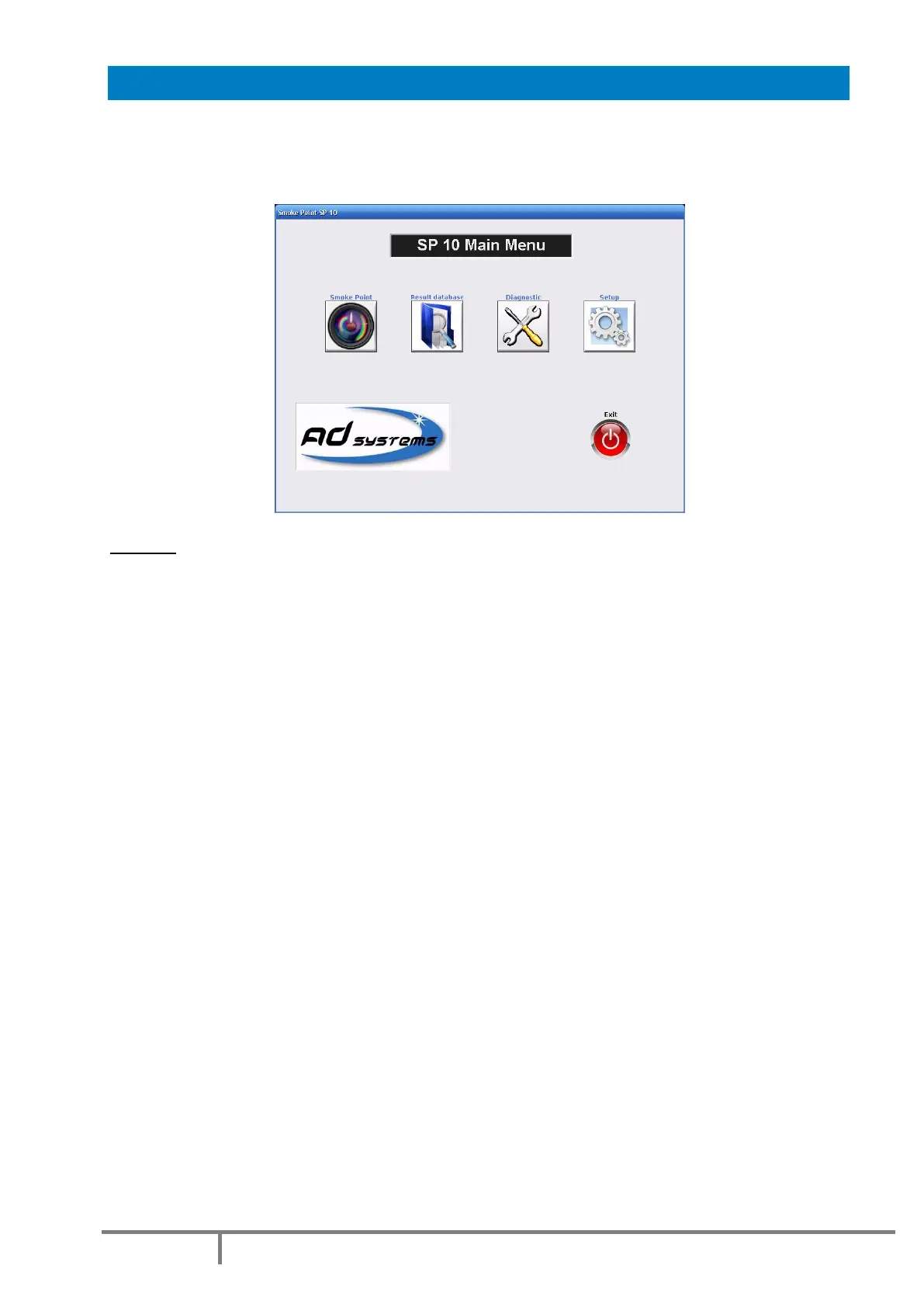
The Main Menu is as follow:
Buttons:
SMOKE POINT– Press this button to initiate a test operation: Test, Verification or Calibration
Refer to section: “SP 10 – Test operation” of the manual for more details.
RESULT DATABASE – to access to results archive database
Refer to section: “Results database” of the manual for more details.
DIAGNOSTIC – Service menu for maintenance and diagnostic
Refer to section: “Diagnostic” of the manual for more details
SETUP – to set or modify instrument settings, pre-program drop-down lists, reports storage options and
firmware update
Refer to section: “SETTINGS” of the manual for more details.
EXIT – to quit the SP 10 application to prepare the instrument switch off.
Refer to section: “Switching Off” of this manual for more details.



 To Next Page