Doc : AM220-001E Release: 1.5 updated : October 2014
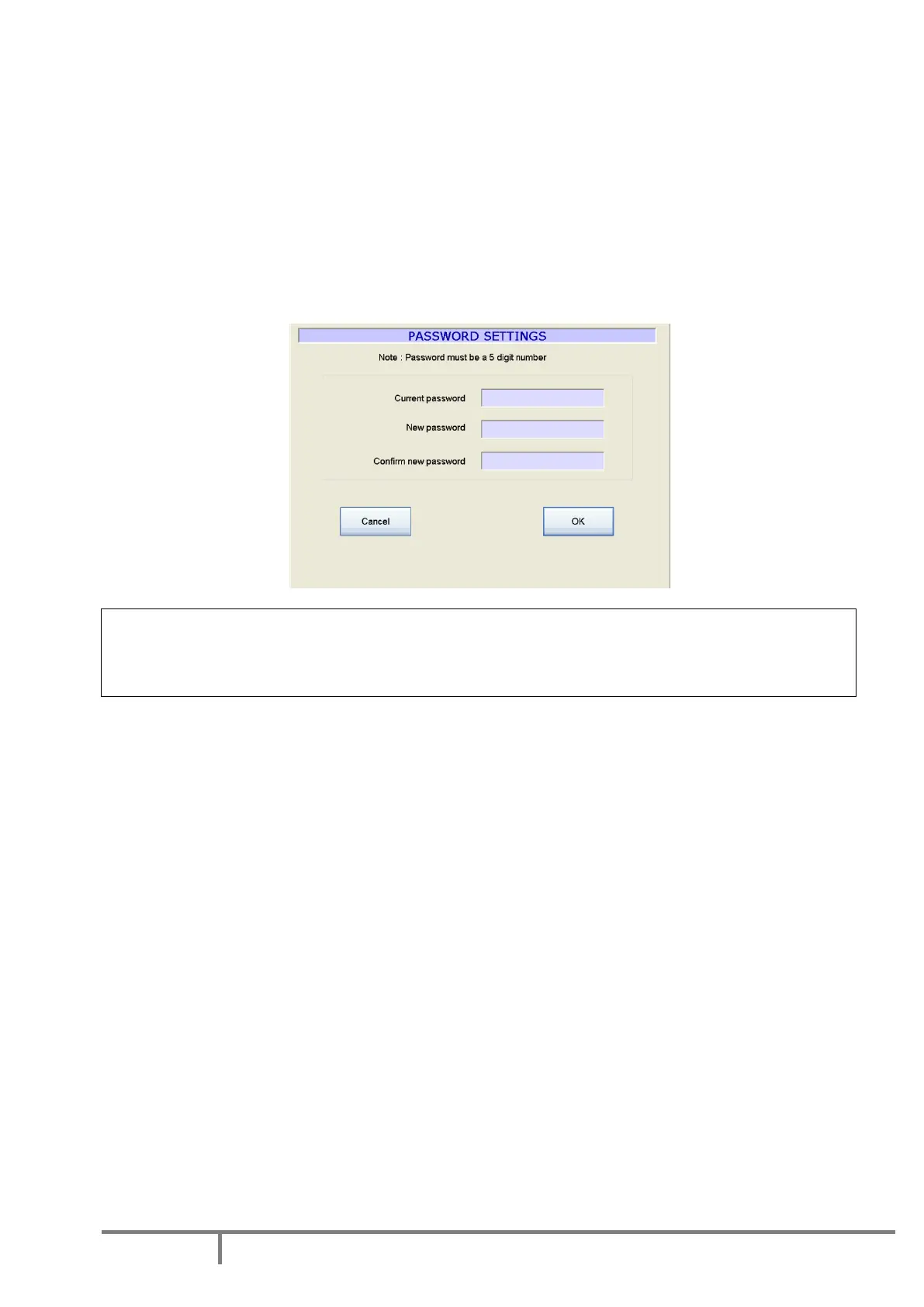
Set a password
The access to some specific SP10 menus is password protected in order to prevent unauthorized changes
of specific critical instrument settings.
The password is a 5 digits code.
The factory set password is 00000.
This password is active when you receive the instrument.
In order to change the password, go to the menu SETUP/PASSWORD SETTINGS.
CAUTION!
When you change the password, please, record the new password, it will be not displayed!
If you forget your password, please contact AD Systems or its local distributor.



 To Next Page