Doc : AM220-001E Release: 1.5 updated : October 2014
The default factory settings:
Username: SP10
Password: PASSword100
If by some reason the default factory settings cannot be used, it is
possible to change the username and password of the SP 10
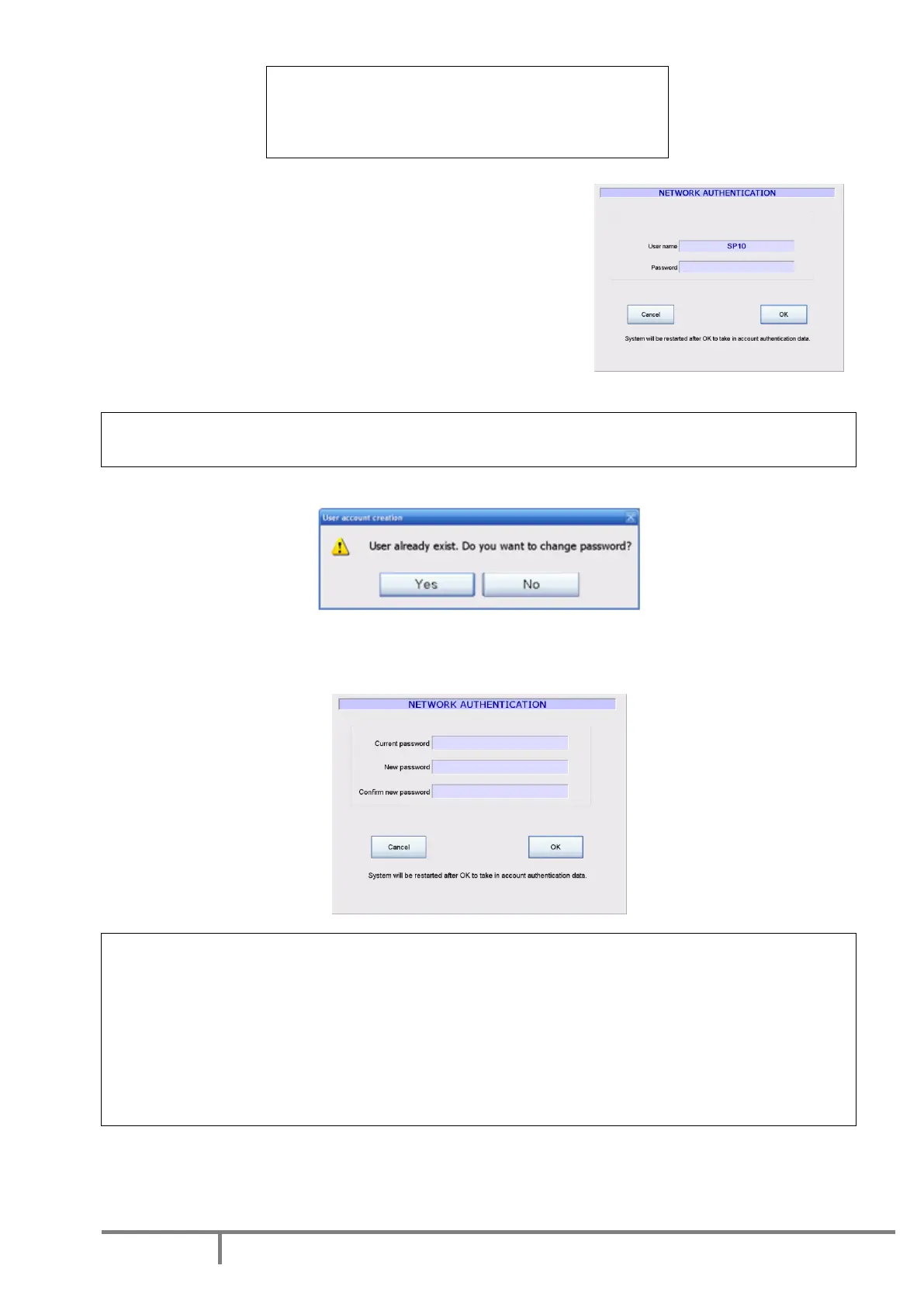
instrument. Use the “Network authentication” button to set the
User Name and Password for login into the local network.
The factory set Username is displayed (if no changes had been
done yet). The password is not displayed. Enter the default
password.
Caution!
If you are not sure of the password, press CANCEL, contact your Network Administrator.
If the username is not modified, the following message is displayed:
If you just want to modify the password, press YES
Enter the new Password assigned to the analyzer by your Network Administrator.
IMPORTANT!
Please record and remember your password! It will never be displayed anywhere after.
Caution!
In order to avoid any conflict with Windows
network, the following user names are not allowed:
Administrator
Administrateur



 To Next Page