Chapter 9: Monitoring Status and Activity ● 116
3 On the menu bar, click File, select Clear the event log, then click Email Notifications.
4 Click Ye s to clear the log.
The log is cleared.
Notifying Users by SNMP Trap About Status and Activity
Note: Before attempting the tasks in this section, you should be familiar with SNMP traps concepts
and technology.
If you are running Windows or Linux, you can use your operating system to monitor Simple
Network Management Protocol (SNMP) traps in your storage space, such as disk drive failures
and logical drive verifications. One system—typically the system where the GUI is installed—
can receive SNMP trap notifications.
To configure SNMP support on:
● Windows, see the next section.
● Linux, see page 117.
Setting Up SNMP Notifications on Windows
Note: Be sure your Windows installation includes SNMP support. By default, Windows 2000 and
Windows XP do not install SNMP.
To install and configure SNMP support:
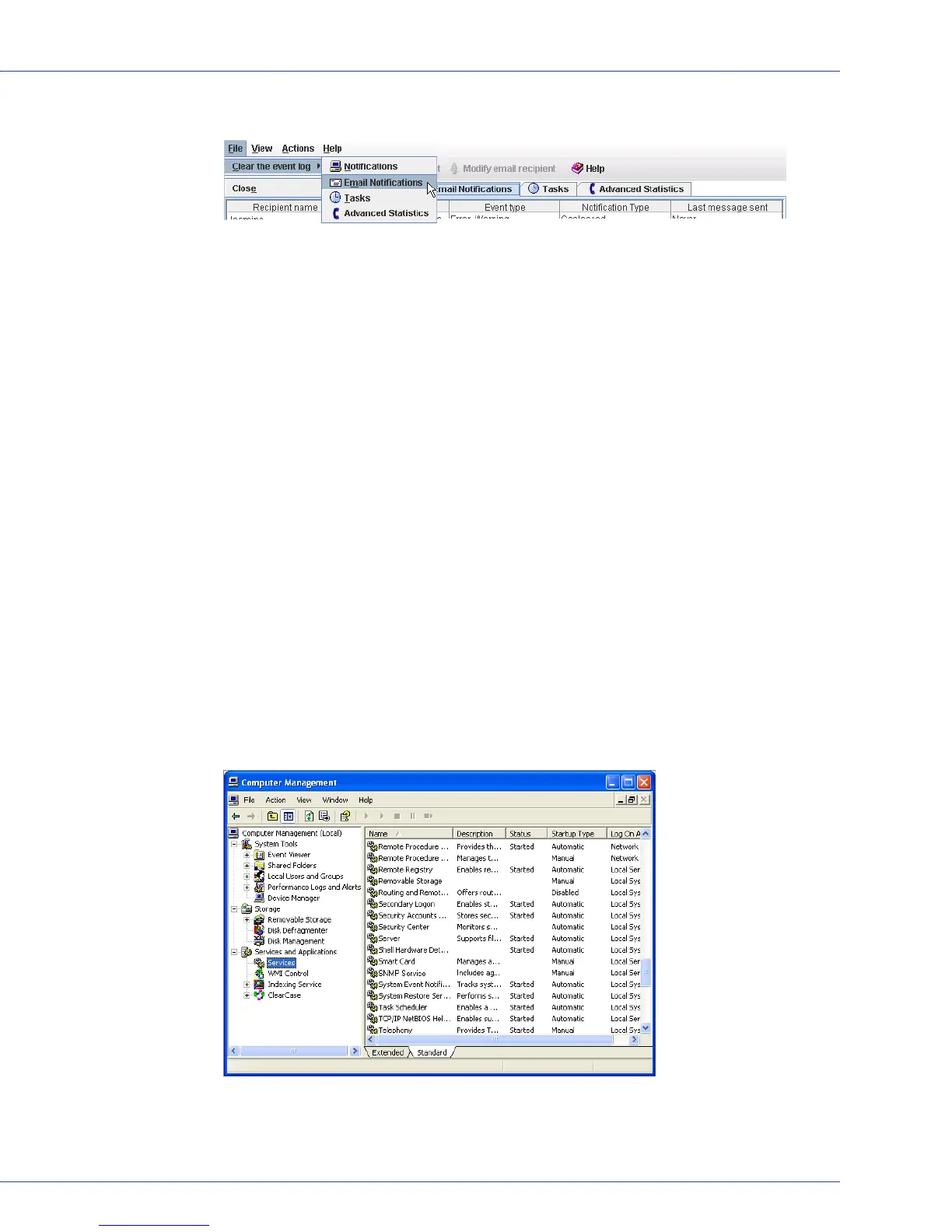
1 From your desktop, open the Windows Computer Management tool, then select Services
from the tree.
2 Double-click SNMP Service.
The SNMP Service Properties window opens.



 To Next Page