Chapter 5: Protecting Your Data ● 57
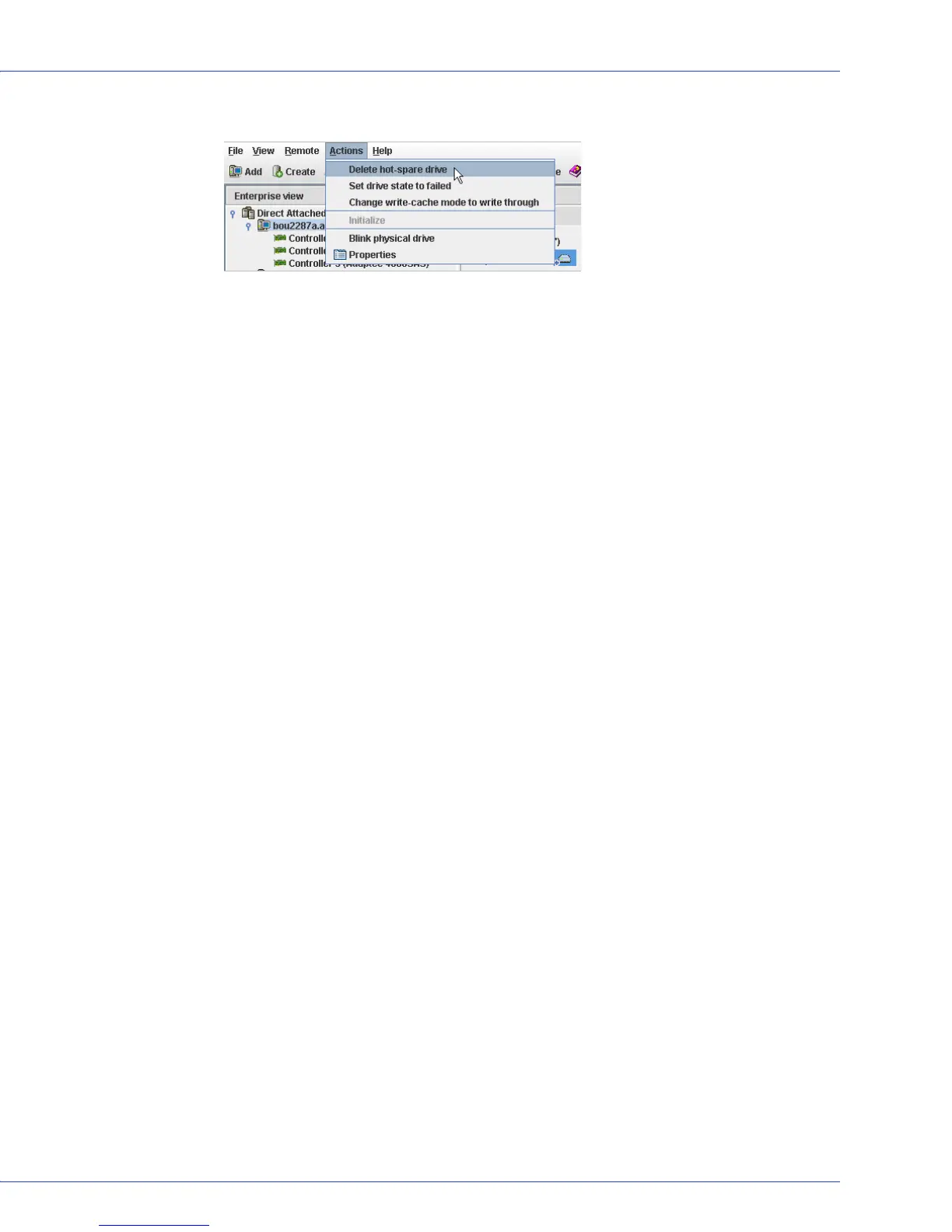
3 In the menu bar, select Actions, then click Delete hot-spare drive.
The hot spare is deleted and the disk drive becomes available for other uses in your storage
space.
Enabling Copyback
When a logical drive is rebuilt using a hot spare (see page 137), data from the failed drive is
transferred to the hot spare. When copyback is enabled, data is moved back to its original
location once the controller detects that the failed drive has been replaced. Once the data is
copied back, the hot spare becomes available again.
To enable or disable copyback, in the Enterprise View, right-click the controller, then click
Enable or Disable copy back mode. (The copyback setting is a toggle switch.)



 To Next Page