Chapter 3: Building Your Storage Space ● 41
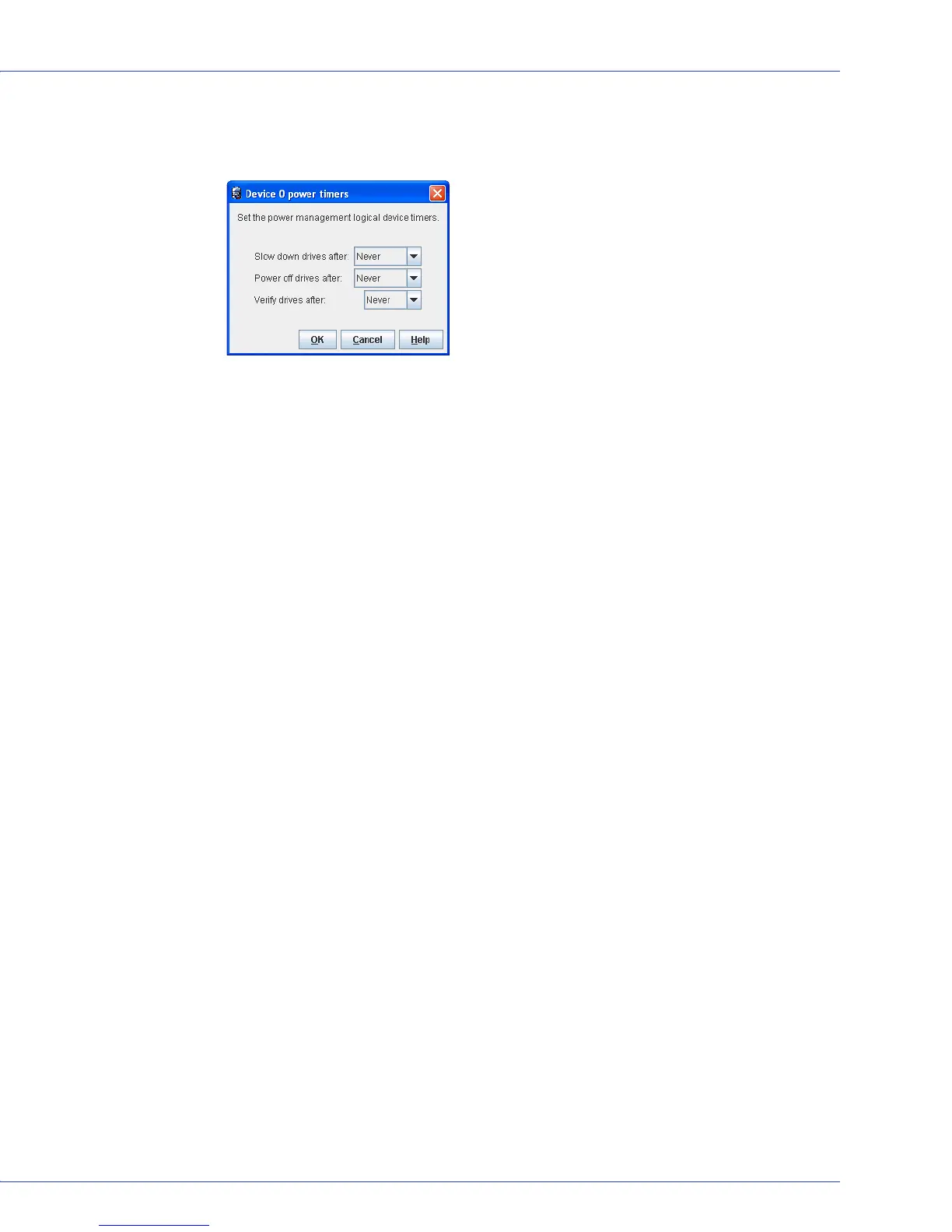
14 Set the power timers for the logical drive. The power timers control power usage by the
logical device’s disk drives. See Maintaining an Energy-Efficient Storage Space on page 75
for more information.
Note:
Adaptec Storage Manager prompts you to set power timers for each logical drive you
created in the wizard. If you did not enable power management for any logical drive, Adaptec
Storage Manager does not display the power timers window.
15
Repeat Steps 1 to 14 for each controller in your storage space, as required.
16 Partition and format your logical drives. See page 36 for more information.
17 When you’ve finished building your storage space, continue with Managing Your Storage
Space on page 41.
Managing Your Storage Space
Once your storage space is built, you can add systems, controllers, and disk drives to meet your
changing needs, then create logical drives by repeating the steps in this chapter.
The next section of this User’s Guide, Part II: Monitoring and Modifying Your Storage Space,
introduces the features of Adaptec Storage Manager and describes how to protect, monitor,
modify, and maintain your storage space.
To become familiar with the user interface of Adaptec Storage Manager, continue with
Exploring Adaptec Storage Manager on page 43.



 To Next Page