Appendix D: Buttons and Icons At-a-Glance ● 172
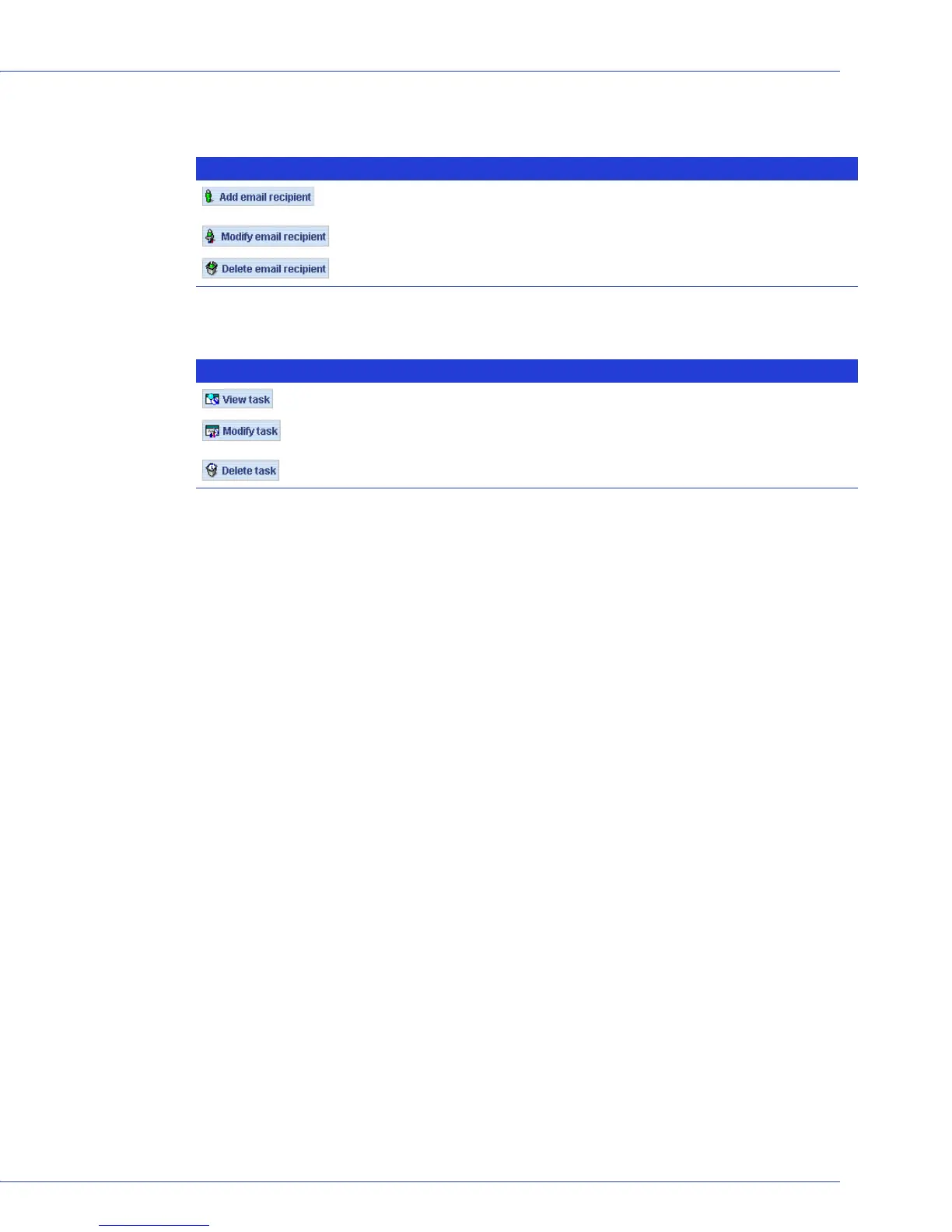
Buttons in the Email Notification Manager
Buttons in the Task Manager
Button Click to... More on...
...add the email address of a user who will receive notifications
generated by the Email Notification Manager
...page 111
...update a recipient’s email address or notification level ...page 114
...remove a recipient from the Email Notification List ...page 114
Button Click to... More on...
...view the details of a scheduled task ...page 83
...reschedule a task or change the description of the task in the Task
List
...page 84
...delete a task that is no longer required ...page 84



 To Next Page