Chapter 9: Monitoring Status and Activity ● 123
Creating a Call Home Support Archive
You can create a Call Home Support Archive to gather IO and usage statistics without waiting
for the polling and transmission cycle to complete. Information saved in the archive includes
(but is not limited to) statistics logs, device logs, drive logs, event logs, error logs, controller
logs, and MaxIQ logs. The default name of the archive file is CallHomeSupport.zip.
To create the call home support archive:
1 In the Enterprise View, select the local or remote system.
2 In the menu bar, select Actions, then click Save call home support archive.
3 Enter a name for the archive file or accept the default name, then click Save.
Viewing Statistics
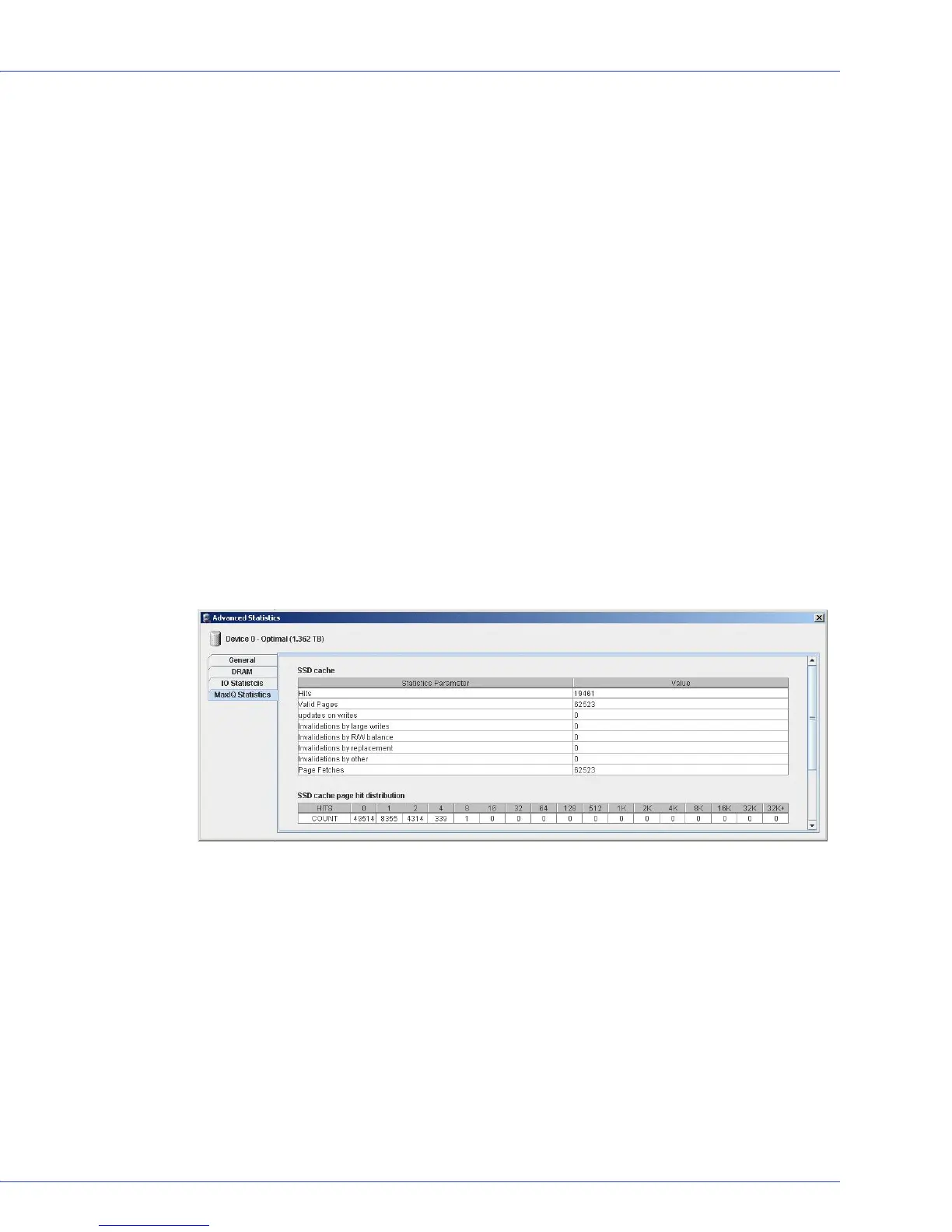
Use the Statistics Viewer to view IO and usage statistics for the controllers, hard drives, SSDs,
and logical drives in your system, including MaxIQ cache statistics. Click on the component in
the main window of Adaptec Storage Manager, select Actions, then:
● For hard drives, SSDs, or logical drives, click View Statistics Data
● For controllers, select Advanced Statistics, then click View Statistics Data
The statistics listed vary, depending on which type of component you select. The example
below shows the MaxIQ statistics for a logical drive, including cache hits and misses and a
histogram of cache hit distribution.



 To Next Page