Chapter 3: Building Your Storage Space ● 26
Overview
To build your storage space, complete these steps as described in the rest of this chapter:
1 Choose at least one management system (see the next section).
2 Start and log in to Adaptec Storage Manager on the management system (see page 27).
3 Start Adaptec Storage Manager or the Agent on all other systems (see page 31).
4 Log in to all other systems from the management system (see page 32).
5 Create logical drives for all systems in your storage space (see page 34).
Choosing a Management System
You must designate at least one system as a ‘management system’, a system from which you
will manage the direct attached storage on all systems in your storage space.
The management system can be any system on your LAN that has a monitor and can run the
full Adaptec Storage Manager application.
‘Local’ or ‘Remote’?
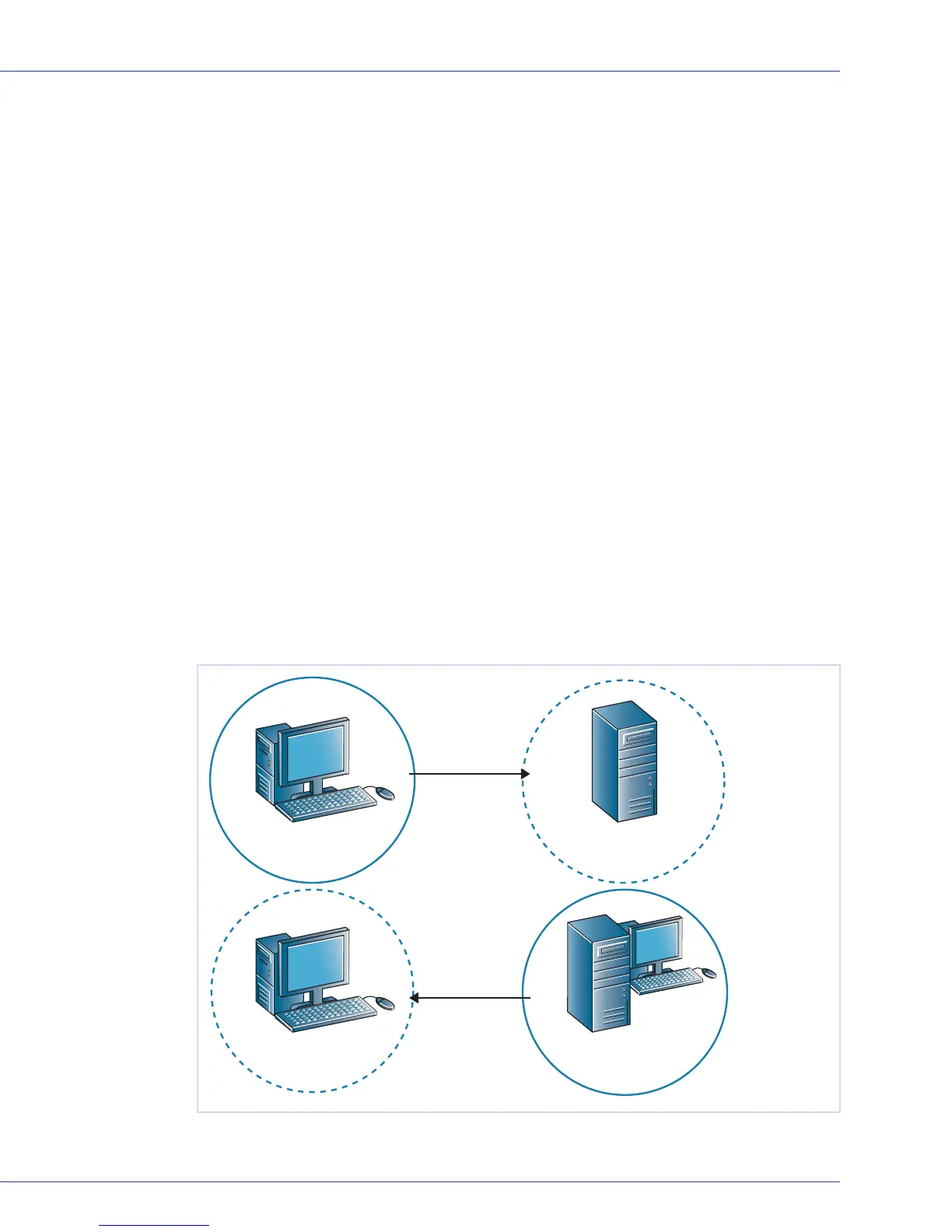
Whenever you’re working in Adaptec Storage Manager, the system that you’re working on is
the local system. All other systems in your storage space are remote systems. ‘Local’ and
‘remote’ are relative terms, as shown in the following figure—when you are working on system
A (local system), system B is a remote system; when you are working on system B (local
system), system A is a remote system.
For the purposes of this chapter, the ‘local system’ is the management system.
A
AB
B
Adaptec Storage
Manager
Adaptec Storage
Manager or Agent
Adaptec Storage
Manager or Agent
Adaptec Storage
Manager
Local logged
in to remote
Local logged
in to remote



 To Next Page