Appendix D: Buttons and Icons At-a-Glance ● 170
Icons in the Logical Devices View
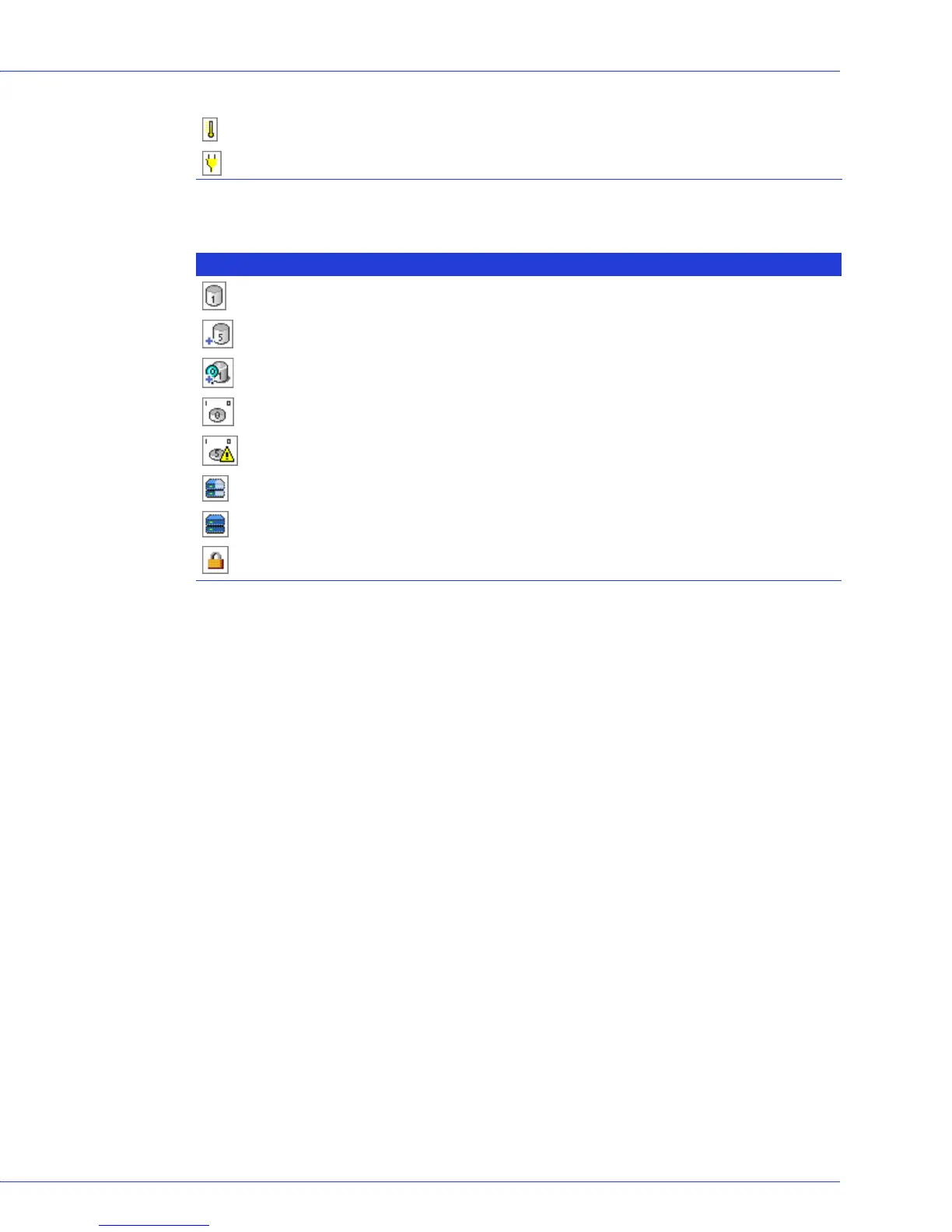
Enclosure temperature — warning
Enclosure Power — warning
Icon Description
Logical drive
Logical drive with healthy hot spare
Logical drive being initialized
Logical drive being modified
Logical drive being rebuilt after disk drive failure
Array with available space
Array with no available space
Locked upgrade feature that can be activated with a feature key (see page 125 for more
information)



 To Next Page