Chapter 7: Scheduling Recurring or Resource-Intensive Jobs ● 81
Scheduling a Task
If a task is lengthy and limits access to components on your storage space, you may want to set
a date and time for the task to complete, instead of running the task while there is activity on
your storage space.
If a task must be performed regularly, you can schedule it to recur at preset times.
You can schedule these Adaptec Storage Manager tasks:
● Expanding a logical drive
● Changing a logical drive’s RAID level
● Modifying the stripe size of a logical drive
● Verifying a logical drive
● Verifying and fixing a logical drive
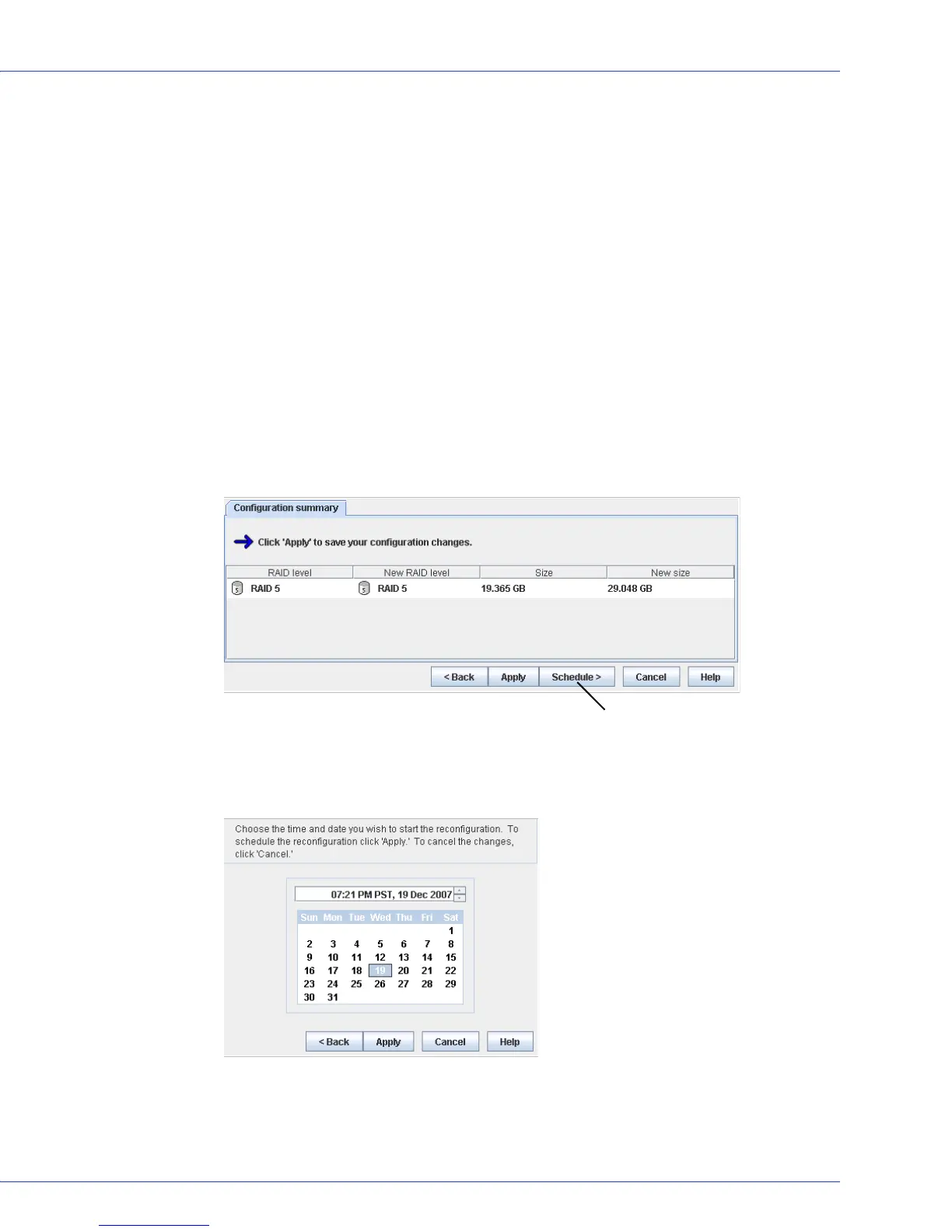
To schedule one of these tasks:
1 Complete each step of the task until you are prompted to click Apply. (Don’t click Apply.)
2 Click Schedule.
The schedule window opens. (The window you see may be different from the one shown
in this example, depending on which type of task you are scheduling.)
Schedule button



 To Next Page