Appendix C: Quick Answers to Common Questions... ● 167
The Task Manager?
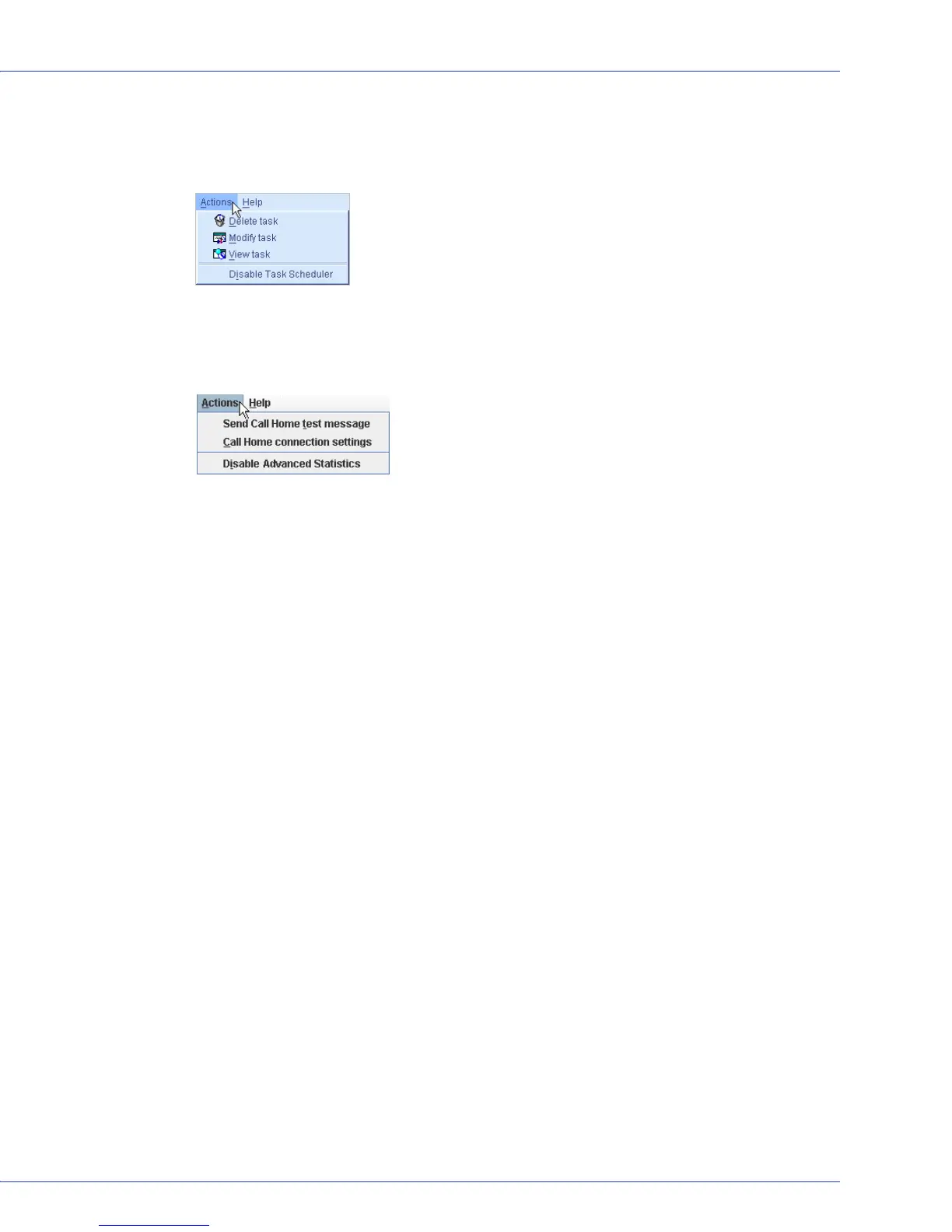
In the tool bar, click Configure, point to the system you want, then click Ta s ks . In the menu
bar, select Actions to view these options
:
The Advanced Statistics Manager
In the tool bar, click Configure, point to the system you want, then click Advanced Statistics.
In the menu bar, select Actions to view these options:
What tasks can be scheduled to run at a specified time?
You can schedule any of these tasks to run at a specified time:
● Changing a logical drive from one RAID level to another (see page 70).
● Expanding the size of a logical drive (see page 69).
● Modifying a logical drives settings (see page 63).
● Verifying a logical drive (see page 68) or verifying and fixing a logical drive (see page 67).
See Scheduling a Task on page 81 for more information.



 To Next Page