Chapter 3: Building Your Storage Space ● 33
3 Enter the host name or TCP/IP address of the remote system. Or select a system from the
drop-down list.
4 Enter the startup port number of the remote system. The default port number is 34571.
5 Click Connect.
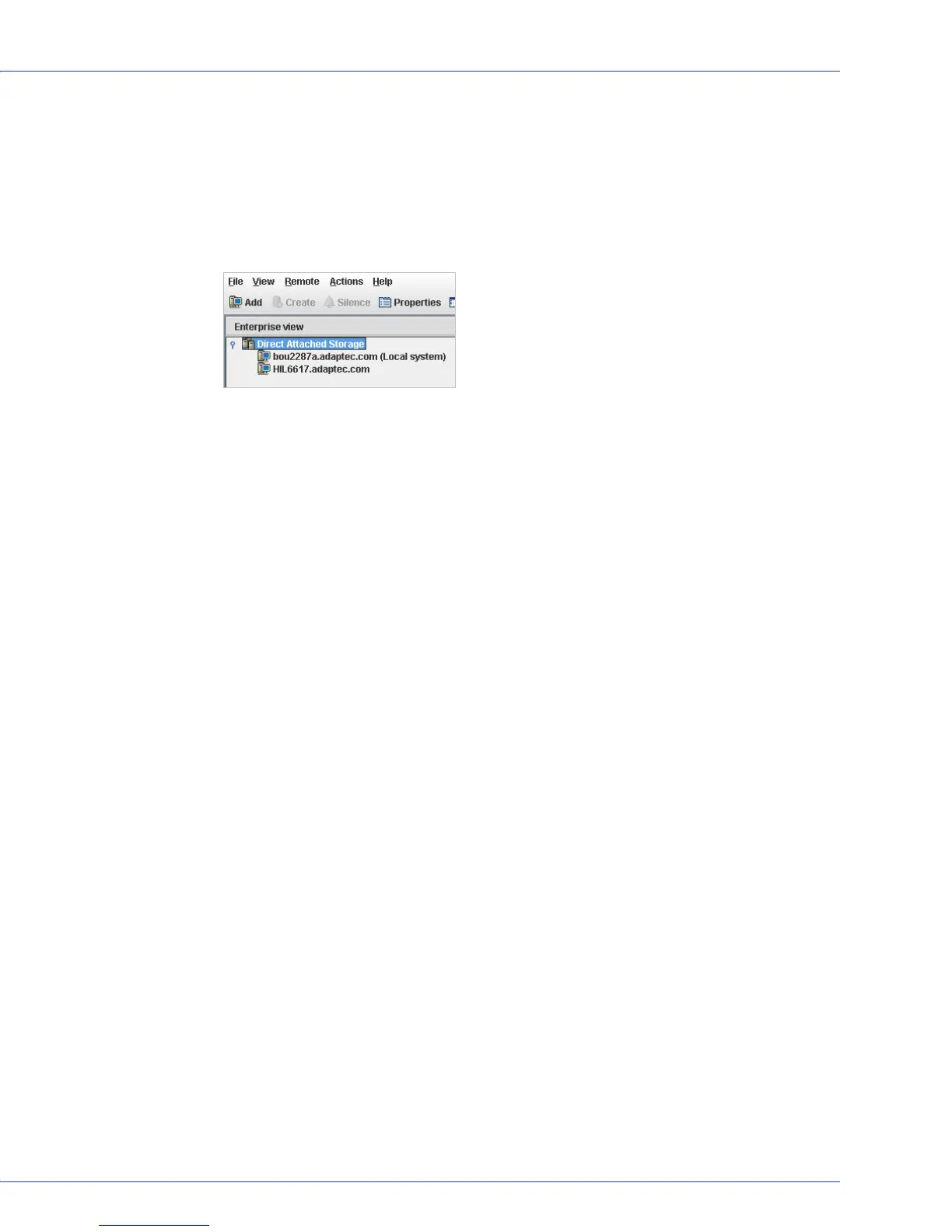
Adaptec Storage Manager connects to the remote system and adds it to the list of managed
systems in the Enterprise View.
Note:
You must log in to a remote system with the proper permission level to complete the
tasks you wish to perform. See Understanding Permission Levels on page 27 for more
information.
6
If Adaptec Storage Manager detects a new controller on the local system, the New
Hardware Detected window opens. Click Register Now, then follow the on-screen
instructions to complete the registration.
7 Continue with Creating Logical Drives on page 34.
Removing a Remote System
If you no longer want to monitor a remote system, you can remove it from the Enterprise View
of Adaptec Storage Manager.
Removing a remote system does not take it off-line.
Note:
Adaptec Storage Manager has a wizard to help you manage the remote systems in your
storage space. The wizard simplifies the process of a removing remote systems from the Enterprise
View. For more information, see Managing Remote Systems on page 127.
To remove a remote system:
1 In the menu bar of the main window, select Remote, select Remove managed system, then
click the system you want to remove.
The Remove Managed System window opens.
2 If you want to continue receiving events from the remote system after it’s been removed
from the local system, select Continue to receive events from the remote system from the
drop-down menu.
3 Click OK.
The remote system is removed from the Enterprise View of Adaptec Storage Manager.



 To Next Page