Appendix C: Quick Answers to Common Questions... ● 165
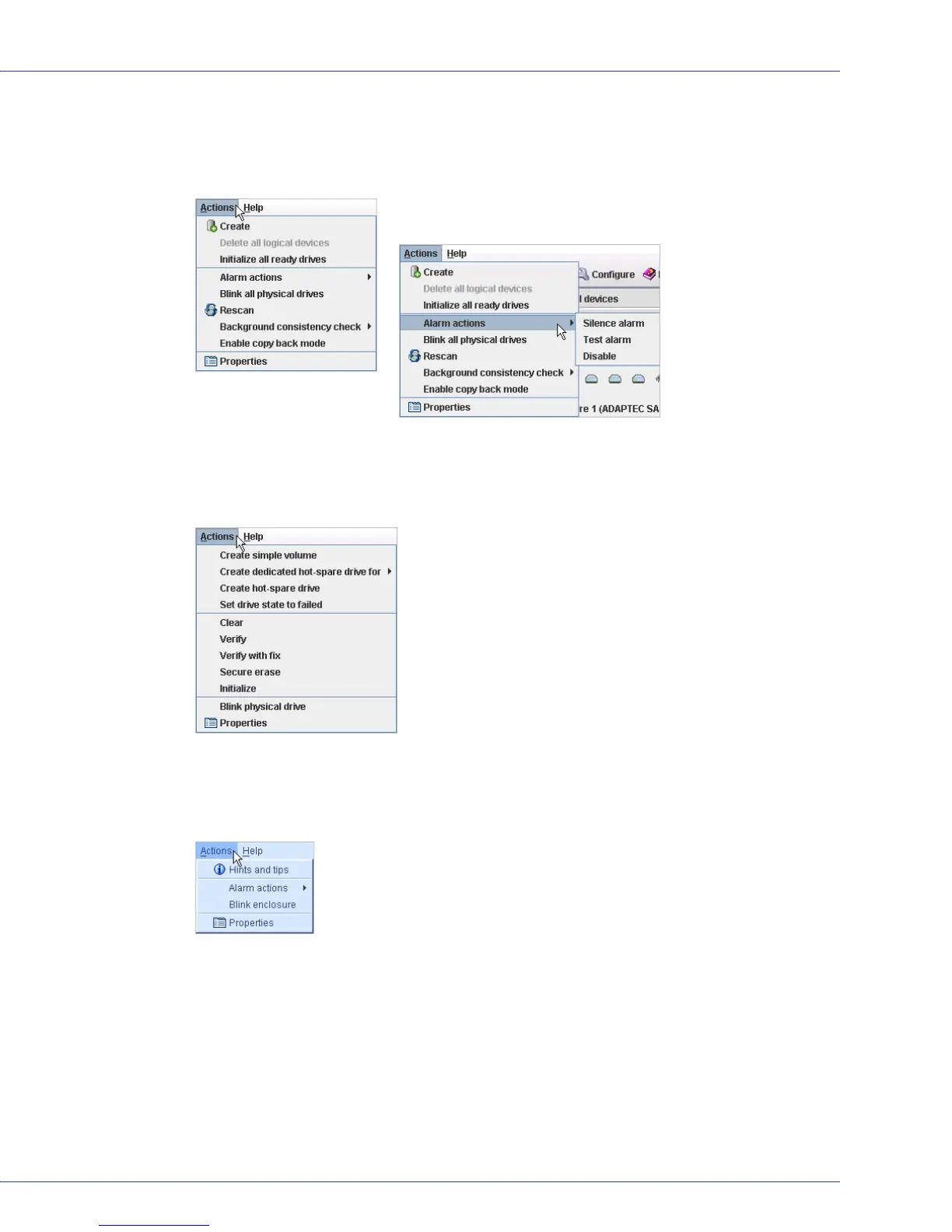
Controllers?
In the Enterprise View, click on a controller. In the menu bar, select Actions to view these
options:
Disk drives?
In the Physical Devices View, click on a disk drive. In the menu bar, select Actions to view
these options:
Enclosures?
In the Physical Devices View, click on an enclosure management device. In the menu bar,
select Actions to view these options:
Then select Alarm actions to view these
options:



 To Next Page