Chapter 10: Updating and Customizing Adaptec Storage Manager ● 132
● Create display groups (see the next section).
● View display group properties (see page 133).
● Move a system from one group to another (see page 133).
● Rename a display group (page 134).
● Remove a system from a display group (page 134).
● Delete a display group (page 134).
Creating Display Groups
You can organize related local and remote systems into display groups to make managing your
storage space easier and more effective.
Systems in a display group appear together in the Enterprise View under the group name.
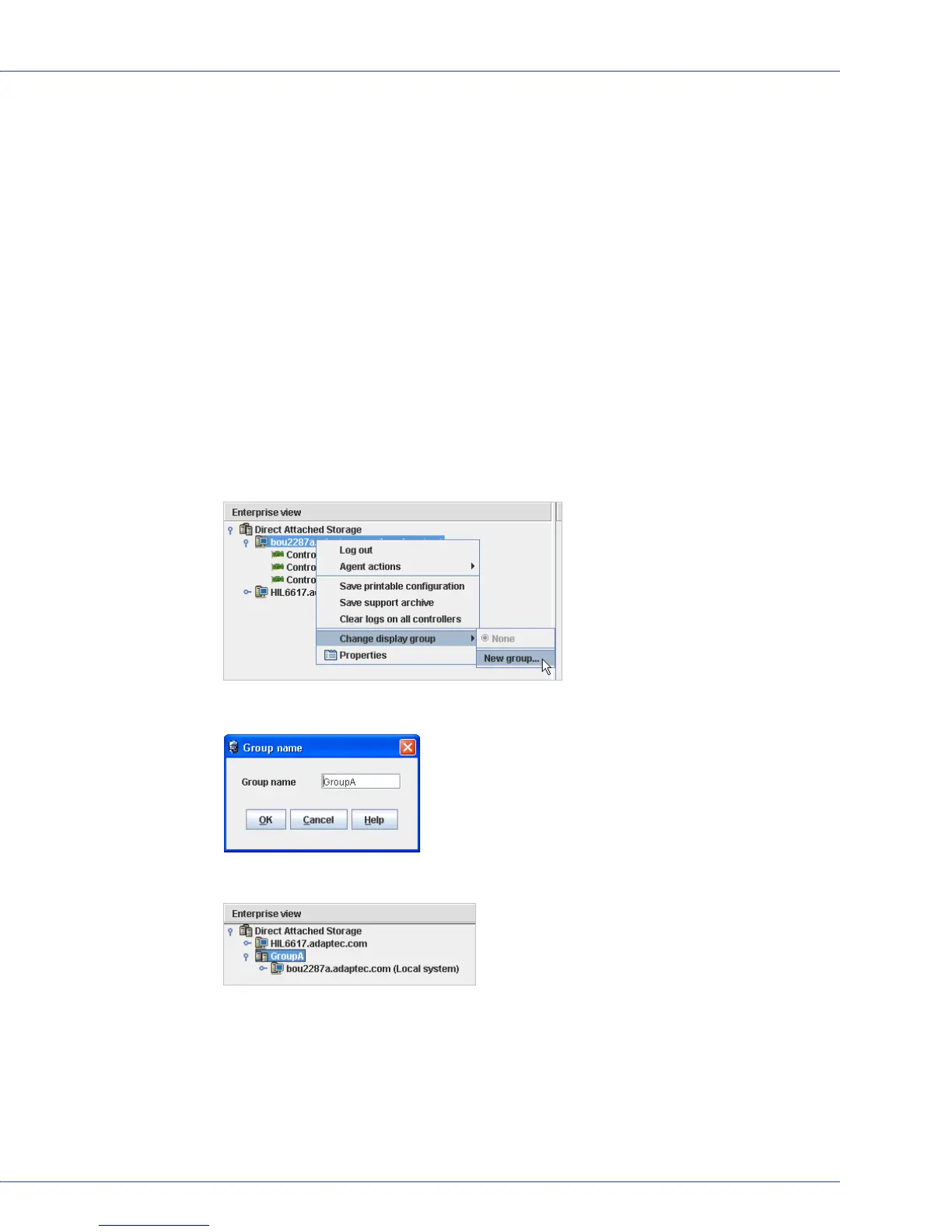
To create a display group:
1 In the Enterprise View, right-click on a system that you want to add to a display group,
select Change display group, then click New group.
2 Enter a name for the new display group, then click OK.
The display group is created and the system you selected in Step 1 is added to it.



 To Next Page