Chapter 10: Updating and Customizing Adaptec Storage Manager ● 126
● Excluding the tool bar or status bar from the main window, or turning off the Tool Tips
(see page 127).
Reorganizing the Enterprise View
You can reorganize the Enterprise view tree to suit your needs.
You can set Adaptec Storage Manager to sort systems in the Enterprise View alphabetically or
chronologically. (By default, systems are listed in alphabetical order.)
To re o r g a n i ze t h e E n t e r p r i s e Vi ew :
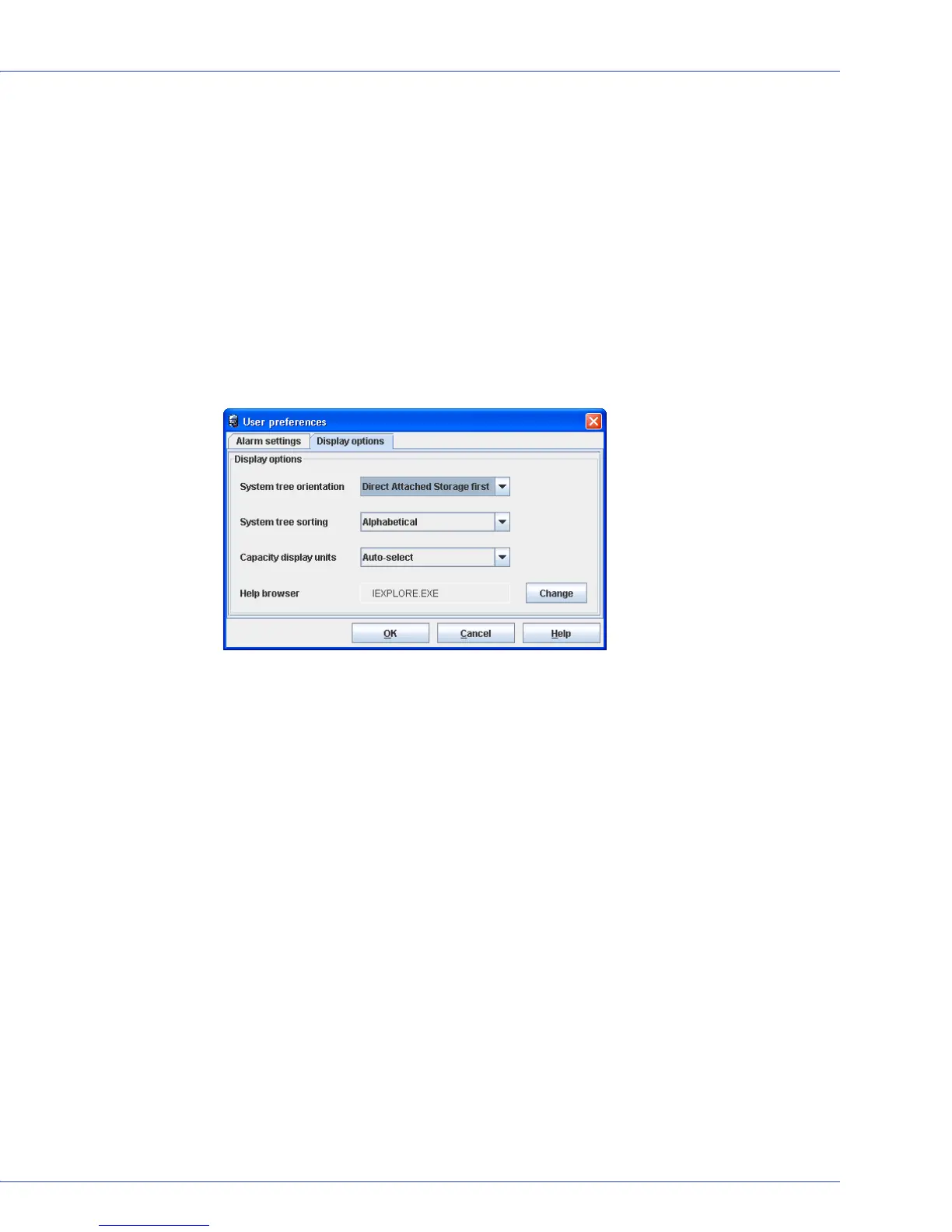
1 In the menu bar of the main window, select File, then click Preferences.
The User Preferences window opens.
2 Click the Display options tab.
3 Change the System tree sorting or System tree orientation setting as required, then click
OK.
Note:
The local system always appears first when you sort objects alphabetically.
The changes are applied immediately.



 To Next Page