Chapter 6: Modifying Your Direct Attached Storage ● 74
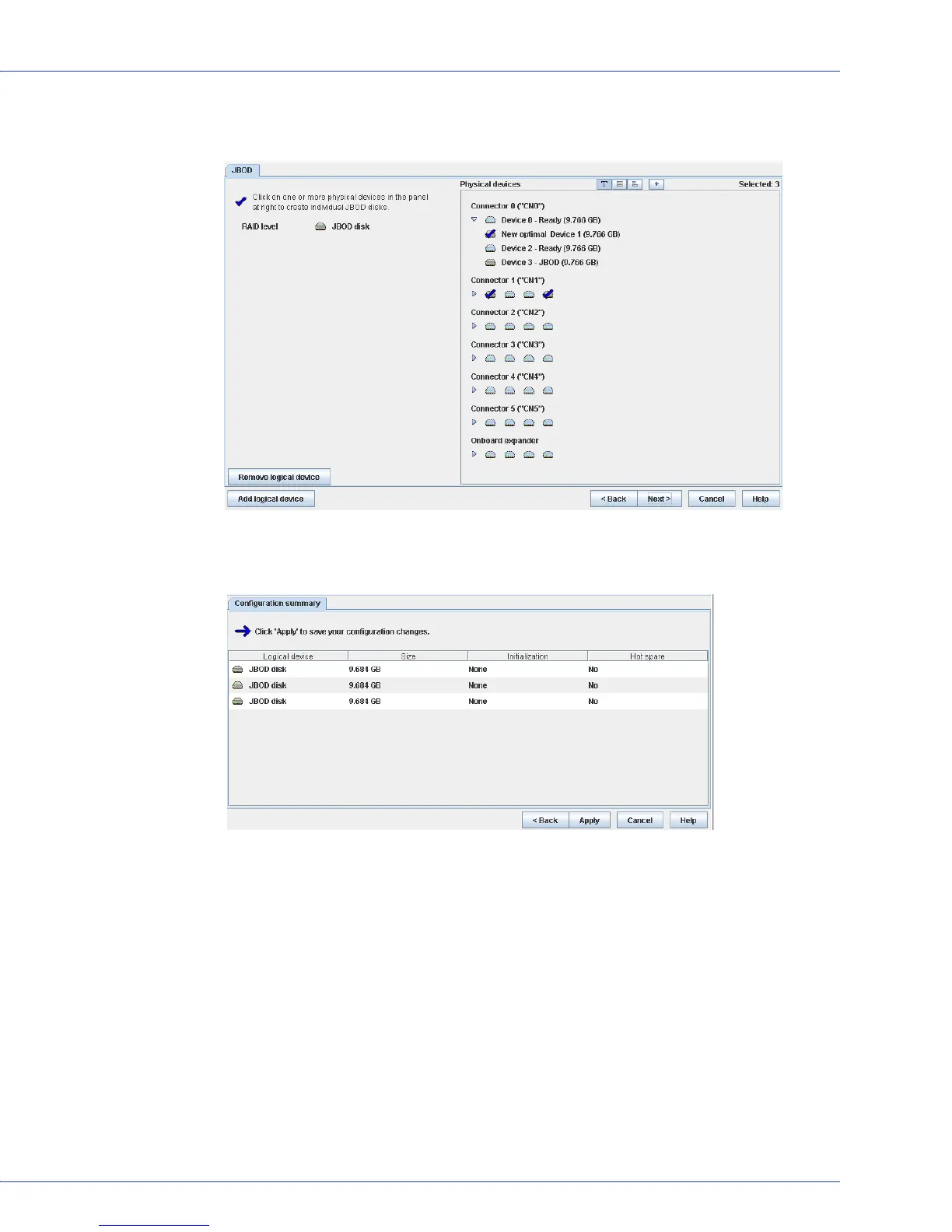
4 In the Physical Devices panel, select the drives you want to use to create the individual
JBOD disks.
5 Click Next to review the JBOD disk settings. To make changes, click Back.
This example shows three JBOD disks ready to be created.
6 Click Apply, then click Ye s .
Adaptec Storage Manager creates the JBOD disks.
Converting a JBOD Disk to a Simple Volume
You can convert a JBOD disk to a simple volume. Unlike a JBOD, a simple volume is a true
logical device. It comprises a single physical disk and is not redundant.
To convert a JBOD to a simple volume:
1 In the Physical Devices View, select a JBOD disk.
2 In the menu bar, select Actions, then click Create simple volume.
Adaptec Storage Manager converts the JBOD to a simple volume and displays the logical
drive in the Logical Devices View.



 To Next Page