Chapter 6: Modifying Your Direct Attached Storage ● 77
2 In the menu bar, select Actions, click Power settings, then click Set stay awake settings.
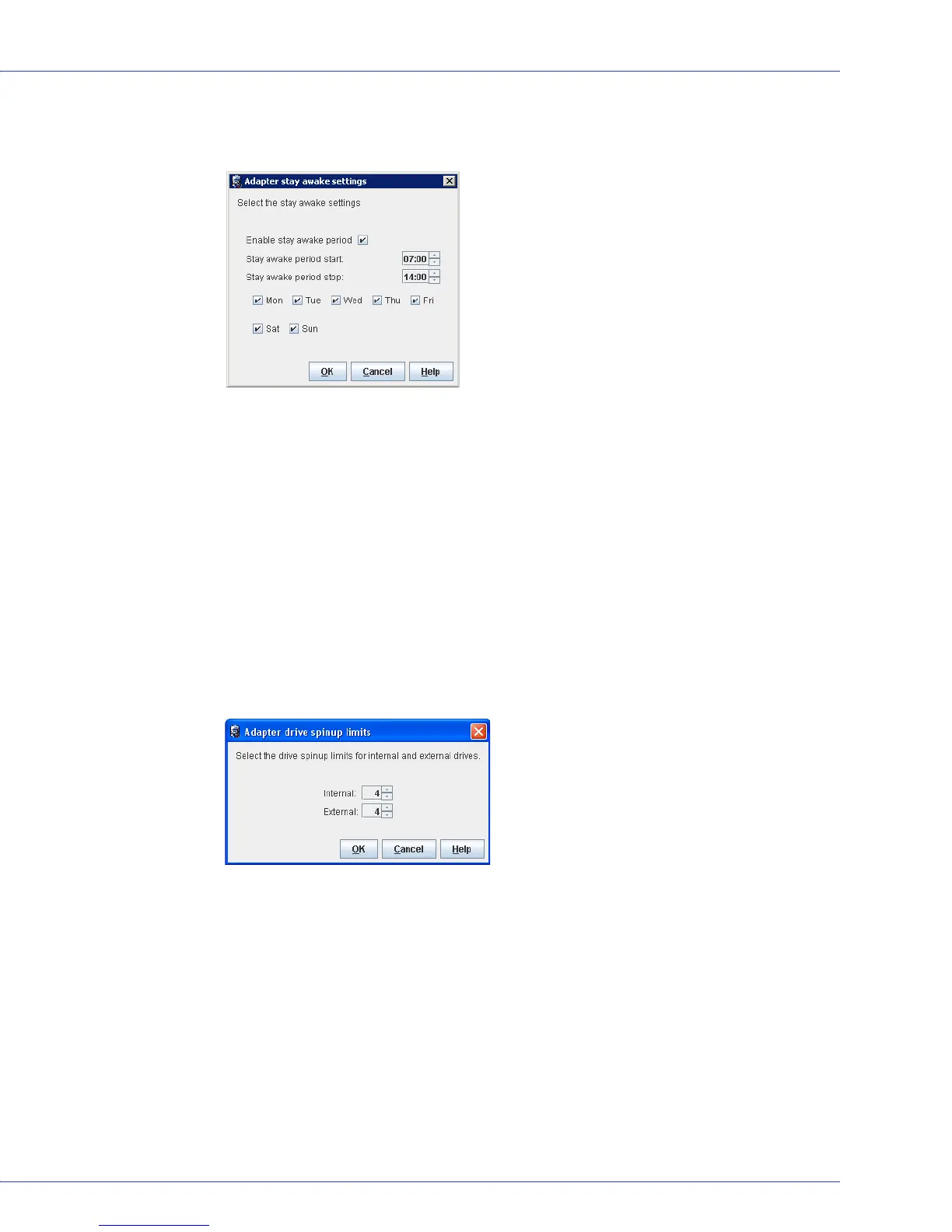
The Stay awake settings window opens:
3 Select Enable stay awake period.
4 Enter the stay awake period start time and end time in 24-hour format; for example, 09:00
for 9AM, 14:00 for 2PM, and so on.
5 Select the days of the week to enforce the stay awake period. On days you do not select, the
stay awake period is disabled and the spin rate is controlled by the power timer settings
(see page 75).
6 Click OK.
To set the spin-up limits for disk drives:
1 In the Enterprise View, select a controller.
2 In the menu bar, select Actions, click Power settings, then click Set spinup limits.
The Adapter drive spinup limits window opens:
3 Enter the maximum number of internal disk drives that the controller may spin-up at the
same time.
4 Enter the maximum number of external disk drives (drives in an enclosure, such as a
JBOD) that the controller may spin-up at the same time.
5 Click OK.
Disabling Power Management for a Logical Drive
You can disable power management for a logical drive. For example, you may choose to
disable power management for the drives on a high-volume server, or a logical drive that needs
to be highly available.



 To Next Page