23
3.2 Coached workout
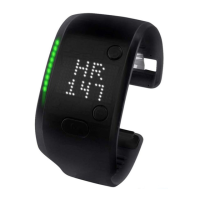
Coached workouts allow you to get the most out of the miCoach training system. The included cardio workouts vary in intensity according to your workout zones (for more
information on workout zones, see section 3.2.4). During a Coached Workout, your FITSMART displays the color of the current workout zone via the light pipes and the display
provides visual feedback to help keep you in the zone and maximize the effectiveness of your workout. Haptic feedback in the form of vibrations enhances the experience and
supports the visual coaching instructions.
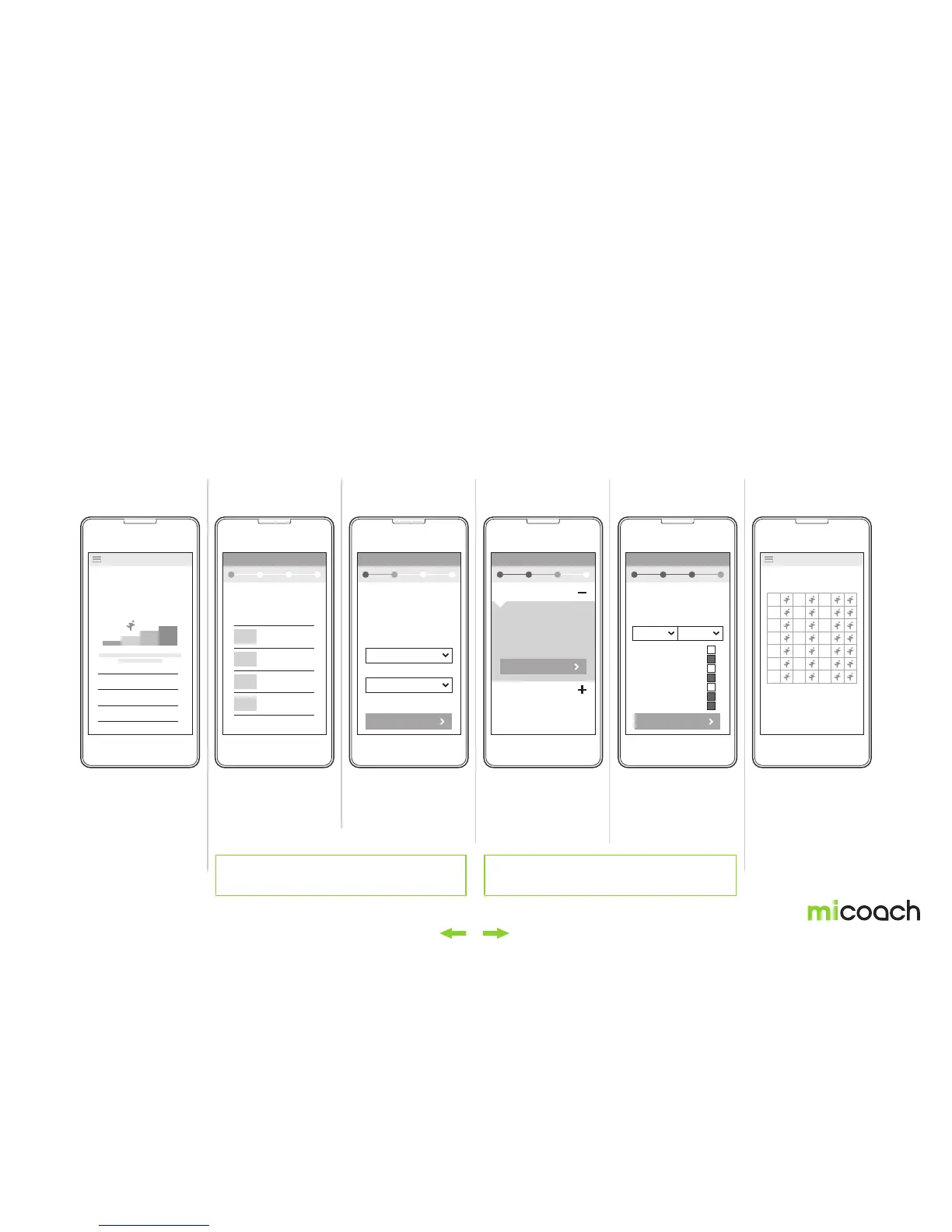
3.2.1 Setting up a Coached Workout plan on the app and syncing it to your FITSMART
1. Choose your
workout type
2. Choose your
target distance
3. Choose your
target speed
5. Schedule your plan 6. Sync your new plan4. Add plan
From the main menu,
select “Training Plan”.
Select your preferred
workout type. For this
explanation we will create
a running plan. Select
“Running”.
Select the distance you
would like to train for.
Select the speed you
want to achieve. This can
be set by target finish time
or average pace.
View and confirm
suggested plan intensity,
and add a complimentary
Strength & Conditioning
plan if you like.
Schedule your plan by
race date or select your
own start date. Then
choose which days of the
week you want to train.
Once finished, your
Coached Workout plan
will automatically sync
and update your FIT
SMART.
Note: the process to set up a workout within the train & run app
are subject to change. Please refer to the app for the latest info.
To access your Coached Workouts from your FITSMART they
must first be synced from the miCoach train & run app.
RUNNING
FITNESS
SPORT
TRAINING PLAN TRAINING PLANRunning Running Running Running
DISTANCES
What distance are
you training for?
What‘s your target
5K time or pace?
SCHEDULE YOUR PLAN
00:24:00
Start date
04:48 / KM
5K
10K
HALF MARATHON
MARATHON
MON
TUE
WED
THU
FRI
SAT
SUN
MON TUE WED THU FRI SAT SUN
FINISH TIME
CARDIO PLAN
RUN A RACE - 5K
LEVEL 4
STRENGTH &
CONDITIONING PLAN
SCHEDULE BY DATE
AVG. PACE
NEXT
ADD PLAN
NEXT


 To Next Page