40
3.7.2 Low battery warning
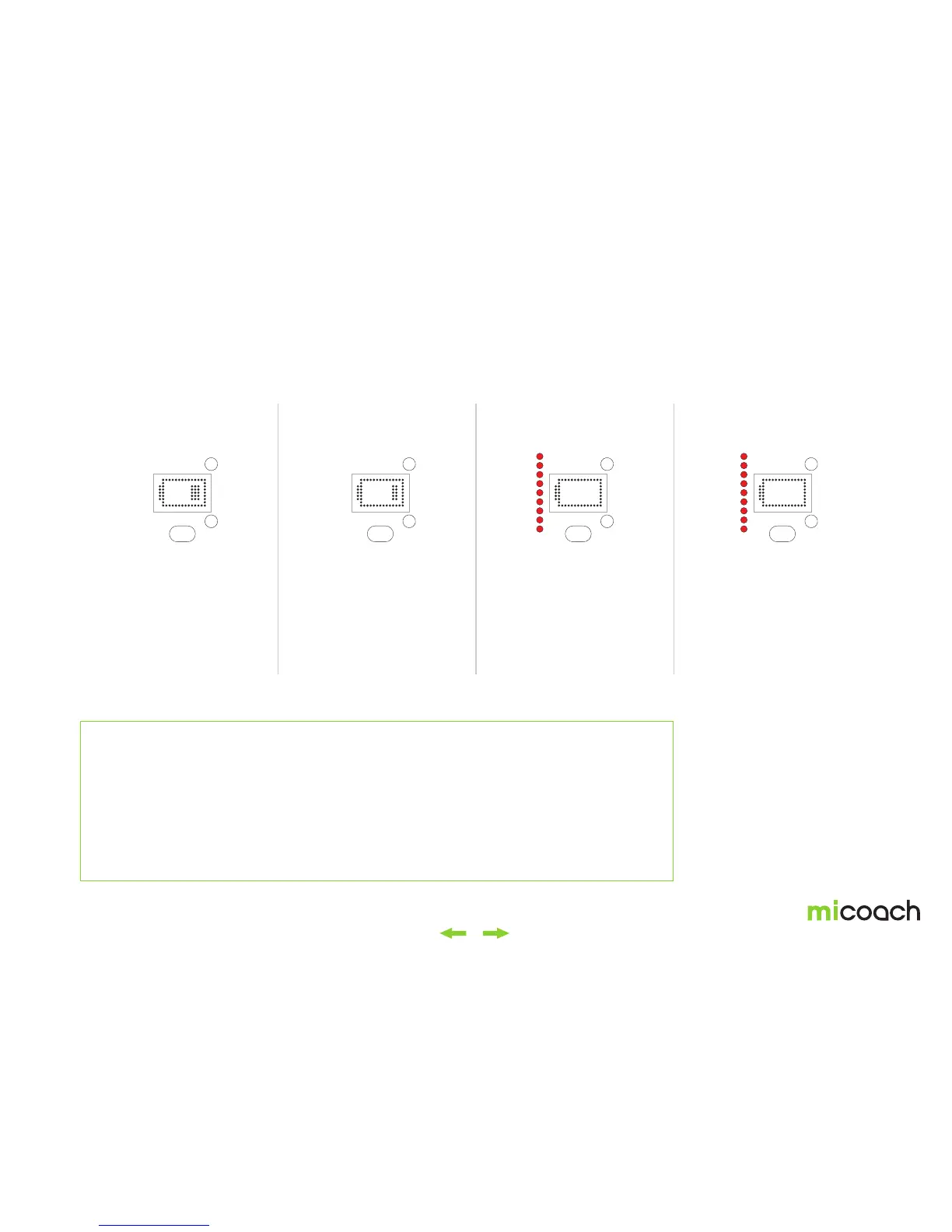
< 30% < 20% < 10% 3% - shut down
When the battery level drops
below 30%, your FITSMART
will display the following icon
for 4 seconds. Press the
main button to dismiss the
warning.
This icon is displayed for 4
seconds when the battery
level drops below 20%.
This icon appears when
the battery is below 10%.
Your FIT SMART vibrates
once while the light pipe
blinks three times and then
continues to display the
battery level.
Once the battery level drops
to 3%, the icon is displayed,
your FIT SMART vibrates
three times, and the light
pipe flashes red three
times.*
Automatic power off
Your FITSMART automatically powers itself off after 30 seconds of inactivity. When in the My Training Plan menu,
FITSMART will return to the clock screen after 30 seconds, then power off after another 30 seconds.
Your FITSMART doesn’t power off in the following scenarios:
1. When searching for your heart rate before a workout.
2. Whenever your heart rate has been found prior to a workout (and you can start a workout by pressing the center button).
3. During your workout.
4. While synchronizing your FITSMART with a mobile device.
5. During a software update.
* Your FITSMART continues to record
and save data until the battery runs out.
This data will be stored on the device
even if the battery runs out, so once you
charge your FITSMART you can sync the
previously recorded workout data.


 To Next Page