55
6.3 Rebooting
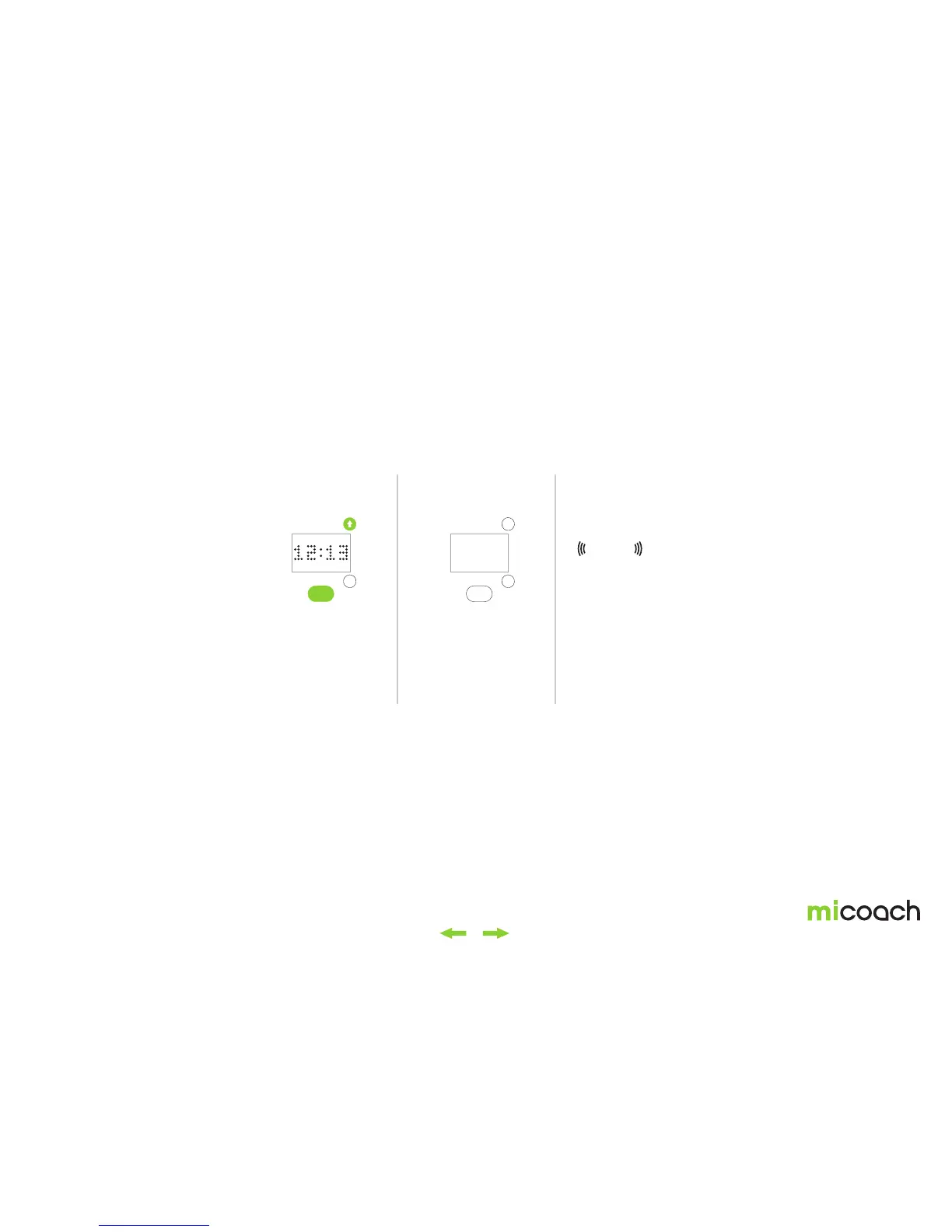
If your FITSMART stops working, you can reboot it by pressing and holding the center button and the up button at the same time for 5 seconds. Rebooting can be performed in
time or workout mode. If you reboot during a workout, your FITSMART will attempt to save all existing data before rebooting. After the reboot, all your workout and user settings
and the correct time should be retained and do not need to be reset. For instructions on completing a full factory reset, see the next section 6.4.
1. Reboot 2. Automatic shut down 3. Automatic Start
Press and hold the center
and upper side button
for 5 seconds to initiate a
reboot.
After your FIT SMART
has been rebooted, it will
power off and then turn
on again automatically.
After reboot, it will display
the time.
Duration: 0.2s. Repeats: 1 time.
Vibration


 To Next Page