33
3.3.2 Workout results – Run Score
Your Run Score appears after every Free Workout over a distance of at least 1.5km at a speed of at least 6 km/h. It is measured on a scale of 0 to 1,000 and allows you to track
your running progress, compare your performance with others, and predict race performance. A score of 0 is equivalent to a walking pace and a score of 1,000 is equivalent to
a world record pace. Based on the Run Score you achieve, miCoach provides you with predicted race times for 5K, 10K, half marathon, and marathon paces. When you are done
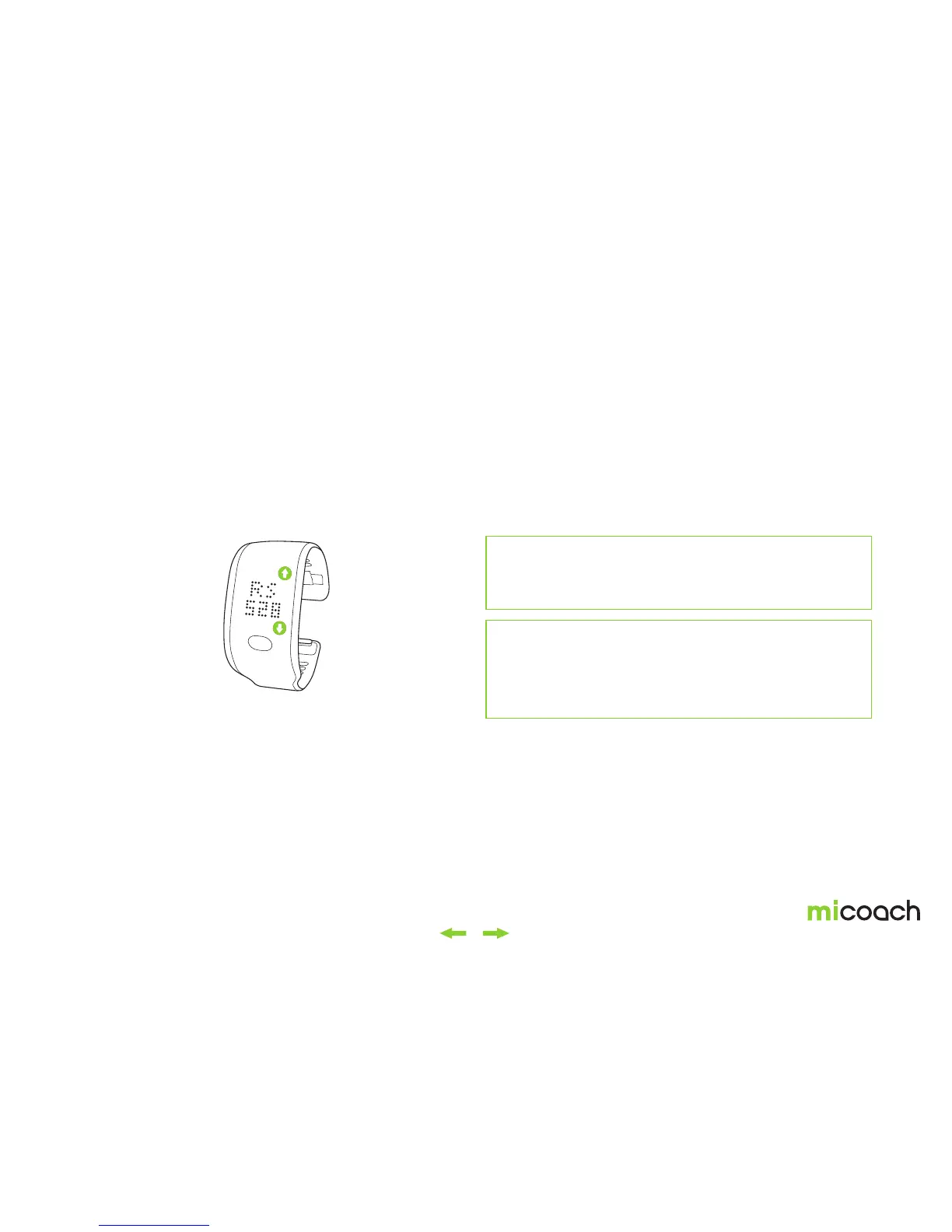
with your Free Workout, you can check out your workout results on your FITSMART by toggling through your workout stats*.
Navigate through your statistics
until you see the Run Score from
your last workout.
Toggle to Run Score
*Run Score is only calculated for Free workouts
Note: Run Scores are only calculated for Free Workouts over a
minimum distance of 1.5km and a minimum speed of 6 km/h.
A Run Score is automatically calculated for every Free
Workout that meets the above thresholds.
*Your workout stats will be visible on FITSMART only immediately
after finishing your workout. Once you return to the time menu the
latest workout stats con no longer be viewed from the FITSMART.
More detailed workout results are available to view from the miCoach
train & run app once you have synced your workout to the app. For more
info on viewing your workout stats from the app, see section 3.4


 To Next Page