36
3.5 Check your Heart Rate
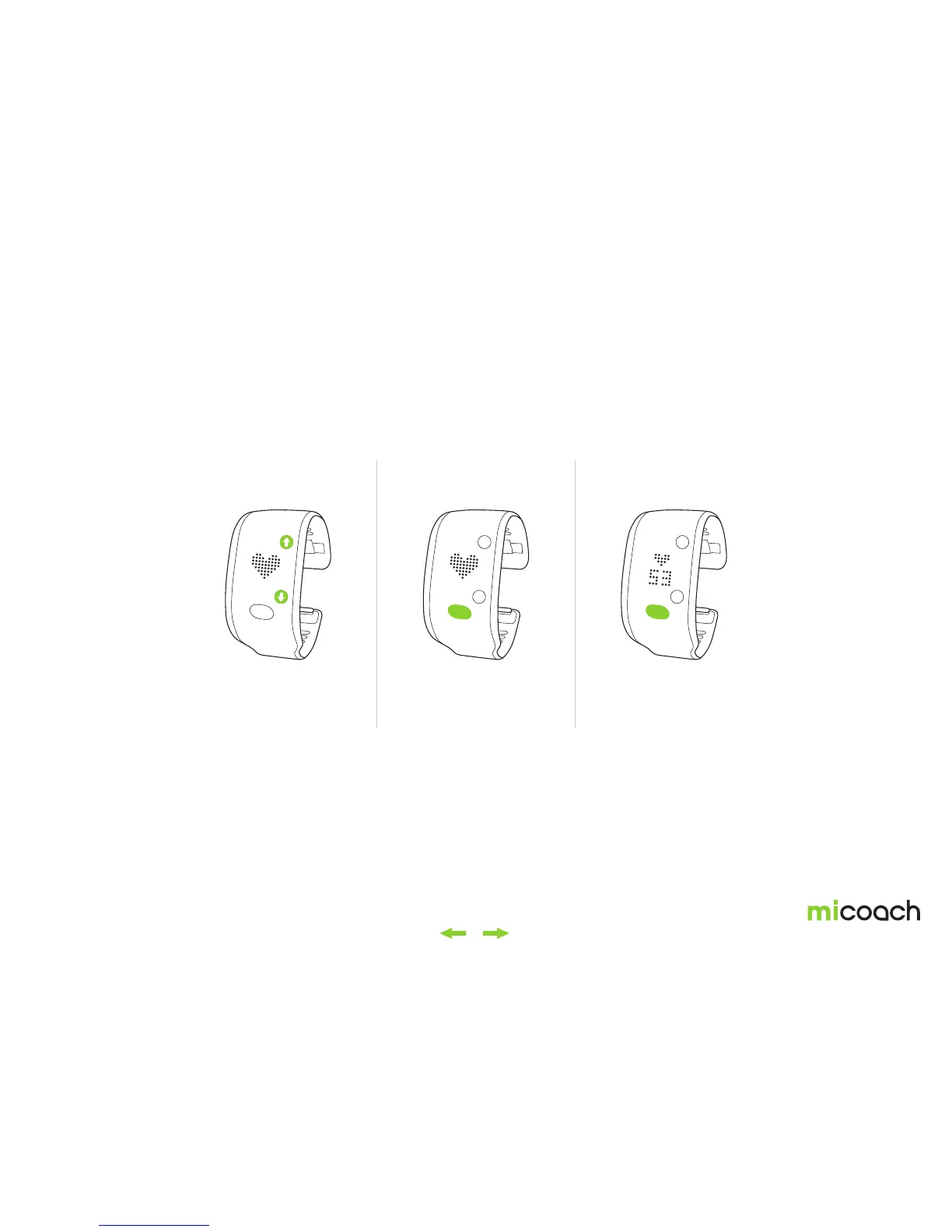
Your FITSMART allows you to check your heart rate without having to start a workout. When wearing your FITSMART snugly around your wrist, simply navigate to the heart rate
screen and press the center button to begin heart rate detection. Once your heart rate is found, the screen will continue to update with your current heart rate status.
1. Navigate to heart rate screen 2. Press center button to
begin heart rate detection
3. Current heart rate
shown on screen.
Press the center button to
cancel and return to the
heart rate menu.


 To Next Page