34
3.3.3 Training with your FITSMART and the miCoach train & run app
Your FITSMART was designed to work as a standalone device, but you can pair and
workout with both your FITSMART and the miCoach train & run app simultaneously.
When paired with the app, you can start, pause, and end a workout directly from
your FITSMART, and the app screen will display your workout statistics and results.
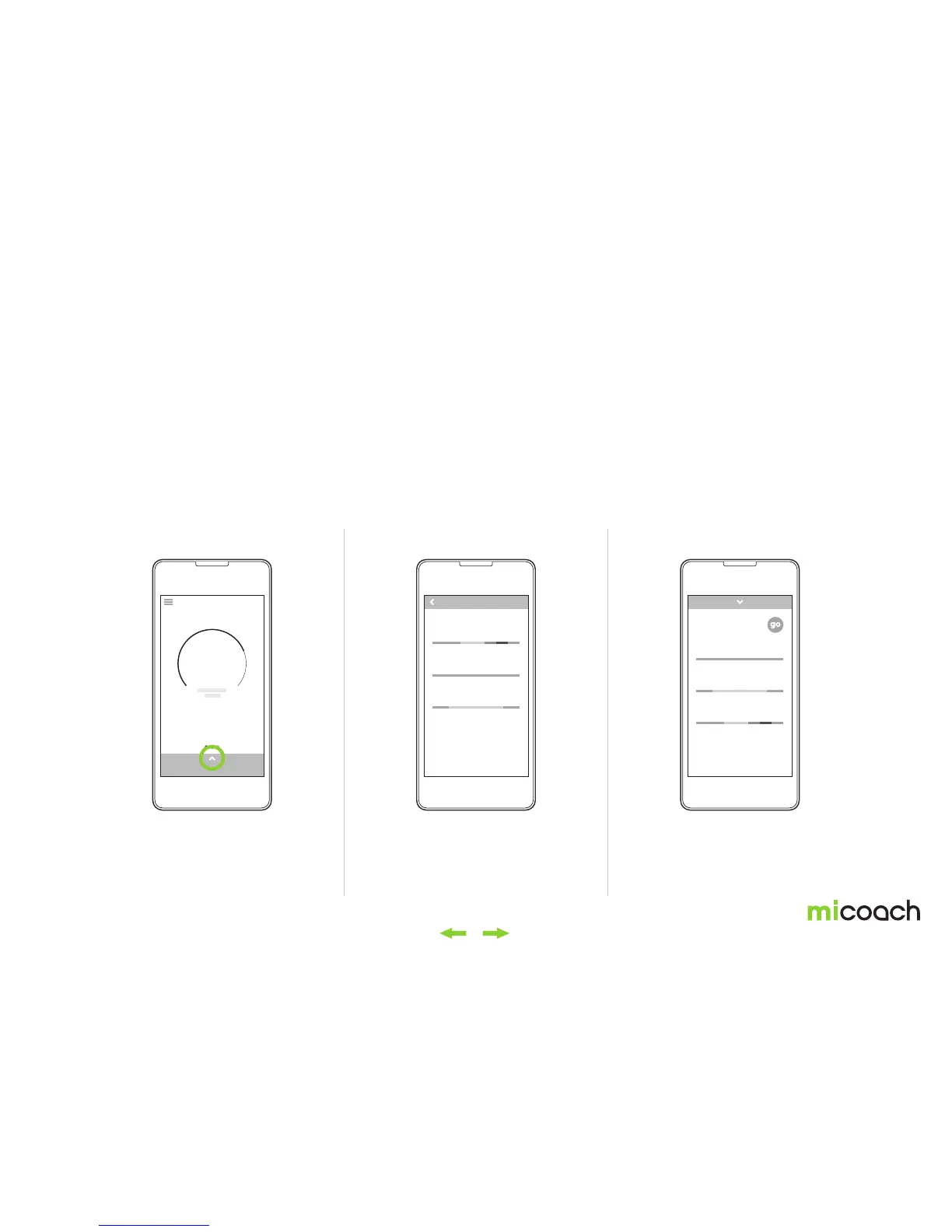
Following the instructions on the app, you can select a training plan and then
workout on the app. You can also select a Free Workout or a workout from your
coached training plan by swiping up from the bottom of the screen.
If you want to do a Single Workout, swipe upward to access your pre-installed
sample workouts. No matter which way you access your workouts, select the
workout you want to do by tapping it, and your FITSMART will follow by entering
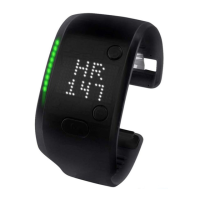
heart rate detection mode. It will then be ready to go. All you need to do is press the
center button on your FITSMART to get started.
Please note that if you train with your FITSMART and your mobile device with the
miCoach train & run app, we advise you to train wearing both the FITSMART and
your mobile device on the same arm or side of your body.
Start a Planned Workout Start a Single WorkoutStart a Free Workout
Swipe up from the ‘GO’ screen to access sample
workouts.
From the ‘GO’ screen, swipe up the workouts menu
from the bottom of the screen and select ‘Go’.
If you have already set up a planned workout,
swipe up from bottom of the ‘GO’ screen and
select your next scheduled workout or select
‘More Planned Workouts’ to access additional
workouts in your training plan.
ACTIVITY
today
4911
steps
3742
cals
2.34
km
PROGRESSION WORKOUT
00:30:00
BLUE WORKOUT
00:15:00
GREEN WORKOUT
00:30:00
4 REDUCE WEIGHT
00:30:00
3 REDUCE WEIGHT
00:20:00
2 REDUCE WEIGHT
00:15:00
PLANNEDWORKOUTS
READY FOR A WORKOUT?
Get going!


 To Next Page